Speed up a video on Android in three steps
The best news is you don’t have to look for and download any speed up video app for Android, as Clideo works online. It means that your phone memory stays safe and sound, you are not disturbed by endless advertisements.
Another important point – our tool doesn’t store your personal data and never shares it with third parties. As soon as your project is ready and you save it to your personal device, you can delete it from the site immediately. Even if you forget to do so, it’ll be eliminated in 24 hours automatically.
Finally – the tool is so user-friendly that you don’t need detailed instructions to use it. Nevertheless, we’ve prepared some tips for you. Keep reading!
Upload a video
Open the Speed Editor by Clideo in any browser. You’ll have two uploading options:
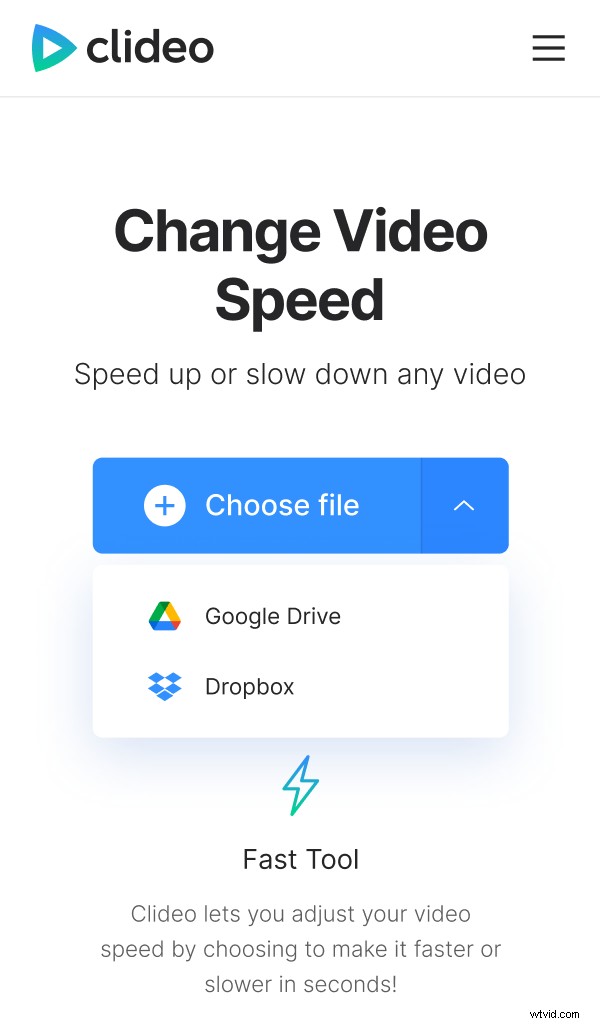
- Hit the “Choose file” button and select a video you want to speed up from your Android device, PC, Mac or iPhone.
- Click the tiny arrow on the right to call a drop-down menu and import a file from Google Drive or Dropbox.
Speed the video up
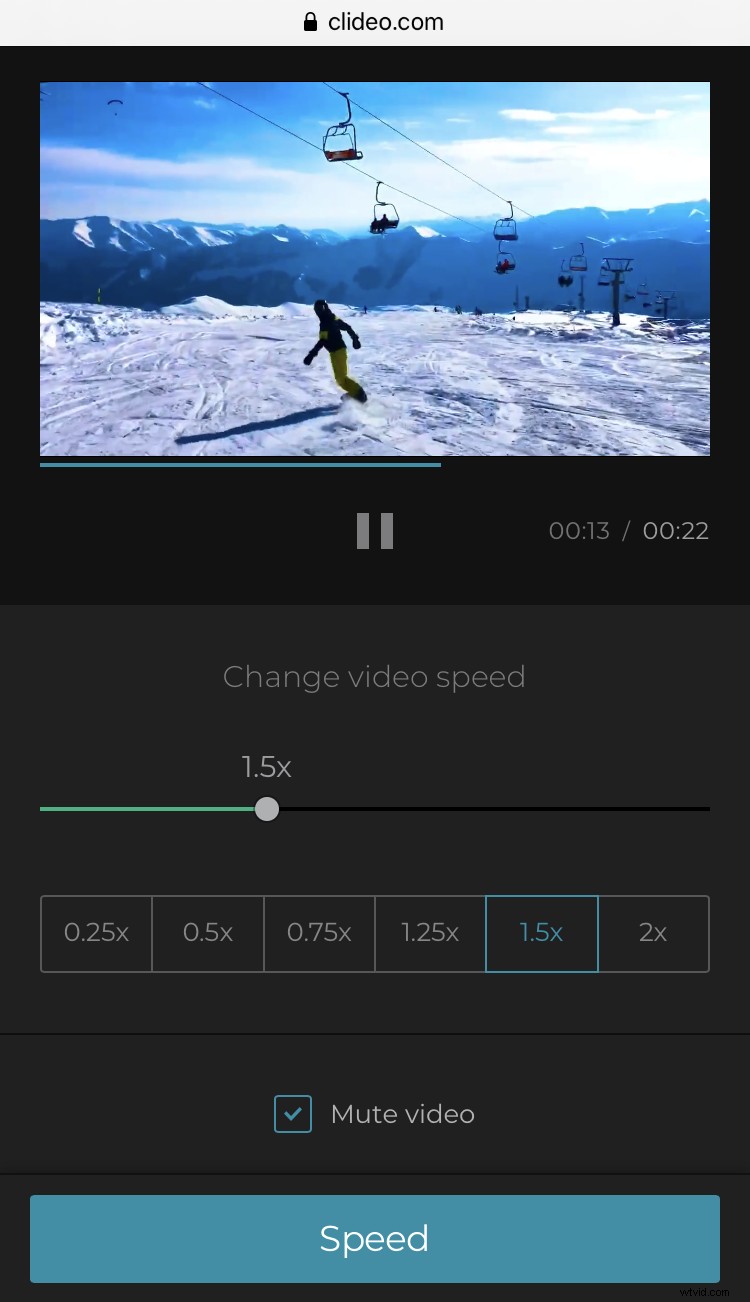
Choose one of the six presets or set a custom speed using the slider. You can make your clip up to 4 times slower or faster. Mute your video or keep the initial sound, as you wish.
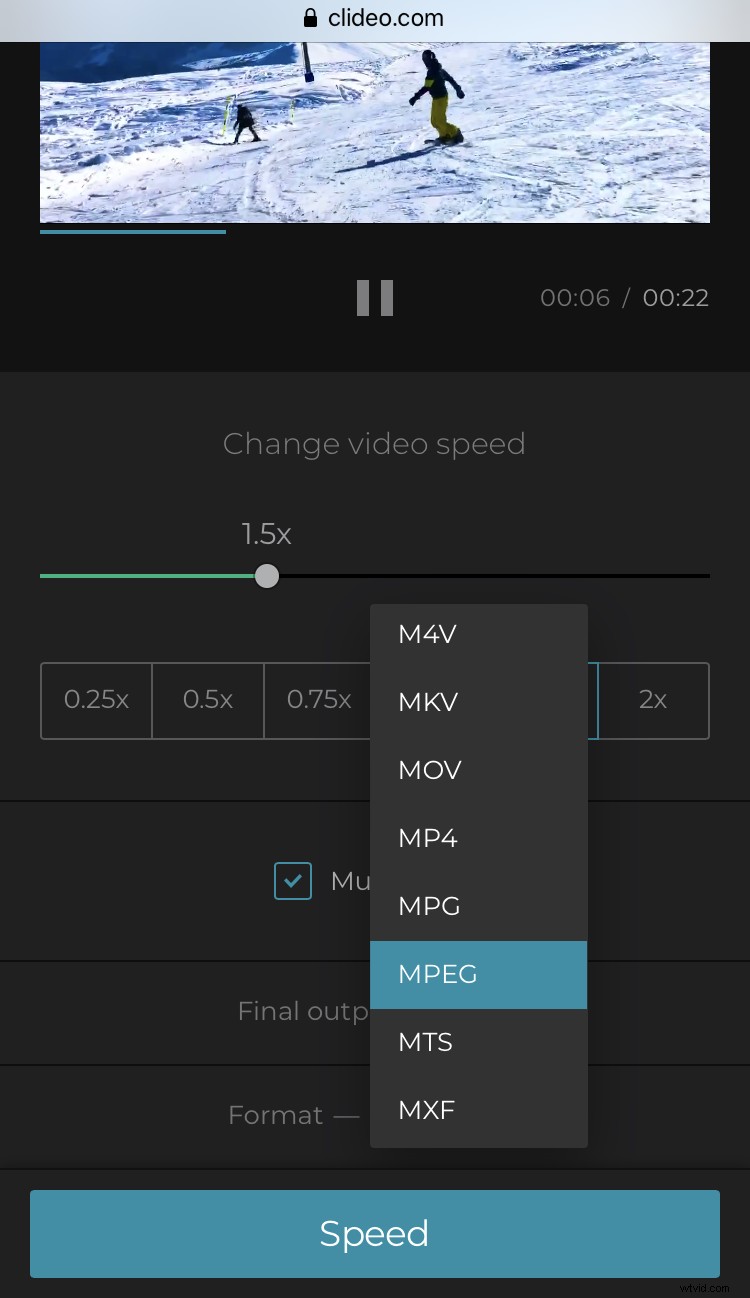
Choose an output format. If you are going to share your edited recording on social media, pick up MP4 or MOV, but our tool supports all the most popular types of video.
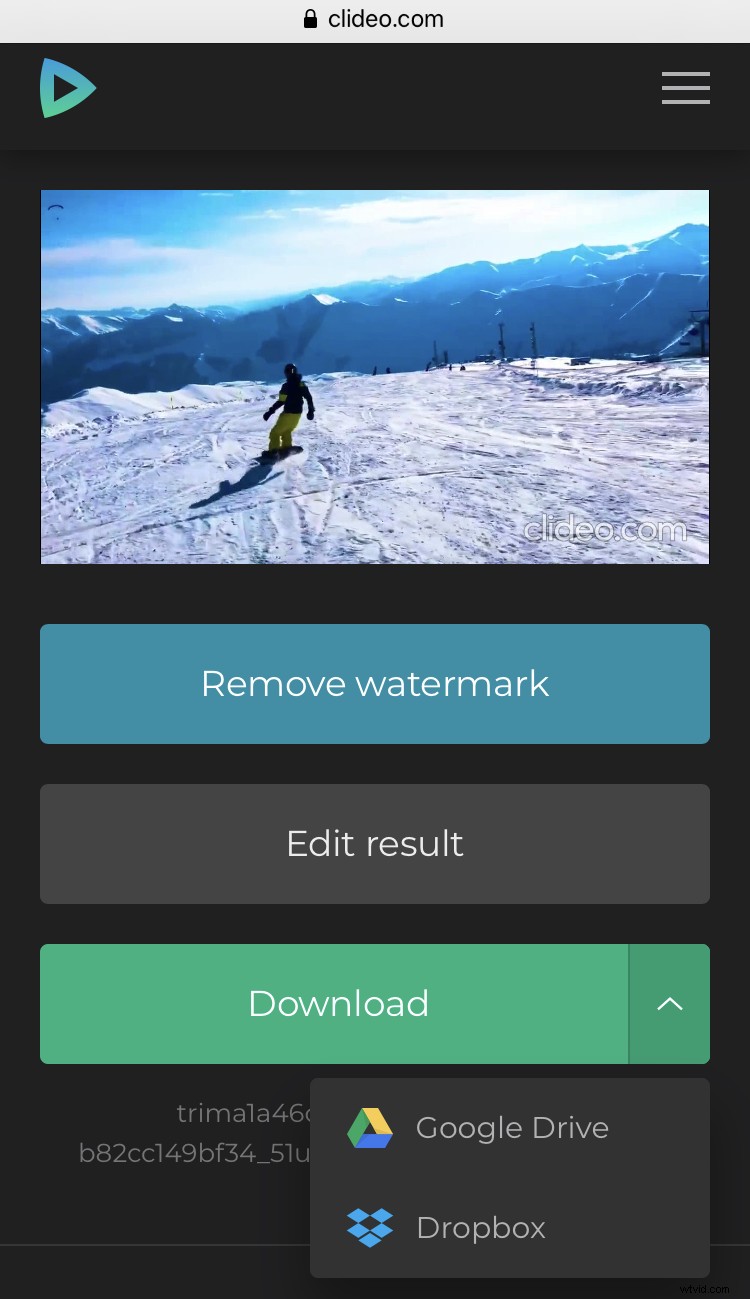
When you are done, click “Speed”.
Save the result
Have a short preview. If you didn’t notice any flaws during the playback, save the file to your personal device or cloud storage account. If you want to change something, click “Back to editing” and keep going.