
Rotate a video on PC with one click
Fortunately, the issue with both Android and Apple videos can easily be fixed with our tool. Its main advantage is that it’s online, so you don’t need to download any apps or software and it doesn’t take up space from your device.
It allows rotating MP4 videos on PC as well as other popular formats. Additionally, you can work with pretty large files for free – up to 500 MB – it’s more than enough for a video taken on a smartphone. But if you happen to have a larger recording, don’t worry, you can subscribe to our service and edit it, too.
It’s also very easy to use, just follow the instructions below.
Upload a video
Open Clideo’s Video Rotator and add a video by clicking on a “Choose file” button or simply dragging it directly from your PC.
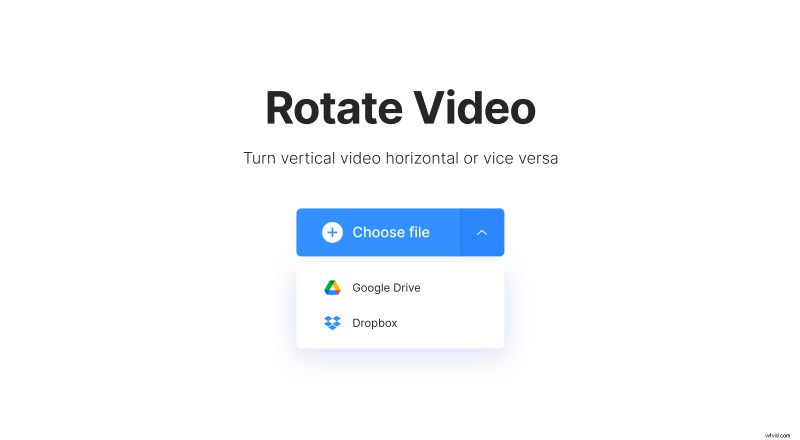
If you have the file located on a cloud service, you can pick it from there too – click on the downwards arrow and select Google Drive or Dropbox.
Rotate the video on PC
The editing is very simple – just use the buttons on the right side of the screen to rotate the video 90, 180 or 270 degrees.
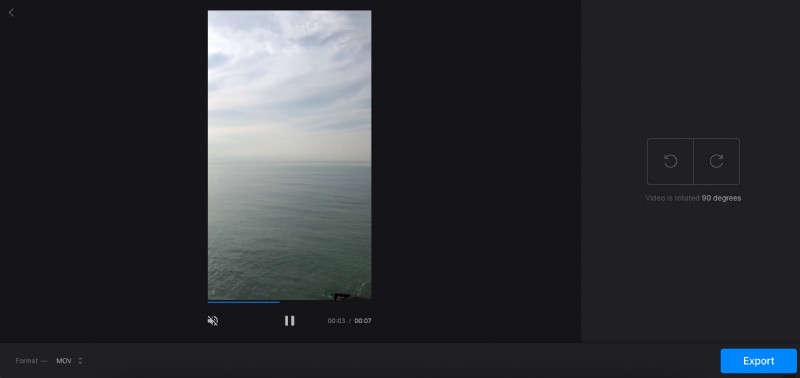
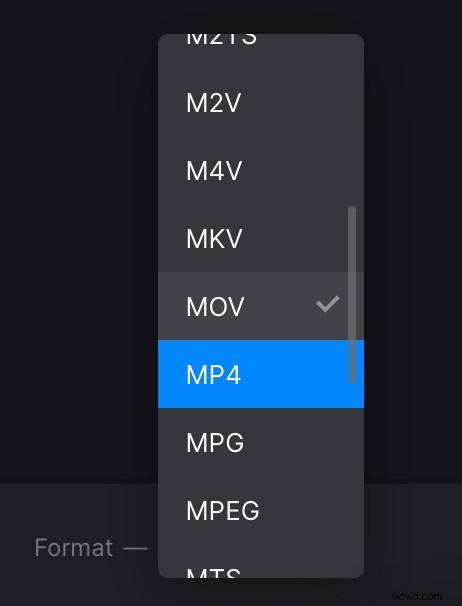
Then you can change a format for the output video if you need to, by using the option on the left bottom corner. There are different popular formats available such as MP4, AVI, MOV, VOB, WMV, and also other less popular ones.
When you’re done, click on the “Export” button.
Download the rotated video
Here you can view the end result and download it directly to your PC or cloud service.
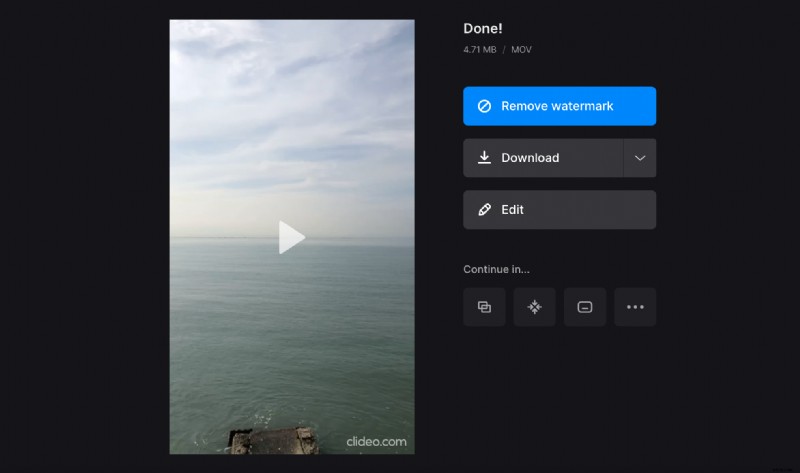
You can return to the previous step without starting over by clicking on the “Edit” button.