
How to make a music video
Our videos, photos and favourite songs help us not only remember but also feel some event over and over again, that’s why they are so important. From time to time we all go to a phone or computer gallery to look through them.
Why not create a video out of the best memories to share with friends on Instagram, Facebook, Twitter or YouTube? Or to send your best friend the most special moments together via WhatsApp just to make them smile? There’s no need to wait for someone’s birthday to do that, right?
Especially since there is an online service that allows you to do that without even wasting time on downloading and installing. Online Video Maker by Clideo works on any device: Mac, Windows, iPhone and Android. All you need is to follow three simple steps described below:
Add the necessary files to the Clideo tool
First of all, upload pictures and / or videos. The tool gives you a possibility to add files by three different methods:
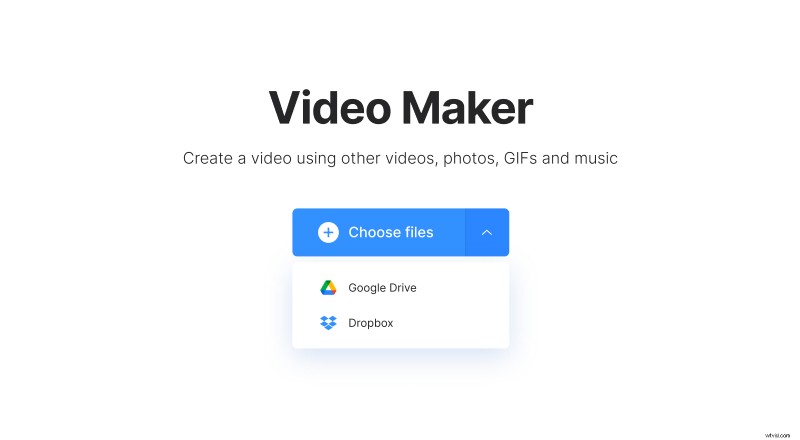
- Just drag and drop files from a folder on your computer or laptop to the web page;
- Click the “Choose files” button and select files from your computer or phone;
- Click the downward pointing arrow and choose files from your Google Drive or Dropbox account;
Make a video with photos, music and videos
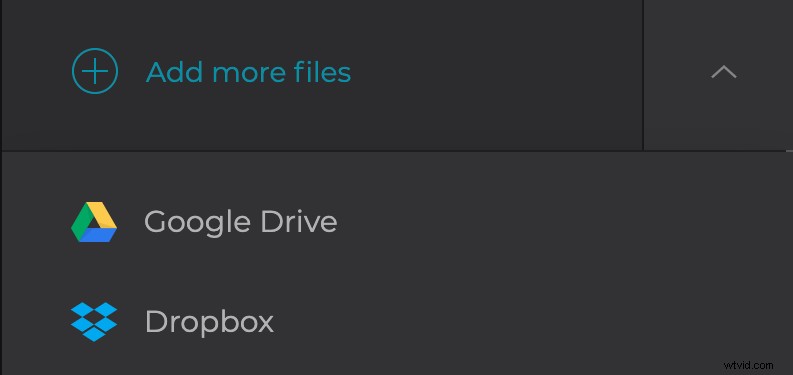
Now you can add more files if necessary. Drag and drop them to change the order.
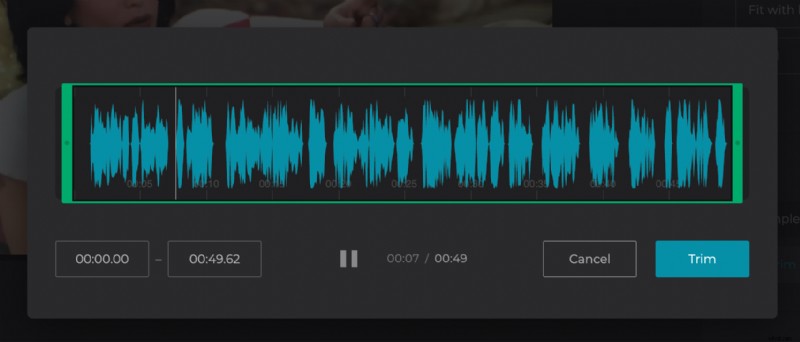
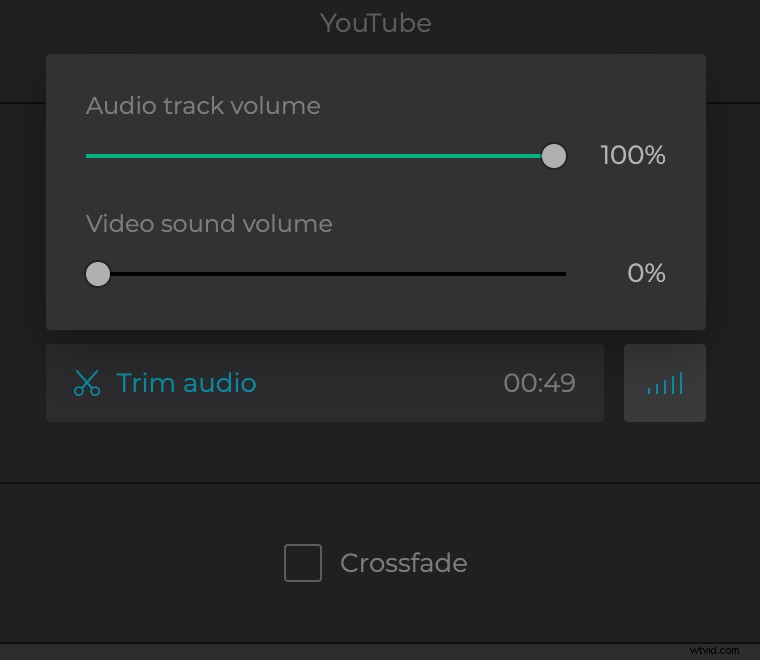
Then, add a music track, trim it to the video length and adjust the sound volume of the video and audio.
If you want a smooth transition between files, click the checkbox of the crossfade feature.
You can also select the crop options, the tool has presets for Instagram, Facebook, YouTube, Instagram Stories. The output video will be MP4 by default but if you prefer another format, you can select it under the player.
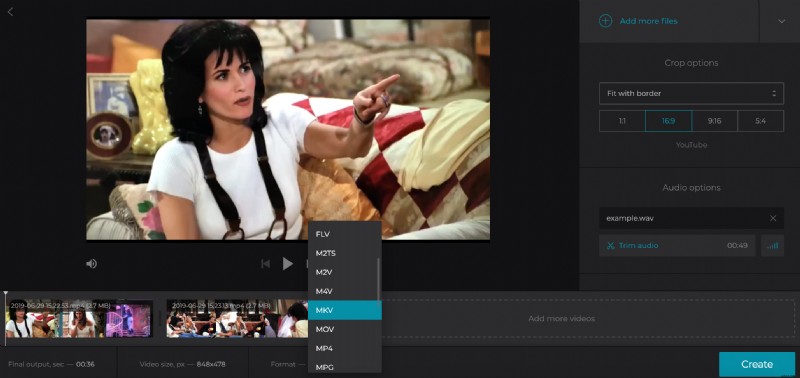
Click the Create button and wait a moment while the tool is doing its thing.
Download the created video
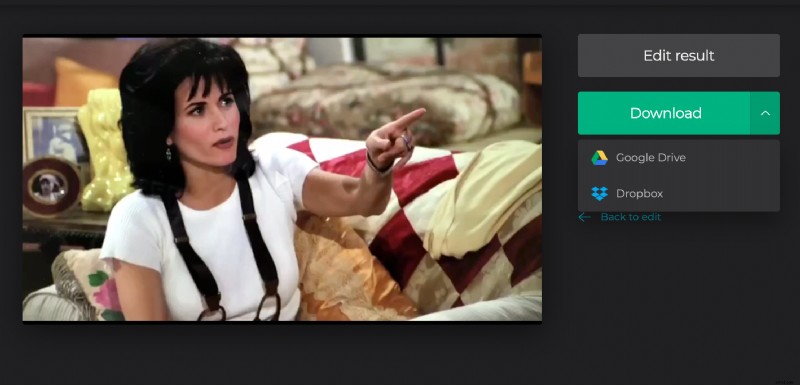
You can watch the video to make sure that you like it. If so, click the Download button to save it to your device, or click the arrow to save to cloud storage. If you do not like it, simply go back to editing.