
How to create video from photos and vacation videos
Taking endless pictures and recording every moment of your trip is one of the most common guilty pleasures. Then create an artistic travel slideshow with music to keep those memories for your dearest ones, including yourself.
Now it's time to assemble all those miscellaneous crumbs into one piece. Maybe you’ll discover a real passion for it and start posting travelogue videos professionally!
Before starting, select your best travel images and clips, find a good song for a vacation video and save all the files to the same folder: this way, it will be easier to add them to the editing tool. You may also feel like googling for some travel video tips, but here we will not overload you with such information. Let's go straight to the technical details.
Add all the elements to the tool
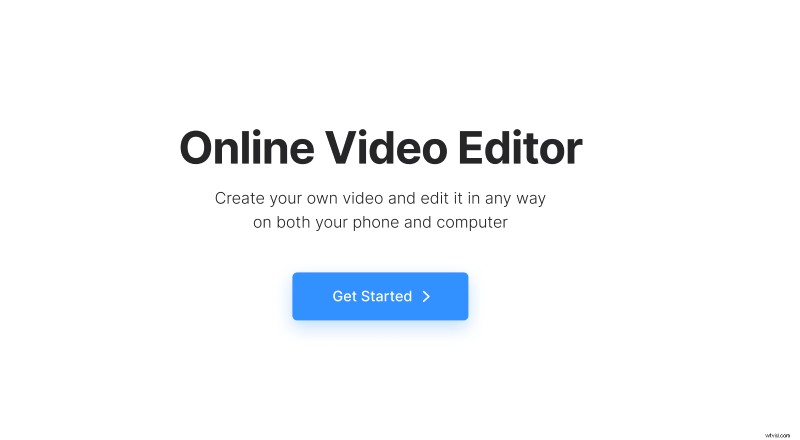
Open the Clideo's Video Editor in any browser, click the "Get started" button.
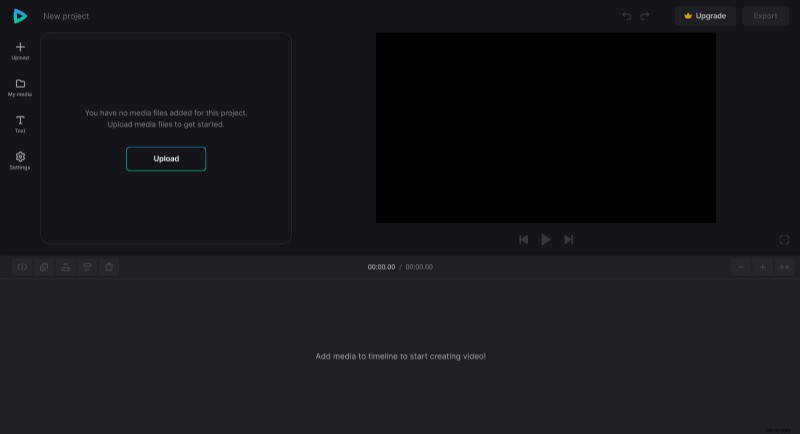
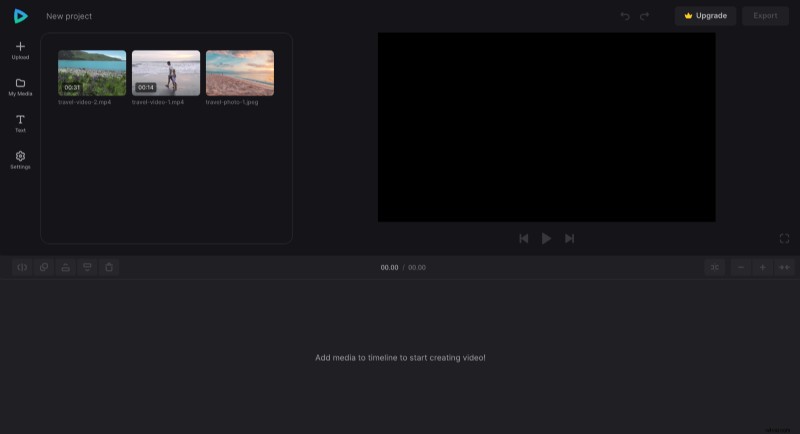
Then upload all the files you need from your device, Google Drive, or Dropbox (that's why you need them all in one place).
Keep video editing
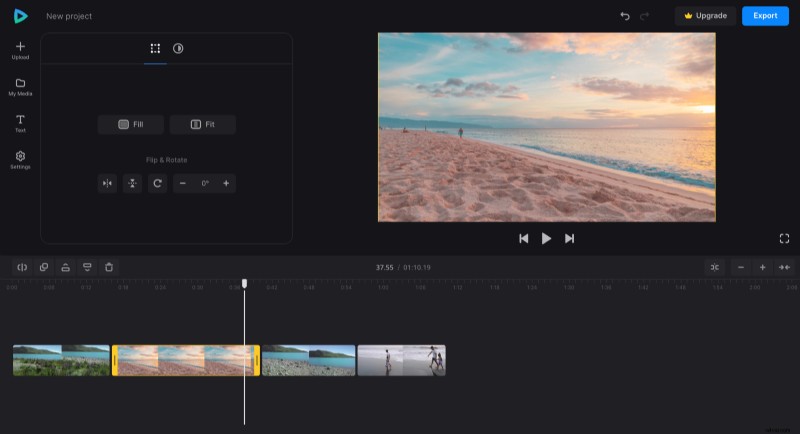
Then add the files to the timeline (just drag and drop). Arrange them as you need: after each other or on different lines. You can resize right in the player by dragging the image's corner. Thus you can achieve interesting effects, such as picture-in-picture, side-by-side video, etc.
If you want to edit a file, select it to make it active and see the options you can change above the timeline. Check each tab and find out what you can do with each visual or audio.
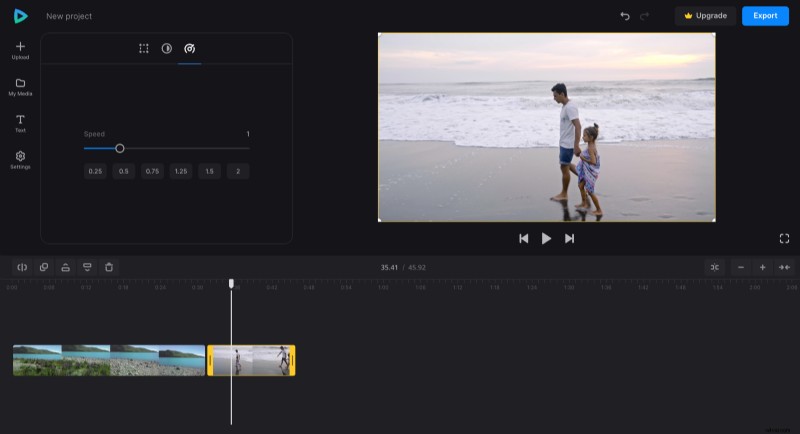
A tip! You can insert a photo into a video. Just place a white playhead in the chosen place of a video you want to split and hit, yes, the "Split" icon at the top left of the timeline. Now, as you have two files instead of one, drag them apart and insert a photo between them!
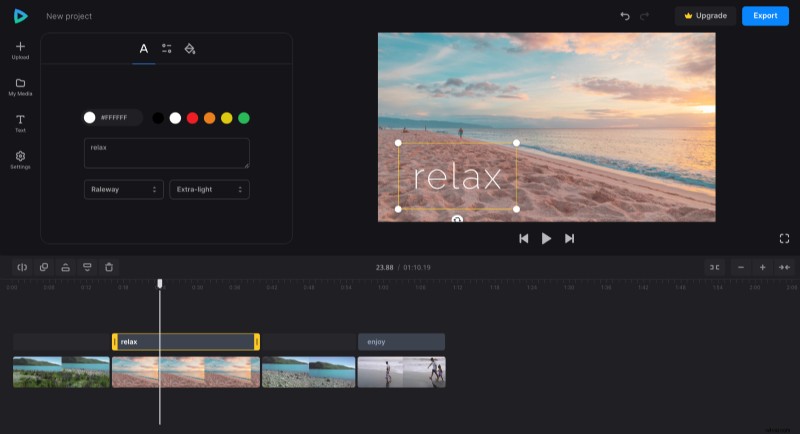
Now, the finishing touches: go to the "Text" section and add some captions. Choose a light font, which looks homely and cozy.
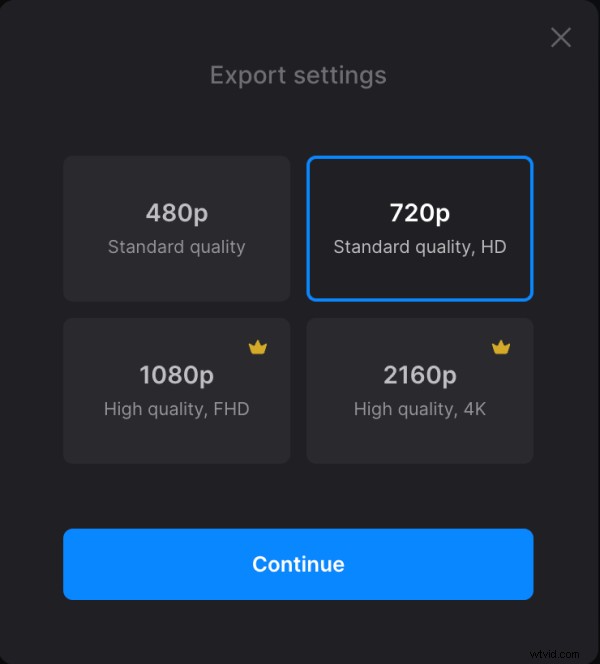
When everything looks fine, give your video a run in the player to check if you are happy with the result. If so, hit "Export" and choose the resolution. The ones with a little crown are available only for Clideo Pro accounts. Then click "Continue" and let the tool do its job.
Save the result
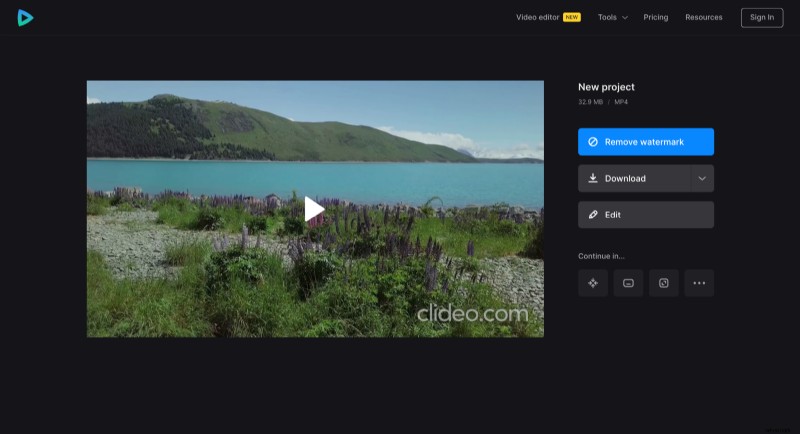
When the project is fully processed, save it or hit "Edit" and keep working.
You can find more details about online video editor and other Clideo tools in our Help Center.