Create a mashup video in three steps
This could be done to entertain, to educate or just to reflect on something. If you search for YouTube video mashups, you will find lots of amazing and inspiring creations.
Say, you are ready to create your mashup with the music clips of your favorite performer. What editing app or software do you need for that? In fact, none at all, neither do you need to be a professional editor or have any specific skills.
There is an online video merging tool by Clideo that works on any platform and in any browser. So whether you have an Android phone or a Mac, all you need is just a browser. No registration and no fees if each of the files you want to use is up to 500 MB.
One important notice, though — if you plan to share your outcome, always do some research on the copyright to make sure your creation doesn’t violate the copyright law.
Once you are ready, let’s see how you can create your mashup in just 3 steps.
Upload videos or images
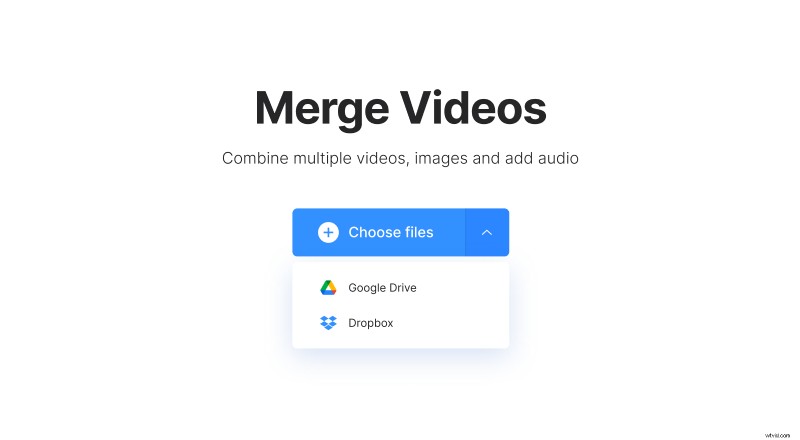
Go to the video mashup maker and tap the “Choose files” button to upload your files. You can add several at once or one by one. You can also add a file from Google Drive or Dropbox cloud storage — just hit the drop-down arrow and select the needed option.
Mix the clips
Once the content has been fetched, you can either add more content by using the “Add more files” button, or you can start editing.
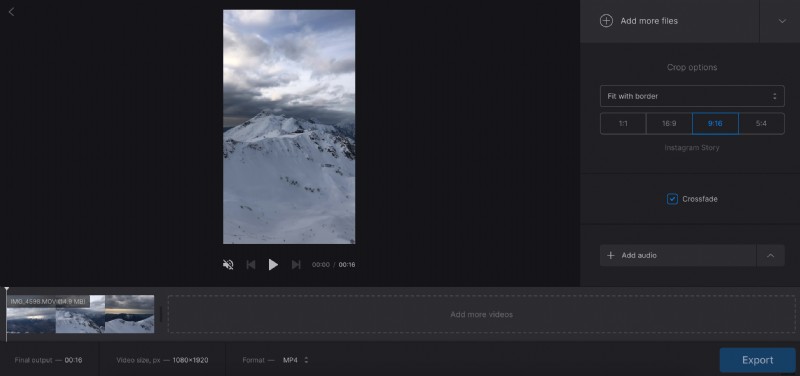
The preview area will display your video. Use the button right below it to play or rewind.
The timeline will show your clips as small thumbnails. You can remove the unwanted parts by tapping the X button on each of them and change their order by dragging and dropping.
The “Crop options” section lets you specify the aspect ratio and whether you want your video to zoom & crop or fit with border.
If you like you can add a crossfade effect so that your clips fade in and fade out gradually.
Additionally, you can upload music by tapping the “Add audio” button. By the way, you can add a video as well, as the tool will miraculously extract the sound only.
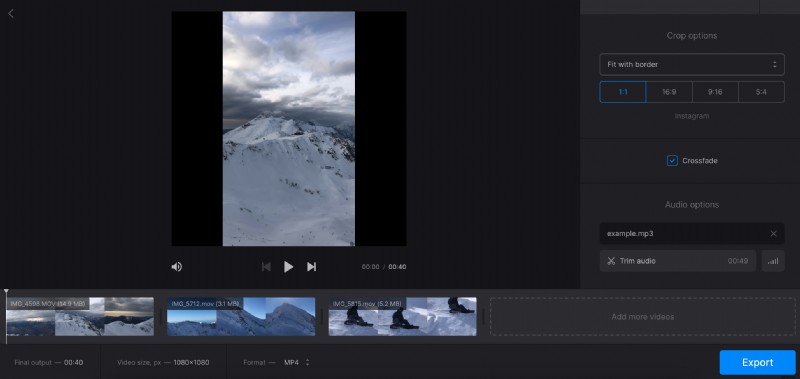
Hit “Trim audio” to specify the part of the track you will use. Determine the volume and turn on the “Loop” option if needed.
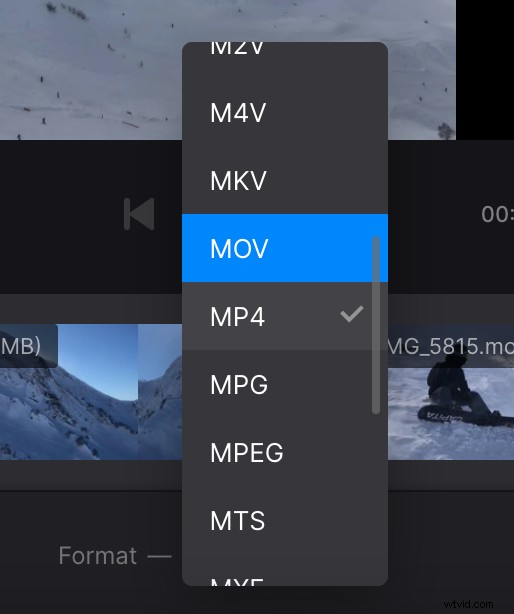
At the bottom of your screen, you will be able to see the overall outcome file duration, its size, and format. Call the drop-down menu to change the latter to the one you need.
When finished, tap the “Export” button and wait when the tool has the rest of the job done.
Save your mashup
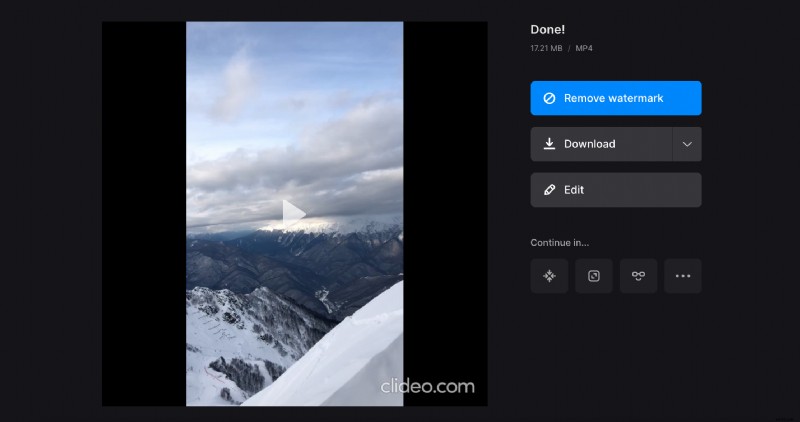
Finally, you will see your mixed video preview. Review it once again to see if all looks and feels perfect.
If any changes are needed, just hit “Edit” to make them. In case you are happy with what you see, use the “Download” option to save the file to your device or upload to cloud.