
Make video longer for Instagram
Before editing your video and uploading it to Instagram, you have to be sure it’s the right length for the desired purpose. Let’s take a precise look at all of the possible post types:
Instagram Feed — The required length for Instagram feed post is from 3 seconds to 60 seconds. If you want to show your followers a video longer than that you can first cut it into a few parts and then upload it into one post with the help of the carousel feature.
Instagram Stories — The app allows you to upload a story up to 15 seconds long. Don’t worry if it’s longer, Instagram will trim the original video into pieces so that you could post one video in several stories.
IGTV — Here you can upload a video from 15 seconds to 10 minutes long.
Instagram Ads — Nothing unusual here, the required length for the feed and story ads is the same as for the organic posts, from 3 to 60 seconds and 15 seconds respectively.
Now you know exactly what length you need, just follow the three easy steps described below to learn how to make a video long enough for Instagram.
Upload a video to the Clideo tool
Head to the Online Video Looper by Clideo. There is no need to download anything to your device, just add the necessary video by selecting from your Mac or Windows computer, iPhone or Android phone.
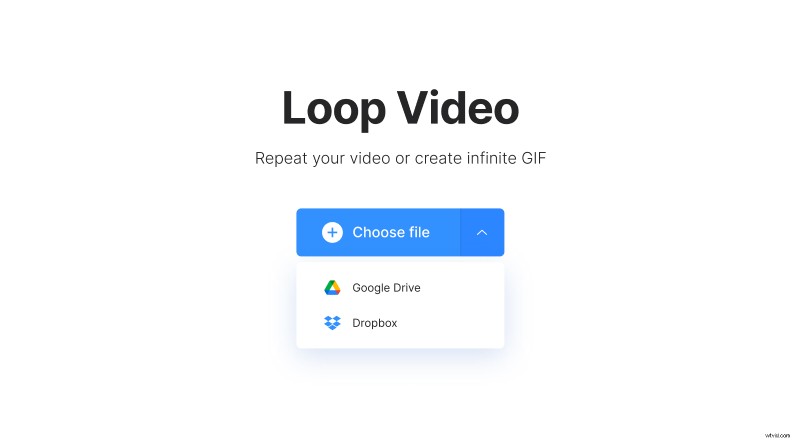
If you prefer to store your files in Google Drive or Dropbox, you can choose it from there, too. For that, click the downward arrow and select the appropriate option.
Make the video longer for your Instagram account
It’s very simple — pick the necessary amount of repetitions, under the player you can see what length you’ll achieve by looping a video the selected number of times. By clicking on the infinity sign, you can create an endless GIF.
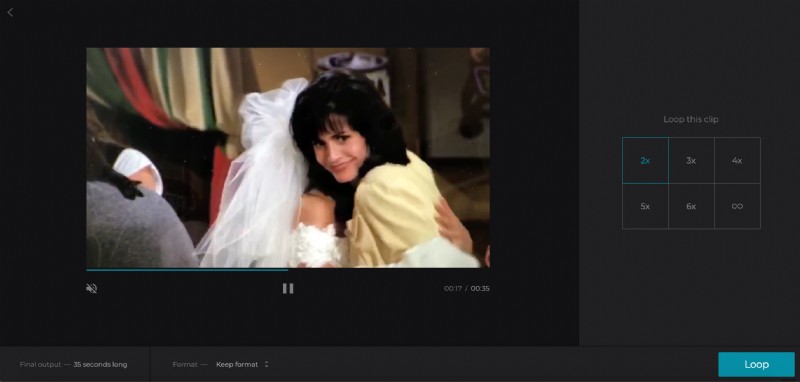
The tool allows you to convert the video to another format, MP4 is the best option for Instagram. To do that, click on the Keep Format button under the player and select any one.
When everything is set, click Export.
Save the looped video and upload to Instagram
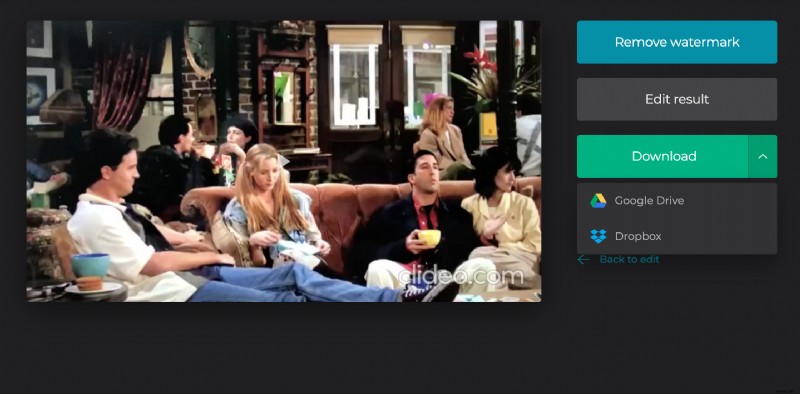
It remains only to download the result back to your device. It’s also possible to save it to your Google Drive or Dropbox account. After that, share the video with the right length on Instagram without any doubt!