Change GIF to video for Instagram
Luckily, Clideo has a special tool to solve this problem, it allows converting your GIF to any video format and looping it the necessary number of times so that it'd still look like a GIF.
The tool works online, lets you upload files up to 500 MB each for free, and you can start as many projects per day as you want. So it’s not one of those numerous apps that overload your smartphone and exhaust you with endless ads.
It also can convert a video to a GIF, learn how in our guide.
Keep reading and learn how to turn a GIF into a video for Instagram in three easy steps.
Upload a GIF
Open Clideo’s GIF to Instagram video maker on any device and in any browser. If you store your favourite GIFs on your smartphone or PC, click on the pane “Choose file” and do what it says.
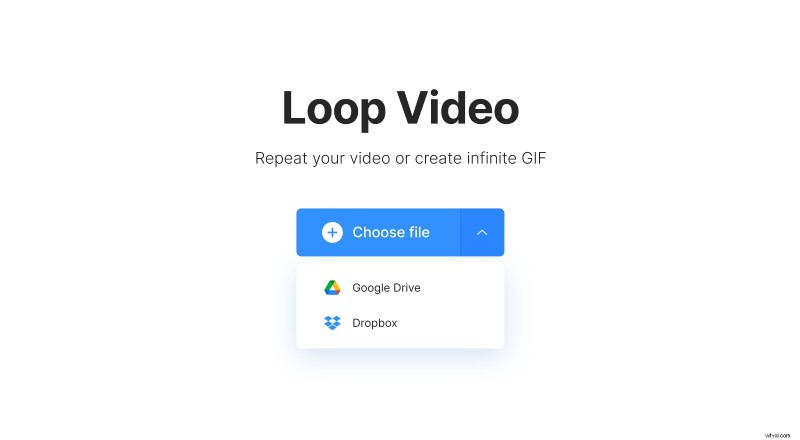
If you want to import content, saved to Google Drive or Dropbox, call the drop-down menu on the right side of the pane and select the corresponding option.
Turn the GIF into a video
The uploaded GIF will be automatically converted to an MP4 video with two repetitions. You can increase this number up to six.
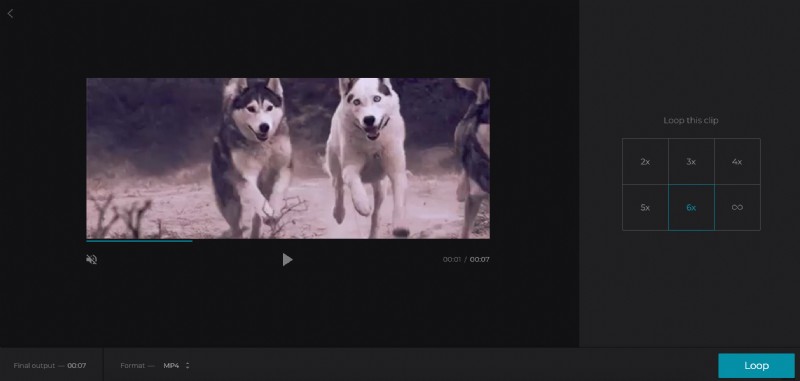
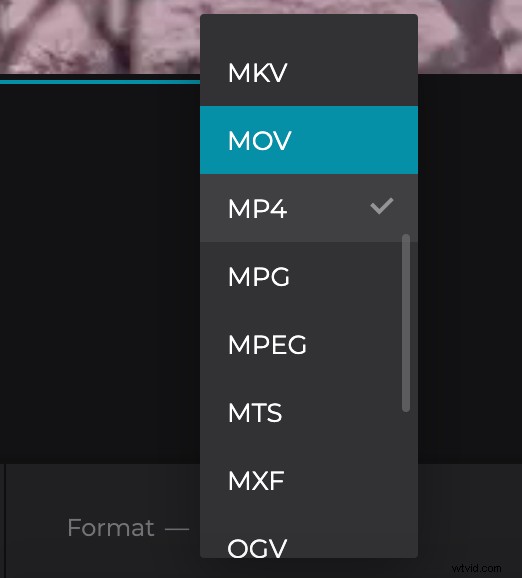
If you want, you can select another output format – for example, MOV, as it is also compatible with Instagram and other social media.
When you are done, click “Loop” and give the tool several seconds to do its job.
Save the video
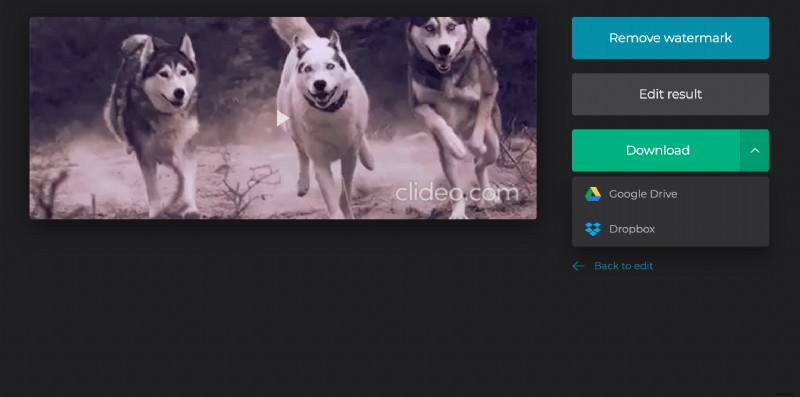
Have the final look to get sure that everything looks just fine. If so, save the file to your personal device or cloud storage accounts. If you want to change something, hit the arrow “Back to edit” and keep working.