
How to make an Instagram video out of other videos, photos and music
Instagram was created for sharing photos mainly. The social network provides lots of filters, which used to be unique and pretty recognizable in the old days (spoiler – they are not anymore as other resources can imitate them now).
Nowadays that’s not enough. With tons of free content, one needs something catchier to grip the viewer’s attention – for example, clips.
To make an Instagram video with music one needs a special tool. And luckily, we have one – an Online Video Maker by Clideo.
Let us not beat about the bush – this source meets the expectations of both professional and amateur film makers, as it is free, convenient, secure and user-friendly. It’s not a mobile application that steals your last megabytes, it works online and it’s compatible with all the operating systems.
Create your first video for Instagram in three easy steps!
Upload photos and videos
Open our Video Maker in any browser. Check your Internet connection previously – it should be stable and reliable.
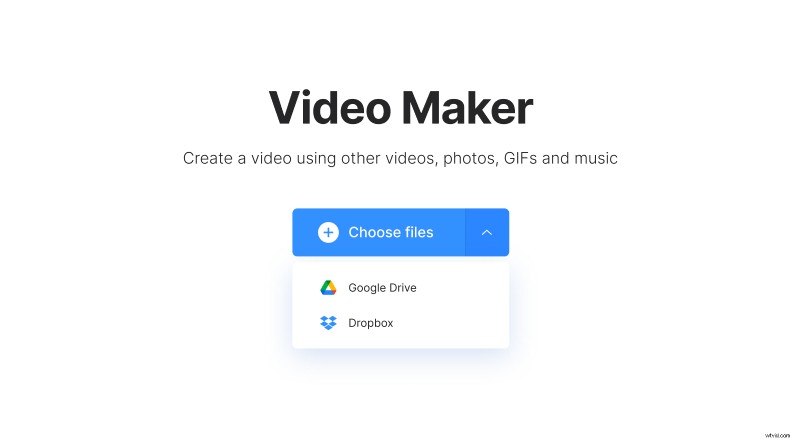
To upload files from your PC, Mac or a mobile device, click/tap a blue button in the centre. Call a drop-down menu to import videos, photos, pictures from Google Drive or Dropbox.
Create a video for Instagram
Add more files to the pane below the player using drag & drop function. Alternatively, call the drop-down menu on the right to add them in the same ways as in the first step. Change the order of the files as you need.
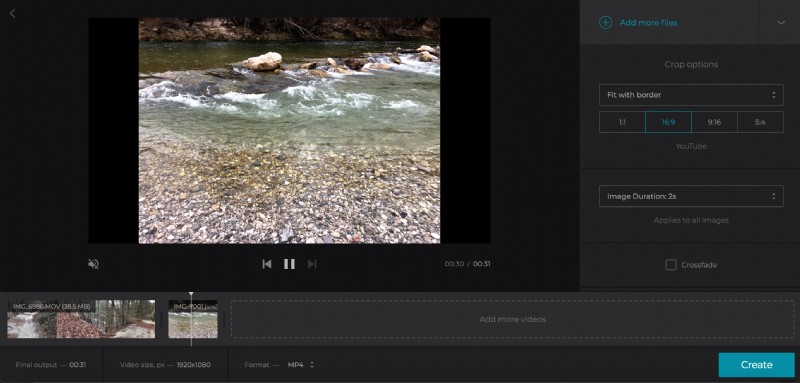
Choose one of the ready presets to crop your clip: square (1:1) for a regular Instagram in-feed post, portrait (9:16) for Instagram Story. If you want to share the result on other social media, you may also select patterns for YouTube and Facebook.
Hit Zoom & Crop to accent certain details. Set the duration of all the pictures from 0.1 to 10 seconds. Check the Crossfade box if you want to make your clip smoother.
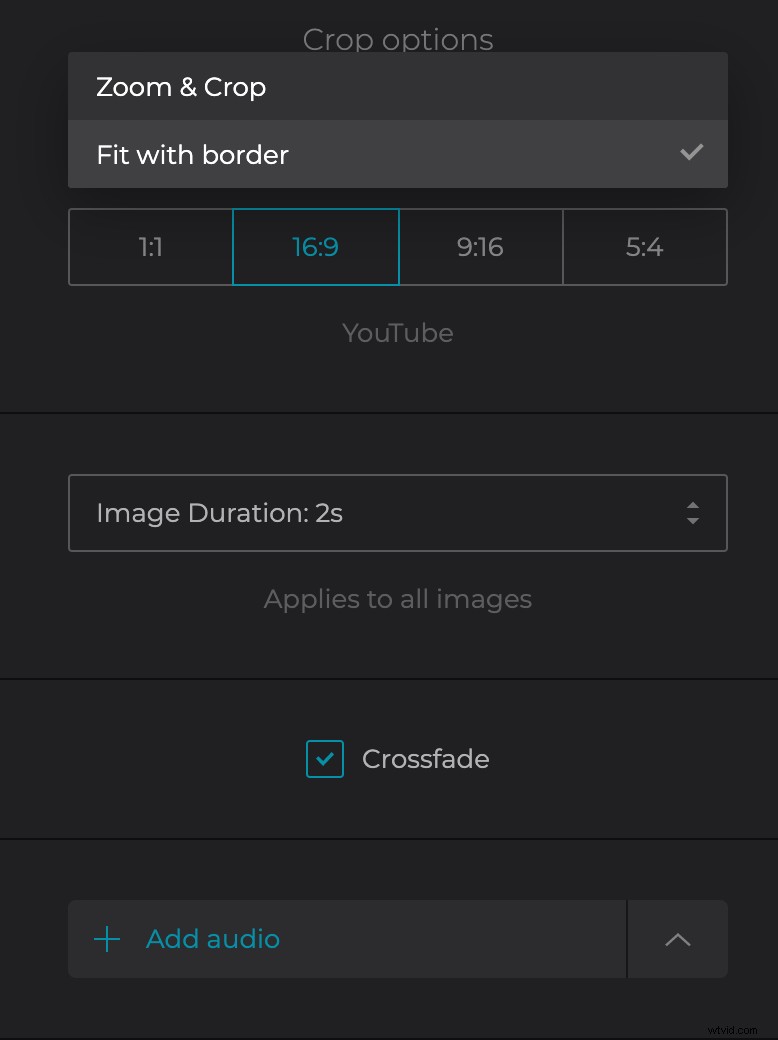
If the initial video has audio, you may keep it or add a soundtrack by scrolling down and clicking on "Add audio". Trim it and its volume.
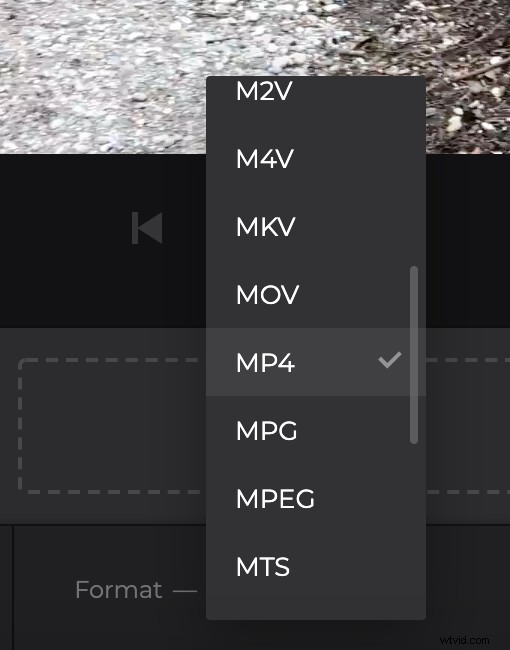
At last, choose the output format. The Clideo tool supports all the most popular extensions, but for social media MP4 will be the best choice.
When you are done, click “Create”.
Download the result
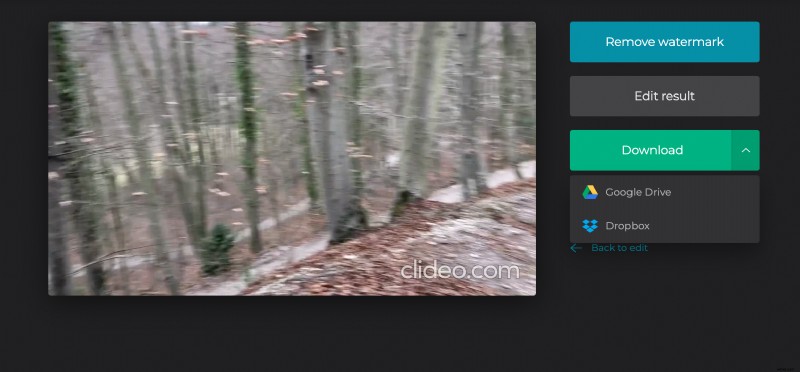
Have a quick run to check the result. If you’ve got what you wanted, download the visual to your personal device or save it to cloud storage. If you feel that the video is imperfect, return back to editing and introduce all the needed amendments.