
How to add music to an Android video
Add Audio tool by Clideo is free – you can upload and edit files up to 500 MB chargeless. If you need more – just subscribe to the “Pro” version and enjoy a full range of incredible features.
The tool is safe – it keeps your recordings for 24 hours only, after that all the information is deleted forever. During the before-mentioned period, though, you (and only you!) have access to your projects. You can also delete them by yourself at any time.
Upload a clip you want to add music to
Make sure that your Internet connection is stable and fast as every disruption may cause an error. Open the tool in any browser and tap a big blue button in the centre to add files from your camera roll.
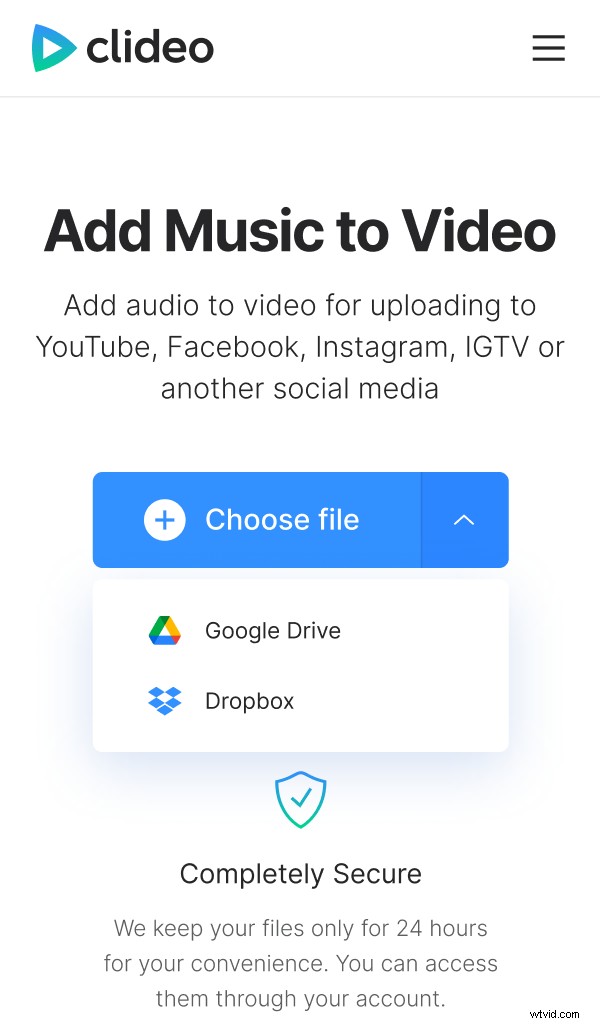
Alternatively, call a drop-down menu and import it from Google Drive or Dropbox.
Add audio to the video on Android
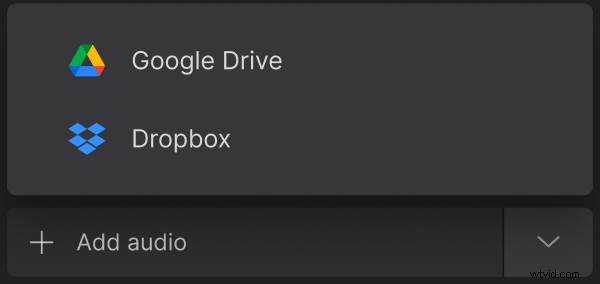
Tap “Add audio” to select a file from your personal device or call a drop-down menu to use the same options as at the previous step – your device or cloud storage.
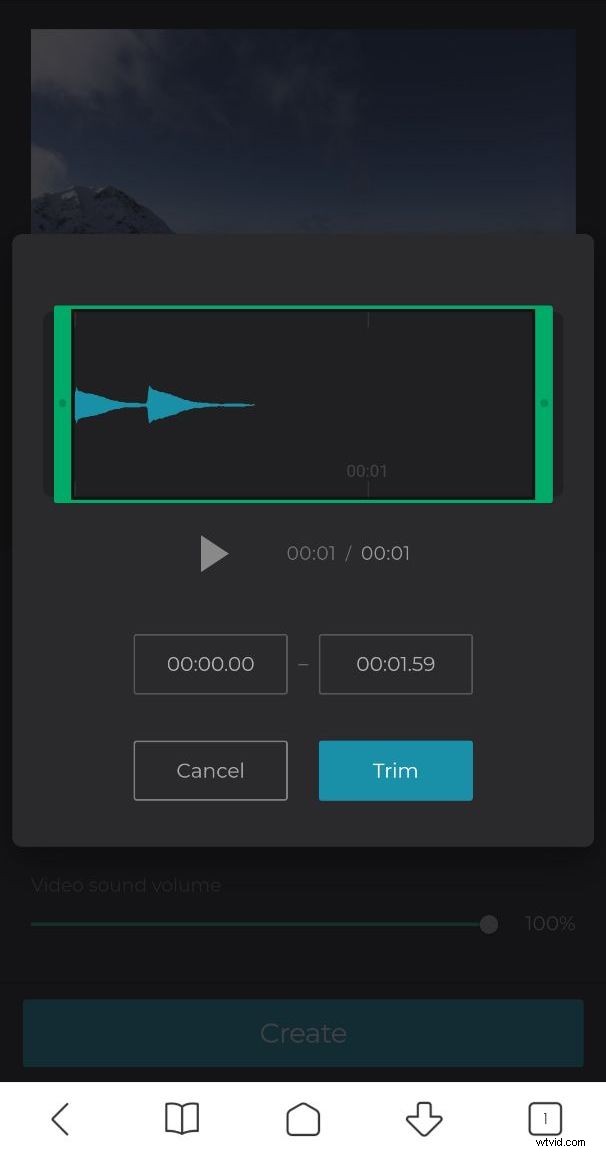
Set the start time manually if you need a silent beginning. Tap a sign of scissors to trim the audio with the help of sliders – or set the start/end time in the respective boxes. If you need one piece of music to be repeated till the end of the recording, hit “Loop”.
Adjust the audio volume if the video is not previously muted.
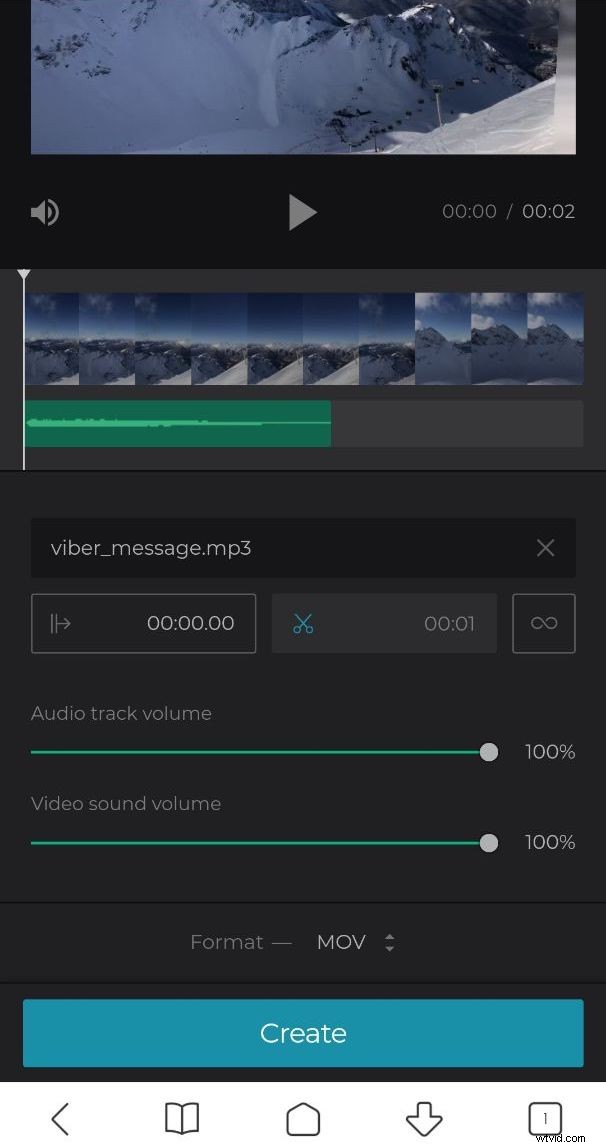
Select an output format. If you want to share your future masterpiece on social media, for example, Snapchat or Facebook, hit MP4. Anyway, it would be wise to study social media specs first.
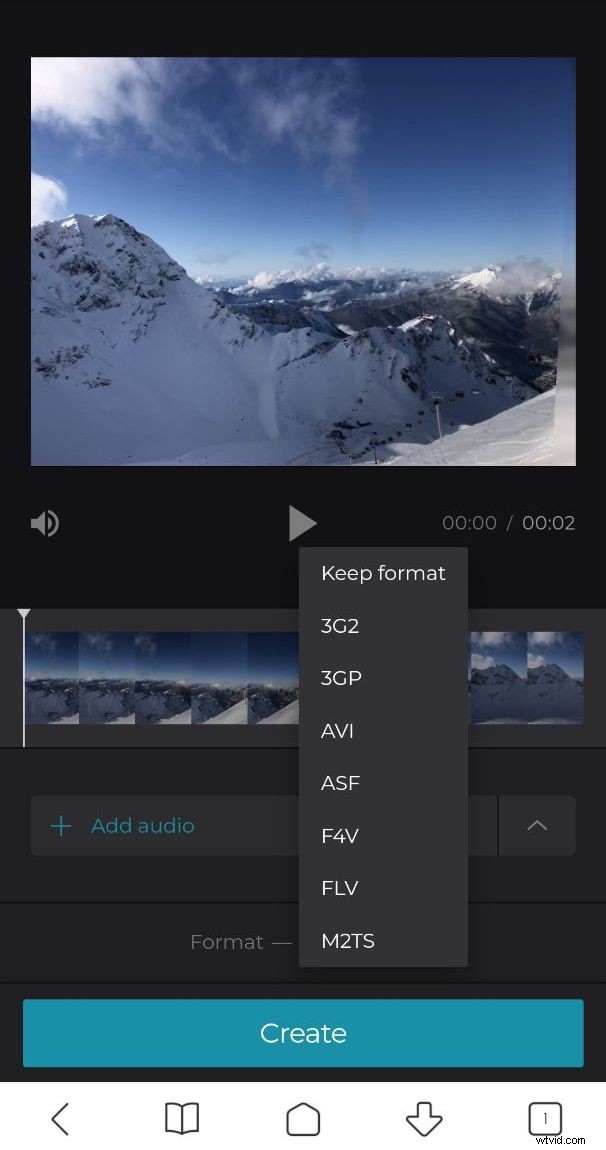
At last, tap “Create” and wait several seconds.
Save the result back to Android
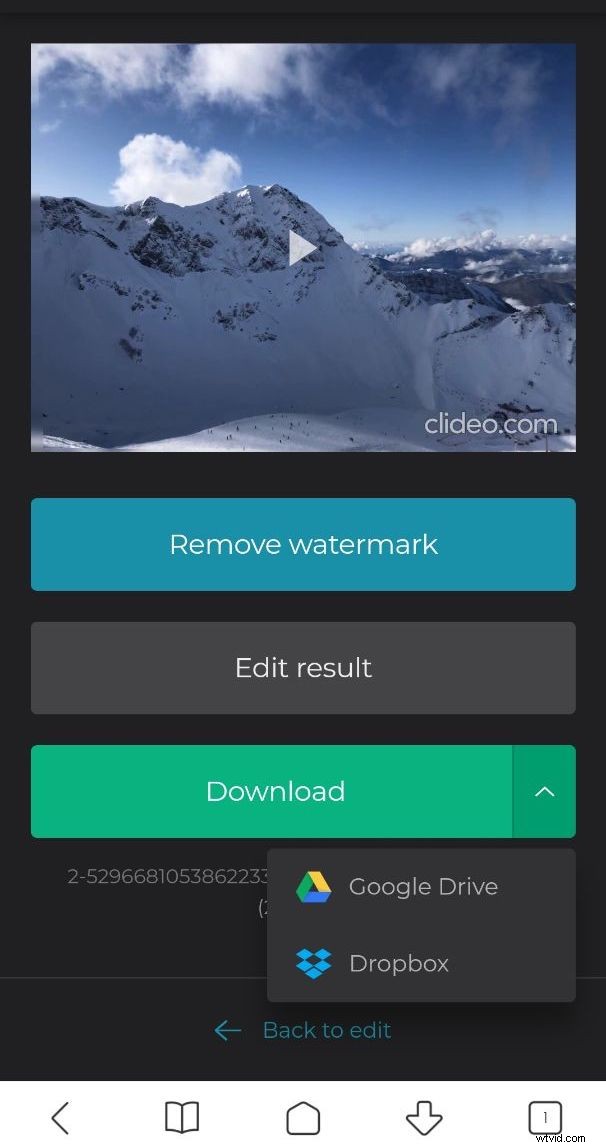
Have a short preview to get sure that the process ended in success. Then save the file to your smartphone or upload it to one of the clouds.