
How to put your own music on Triller
Triller app is remarkable for its auto-editing algorithm. The platform allows you to create impeccable clips in a couple of clicks. When the video is ready, you can customize and personalize it with the help of more than a hundred different filters, emojis, visual effects etc.
But if you ask the developers, “Can I add my music to Triller app?”, the answer would be “No”. Which doesn’t mean that there is no way to use your own soundtrack!
Instead of shooting a video directly via the app, you can record it first, set the music with the help of our free and safe online tool and then post it on Triller.
Follow the steps.
Upload a video
Open the Audio tool by Clideo in any browser.
Click the big blue button to upload a recording from your camera roll. You can also import a file stored at Google Drive or Dropbox, just call the drop-down menu and select the cloud storage you need.
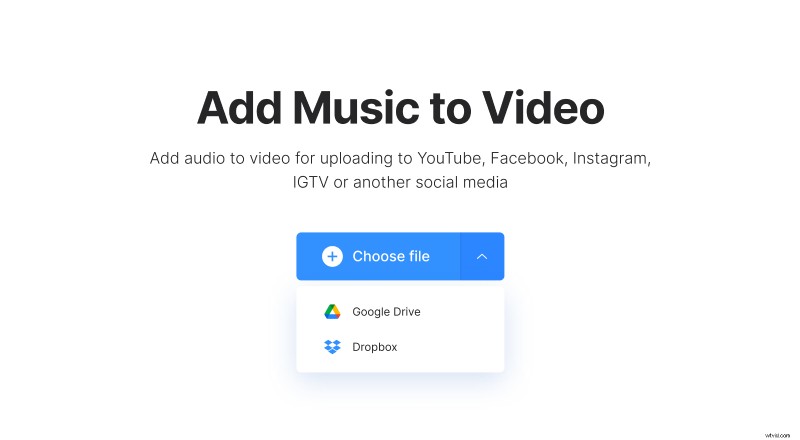
Add your own music to a Triller video
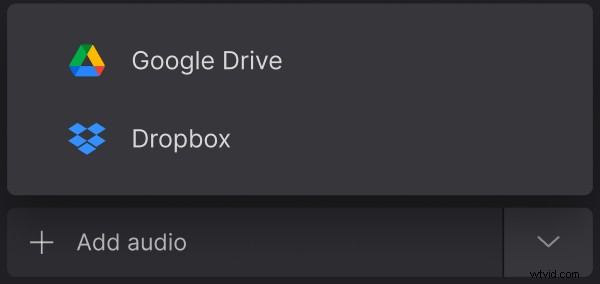
Add an audio track with the help of one of the above-mentioned options: from your personal device or cloud storage account.
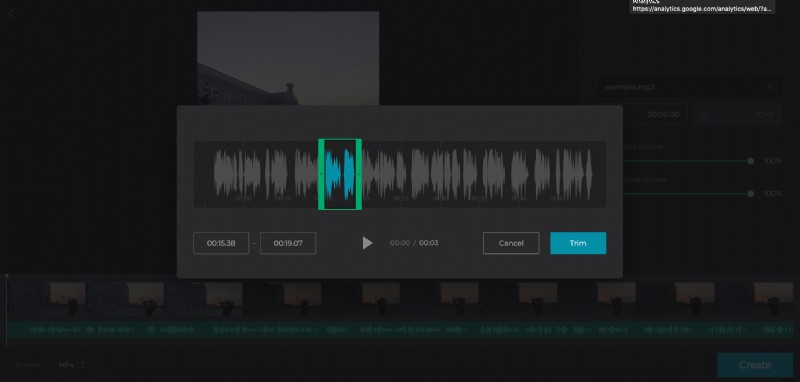
Set the start time in the box below the audio title. You can also drag the track along the timeline below the player.
Hit the button with a scissors sign and trim the audio manually or by moving the sliders. If your audio is shorter than the video, click on the infinity sign to loop it and make it start over till the end of the recording.
Adjust the soundtrack and video volume.
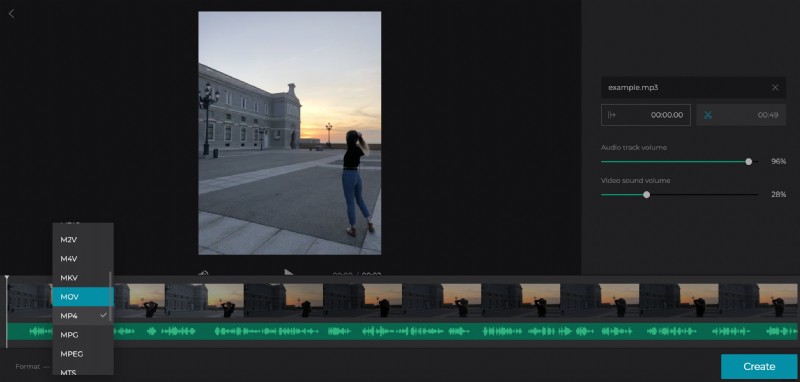
Choose an output format. MP4 is the best choice for posting on social media, including Triller.
When you are done, click “Create”.
Save the video to post on Triller
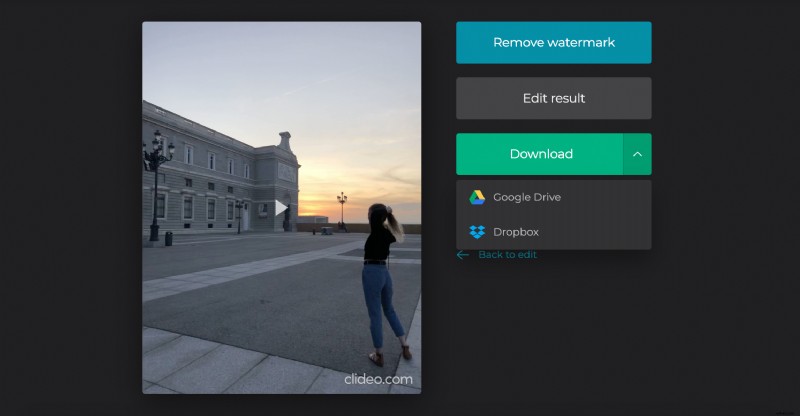
Have the final preview to get sure that your new video is worth posting. If you are happy with the result, save it to your personal device or cloud storage account. If you feel it could be better, click “Back to edit” and start over.