
How to add text to a video quickly
Adding text to video used to be a hassle. But now you can do that online and share your content with the world in just a few minutes — no need to download an editing software. Clideo is a free web tool, and you can use it on any platform: Windows or Mac, iPhone or Android.
If you want to add subtitles to your video, you can do that too, just go to our special tool!
Just follow these three easy steps to add text to any clip:
Upload your video
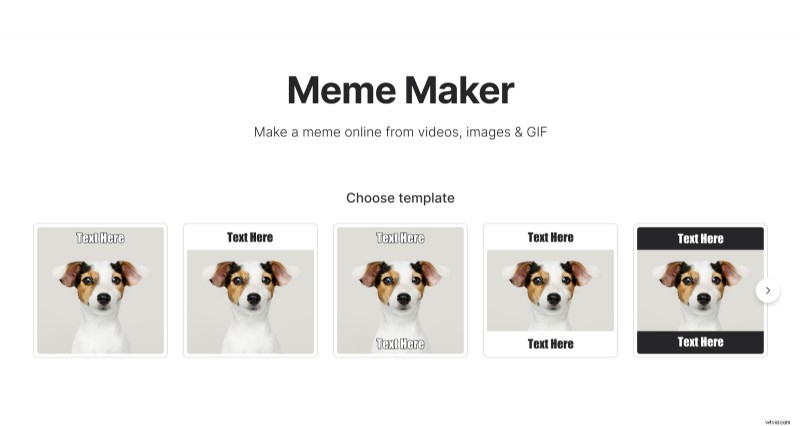
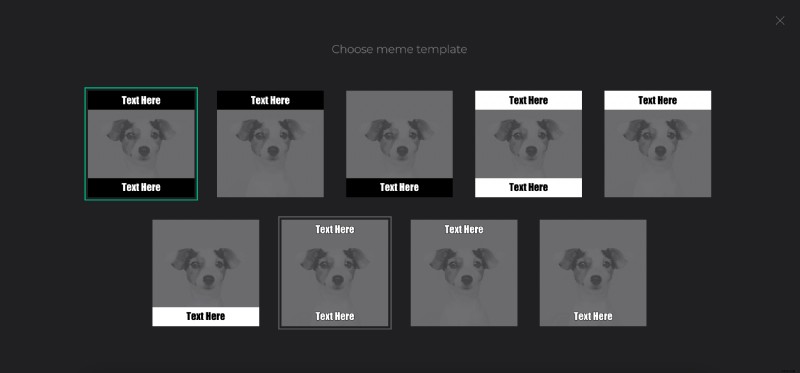
Open our Add Text to Video Tool and select one of the templates. Don't worry, you'll be able to change it later if necessary.
Drag and drop the file from your desktop or use the file picker to pull it out of a folder (even in Google Drive or Dropbox).
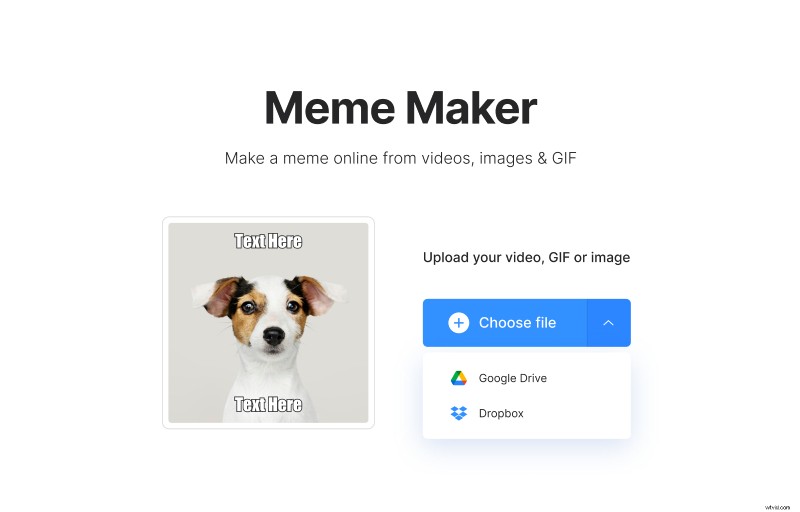
Note: you can upload a file up to 500 MB for free.
Add text to your video
Add text at the top and bottom of the video by typing in the two boxes on the right side of the screen. As soon as you do that, Clideo will add it to the preview.
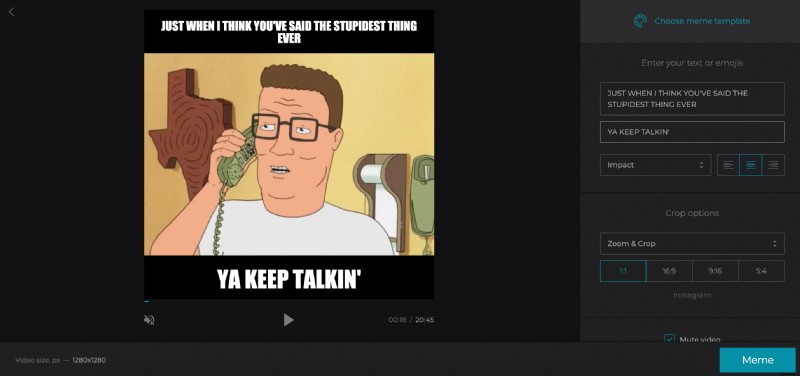
If everything looks good, you can click the "Meme" button in the bottom-right corner of the screen. Or you can use more customization options to create the perfect video for your purpose.
The first change you might want to make is the typeface of the text. Just use the dropdown menu below the text boxes to choose from a variety of fonts.
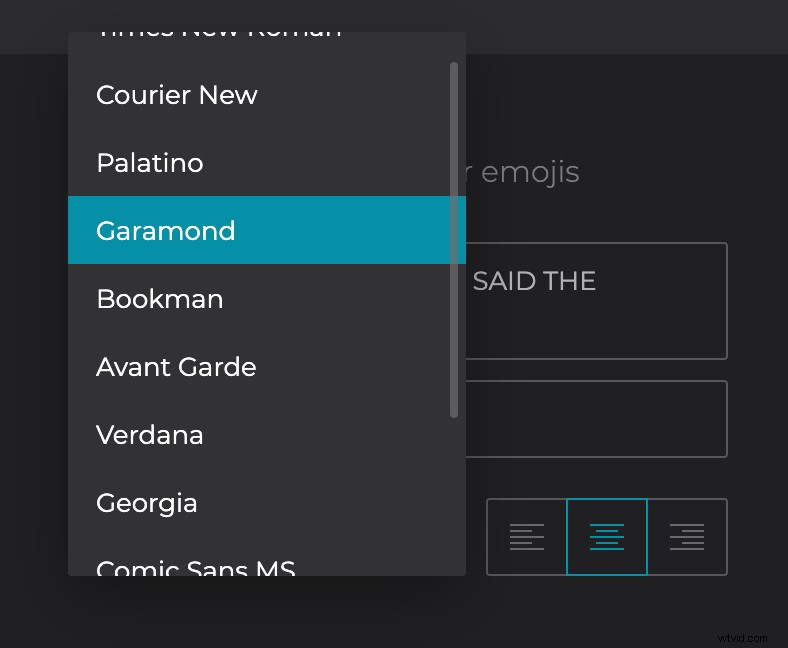
You can also adjust the alignment (left, center, or right).
You can change the template any time if you like, just click "Choose meme template" at the top of the right sidebar.
The text looks great - but what if you don't want a square video?
Different platforms work best with different video sizes. The default on Clideo is a square, which is great for Instagram. But what if you want to post to YouTube? Or create an Instagram story?
You can choose from four different cropping options at the bottom of the right sidebar.
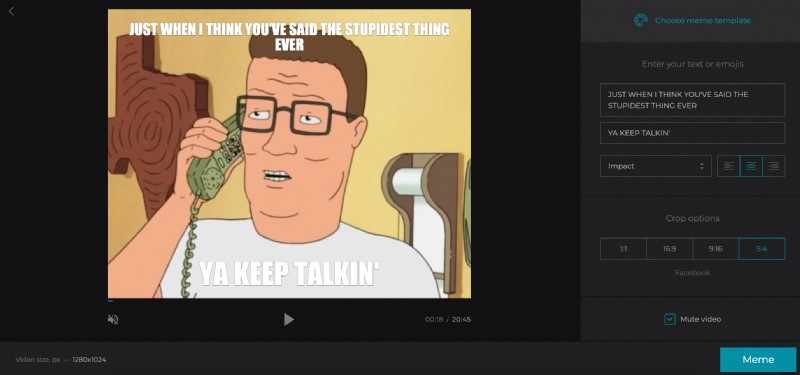
Click through the options to see a preview of your file with each set of proportions and the click "Meme".
Export Your Video
Clideo will do some work for a moment, and when it's done, you can download the video, save it to Google Drive, or Dropbox.
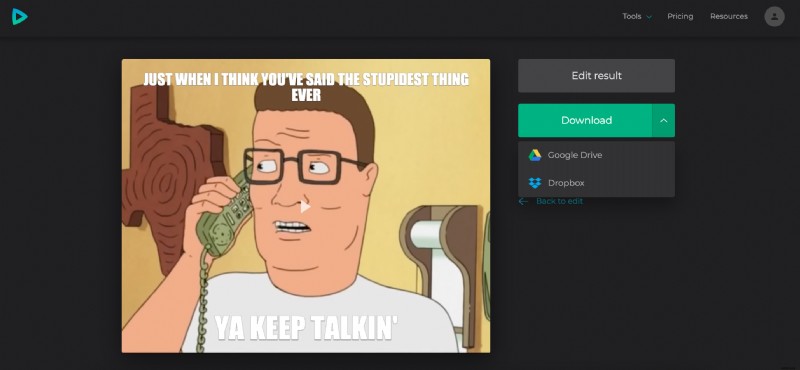
To remove the watermark, click "Remove watermark" and sign in with your Google or Facebook account. If you don't have a Clideo Pro subscription yet, go get it! It not only lets you remove watermarks but also it lets you save your projects to your account and edit them during 24 hours.