How to use Instagram loop video tool
A video loop simply consists of a one-second section of a clip that repeats over and over in the form of a slightly longer video file. The idea is kind of similar to the once super popular Vine app, which allowed users to create 6 second video clips on loop. However there are no audio attached to loop videos, and the part which is repeated can be as short or long as you like.
Follow our easy-to-understand guide below to get your videos turned into infinite GIFs or looped videos in three simple steps.
Upload your video clip
To start, upload the video file of choice to the Clideo’s Online Video Looper. If you need to trim your clip first, be sure to use our free video cutting tool.
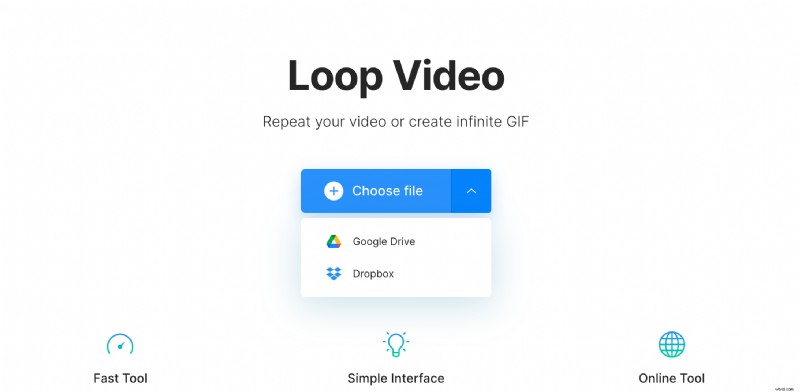
Click on the “Choose file” button to pick a video from your PC, Mac or mobile device’s onboard storage. Or click on the small arrow to upload from cloud platforms Google Drive or Dropbox. And in case you’re wondering, all of the most popular video formats are supported, including MP4, AVI, MPG, VOB, WMV, and MOV.
Loop-the-loop!
Once the video is uploaded, select the needed number of repetitions. Here you can choose from 2x up to 6x. Select the infinite sign if you want to make an endless GIF but mind that Instagram doesn't support this format.
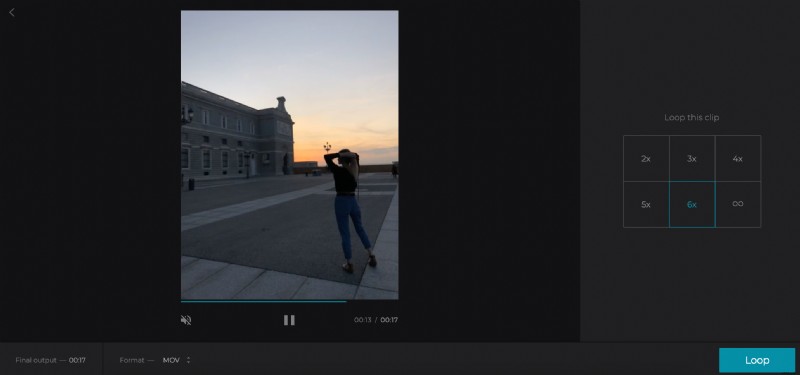
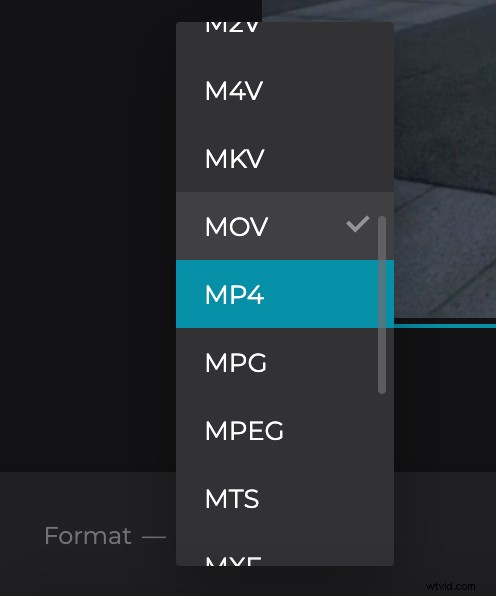
To be able to post you creation on Instagram, you’ll need to select the MP4 format on the bottom left. Now, hit ‘Loop’.
Get your looped video
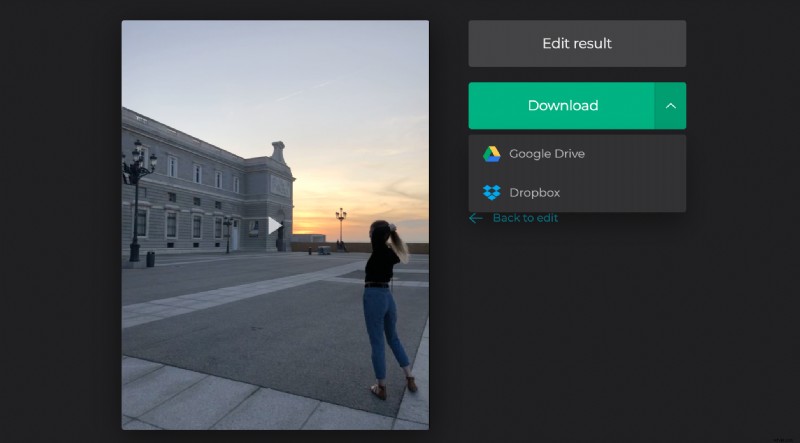
After a few minutes (depending on the size of your video file) your clip will be ready to be downloaded back to your computer, phone or tablet. Simply click the download button, or alternatively, you can keep it in the cloud and opt to share it to your Dropbox or Google Drive accounts.