
Trim a video for Facebook easily
One of the ways to to that is to use our special online tool. It’s compatible with all the operating systems and gadget types. It is free for processing files up to 500 MB and you can start as many projects a day as you need, without any limits, subscriptions, or other conditions.
What is even more important, all our tools are user-friendly and self-evident, they are developed for amateur video-editors, nevertheless they may be of extreme help even for any users.
Follow three short steps:
Upload your video
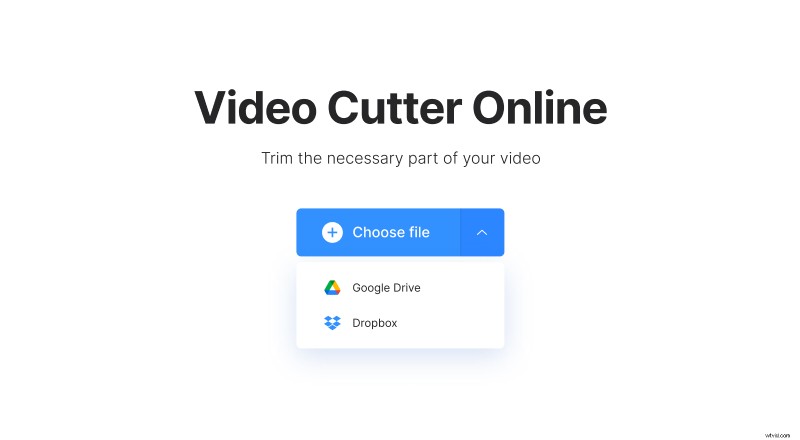
To add a file from your device, open Clideo’s Video Trimmer and click the big blue "Choose file" button. To import your recording from Google Drive or Dropbox, hover the cursor over a face-down arrow on the right side of the blue pane to call the drop-down menu and select the required option.
Cut the video for Facebook
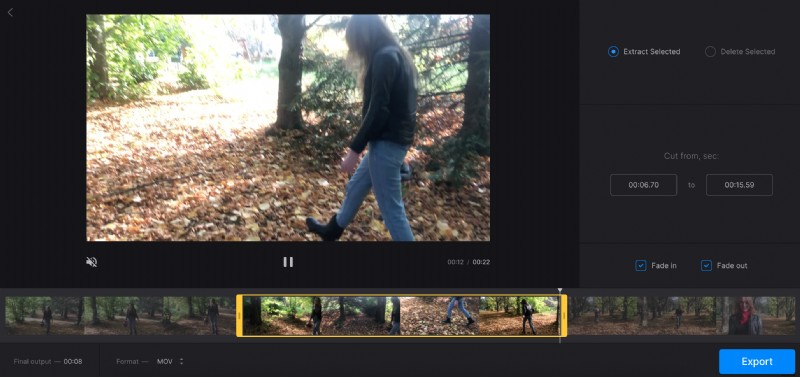
Use the sliders to select the needed snippet or set its start and end points manually in the timeboxes. If you extract the selected episode, the rest will be cut off. You may also tick “Fade in” and “Fade out” boxes and your video will start with the gradual appearing out of a dark frame and end with a gradual disappearing.
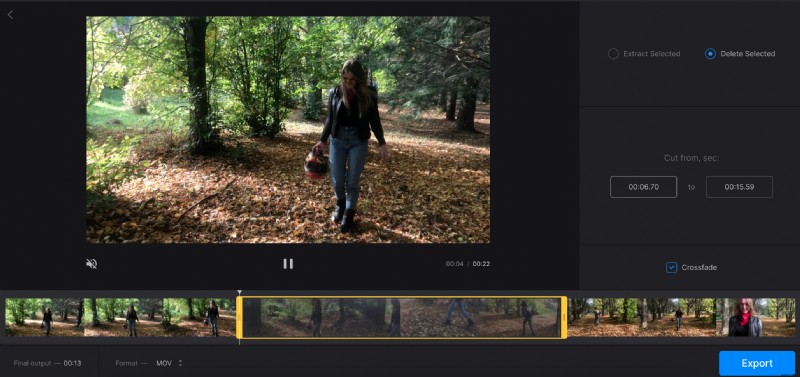
Hit the “Delete selected” option if you want to cut out the snippet in the middle of the recording and merge the rest. Tick the “Crossfade” box to make the frame transition smoother.
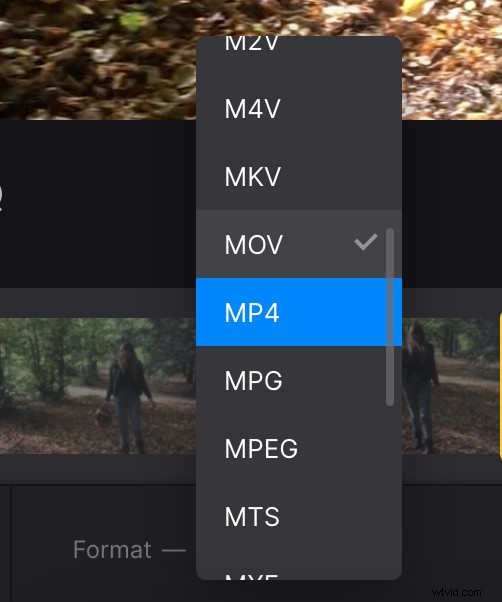
Don’t forget to select an output format. If you are going to post your trimmed video in social media, stick to MP4 or MOV.
When you are done, hit “Export” and give the tool several moments to do its job.
Save the trimmed video
As soon as you are transferred to the last screen, you can download the finished project and save it to your personal device or cloud storage accounts. You may also come back to editing by clicking the pencil icon.
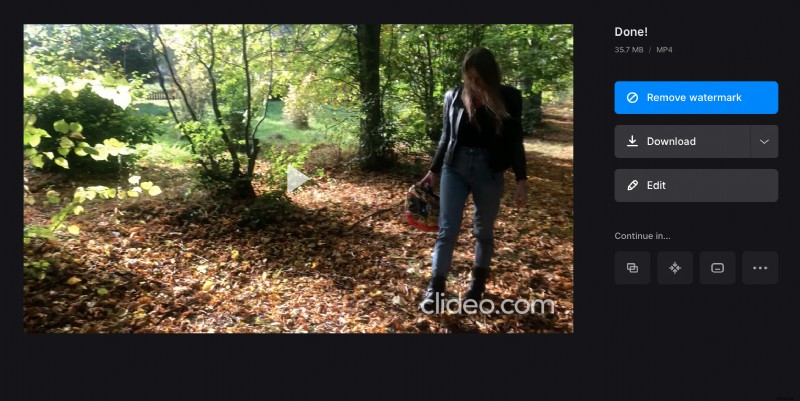
If you want to continue working with the same video and use our other tools right away without previous video downloading, consider subscribing to Clideo Pro.