
Is it possible to rotate video on Facebook
Telling the truth, initially, Facebook had such a feature, so the social media devotees got used to it and were quite disappointed when it disappeared. Moreover, other popular platforms, such as YouTube and Snapchat, provide dozens of features to rotate, flip, cut and edit videos. Facebook cannot hold a candle in this context, and indignant comments of outraged users prove it.
It’s much easier to shoot vertical videos – we naturally hold a smartphone this way, so that we can manage it with one hand only without the risk of dropping the device. But our eyes and brain perceive horizontal views much better, because, you know, the landscape and environment – they are mostly horizontal. So the question is — how to rotate a video on Facebook by other means if the site itself doesn’t provide such an option.
That’s why if you don’t want to switch a platform, lose all your followers and start your “online career” from the very beginning, you just need our tool, which allows turning a vertical video into a horizontal one — or vice versa.
Returning to our muttons, there are three simple steps on how to rotate a Facebook video.
Upload a video
Open the video rotator by Clideo. Choose a file from your device or cloud (Google Drive or Dropbox). Don’t worry about the format – our rotator accepts all the basic extensions, including AVI, MOV, MP4, etc.
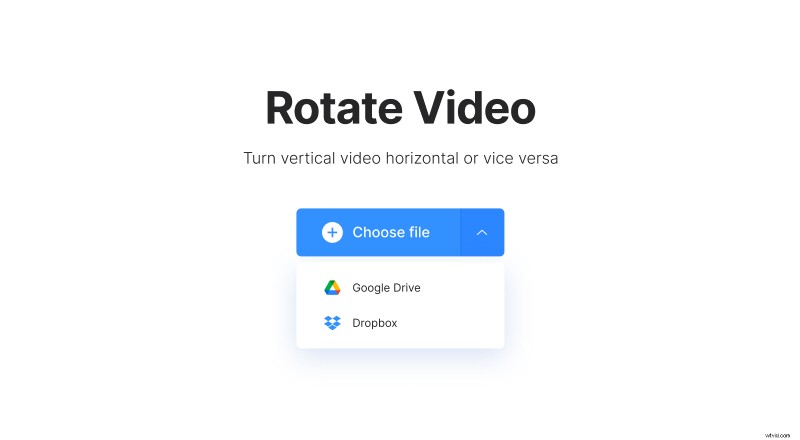
Our tool is user-friendly, simple and fast, compatible with Windows, Mac, iOS and Android, works online and doesn’t take any memory of your smartphone, iPhone or computer/laptop.
Rotate a video for Facebook
Use buttons on the right-side panel to rotate your record leftward or rightward. Each click rotates a video 90 degrees clockwise or counterclockwise. When you find the desired position, click the button “Rotate”. Before saving, choose the desired format of a rotated video - it may differ from the initial one if you want.
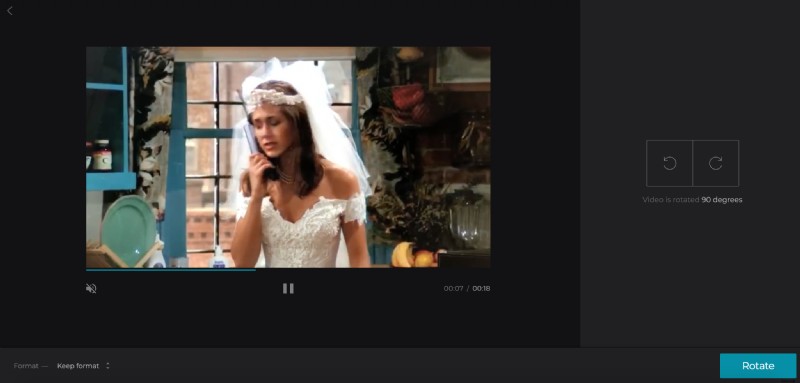
All the features of the tool are totally free. However, you’ll need to subscribe to Clideo Pro to upload really huge files (more than 500MB), get access to “Edit result” function (which allows you to continue editing one video with all the tools without downloading and uploading it again) and delete a watermark. Check the details out, we have really attractive offers!
Download and post on Facebook
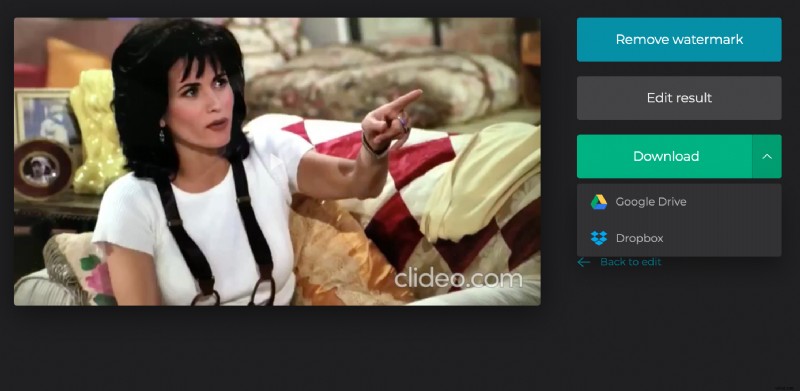
Watch the preview and download the result, if you are happy with it. Save the file to your device — or upload it back to the clouds.