
How to create a video for Facebook online
At the first step you should think over a conception, pick up all the video- and photo-files you need, find some appropriate music. The next stage is more complicated – you have to merge smoothly all the parts into one integrated video.
And here is the point where the problems begin. How to make a video for Facebook cover without licensed software? What to do if you have never done anything of this sort before and doubt that you’ll be able to sort out all the technical details and peculiarities? Where to find a free online tool with an intuitive interface and a vast array of editing options?
Keep reading and make mental notes!
Let us introduce the Video Maker by Clideo – it’s free, online, easy-to-use and safe. And enough of it, let’s get down to the most important part – get to know how it helps to create a video for Facebook in several steps.
Upload files from your device or Google Drive, Dropbox
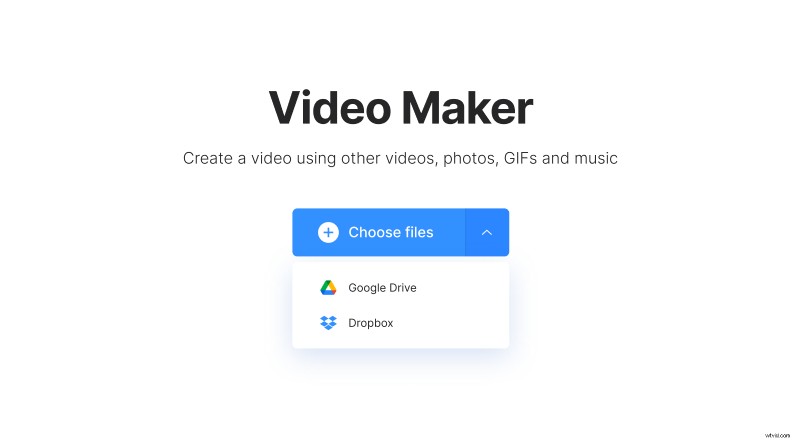
Press the “Choose files” button to import photos or videos from your PC, Mac or smartphone, for other options click an arrow on the blue pane and call a drop-down menu.
When the first portion is uploaded, you can work with it in a new console, edit, drag and drop to change the file order, add new videos or photos. Add up to 500MB of content for free.
Make and edit your video
Choose one of the crop options: the tool offers ready presets for Instagram (in feed and stories), Youtube, Facebook. Set up an image duration (from 0.1 to 10 secs each), add audio, trim it according to the video length, and set the volume level.
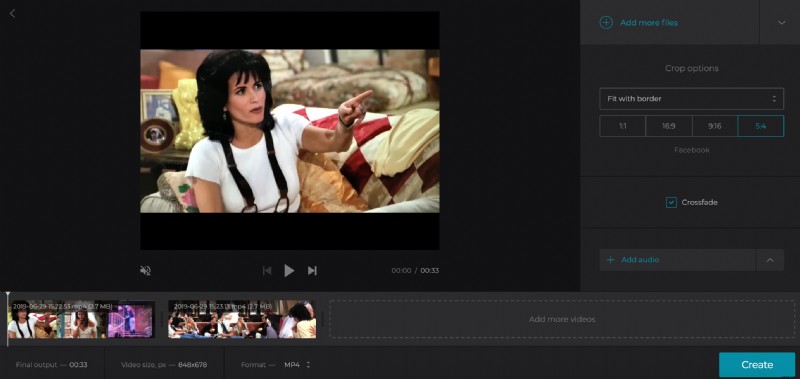
Tick a crossfade option to make your video more smooth and seamless. You may keep an initial video format or choose a new one: 3G2, ASF, F4V or another. When everything is ready, click “Create” and wait – it may take up to several minutes.
Watch a preview and save the result
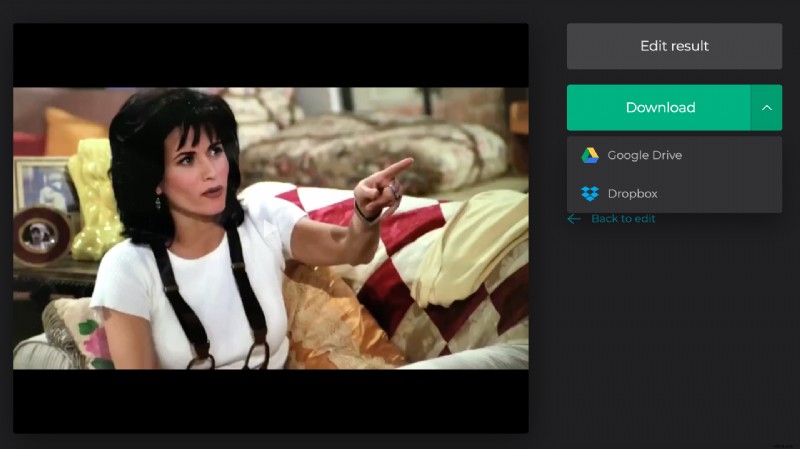
Once again, you can export the ready video to your personal device or cloud storage. If you are not happy with the result, return back to the edit mode and keep working with the video.