How to use photo video maker with music
Many social media users want to not only repost the videos they like but also upload their own. Video editing in depth is not a quick process, especially if you’re not skilled in this area. But what if you don’t want to overcomplicate things and just want to learn how to make a simple music video with pictures?
With our tool, it can be done in just a couple of minutes! It works completely online on any device, so you can start editing without having to download any video editors or apps.
It’s also very easy to use, just look at the steps below!
-
Upload files
Open Clideo’s Video Maker. Click "Choose files" to add pictures or videos from your device. Alternatively, hover over the arrow on the right side to select files from your Dropbox or Google Drive account.
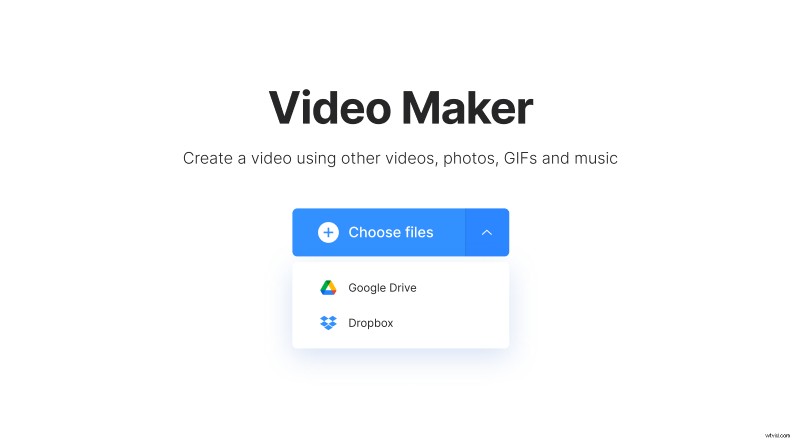
Note that you can add up to 500 MB worth of files for free.
-
Make a video
In the editor, add more files if you need – to do it, click the option with the same name or simply drag them to the page. You can change their order by dragging the files under the player.
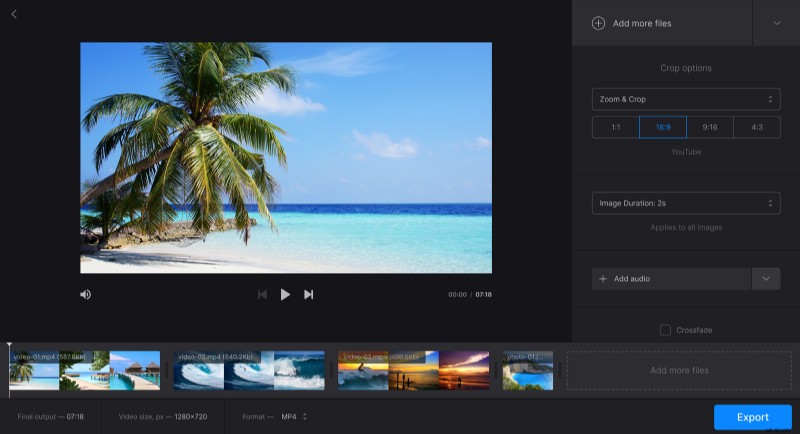
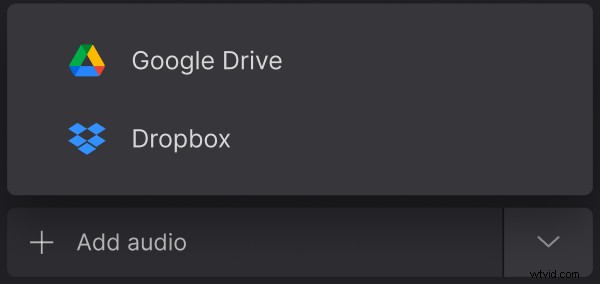
Then click "Add audio" and pick a track using the same methods. Trim it if needed, and set the audio volume.
In the "Crop options" section, you can change the aspect ratio of the video to fit better on social media pages. There are presets for YouTube, Facebook, and Instagram available.
In the section below, set the image duration. Note that the chosen duration applies to all pictures.
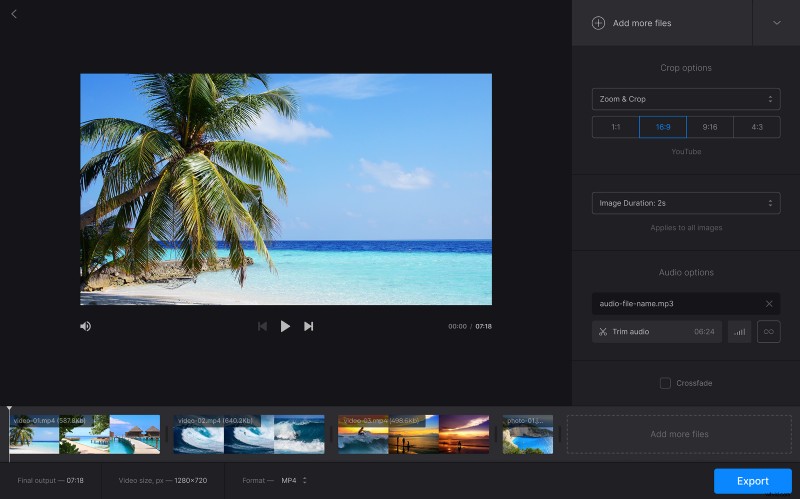
Tick "Crossfade" if you want a smooth transition between files.
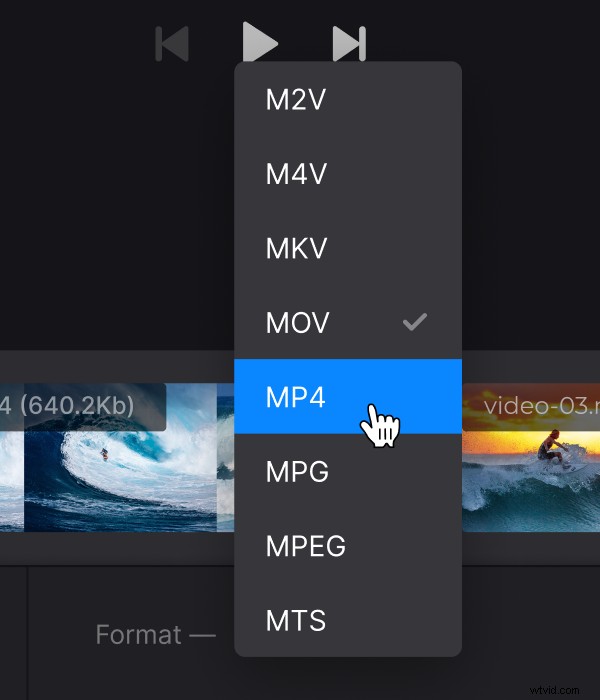
In case you want to change the video’s format, click on the option with the same name under the player and pick the one you want. The default format is MP4.
When you finish editing, click "Export".
-
Download the result
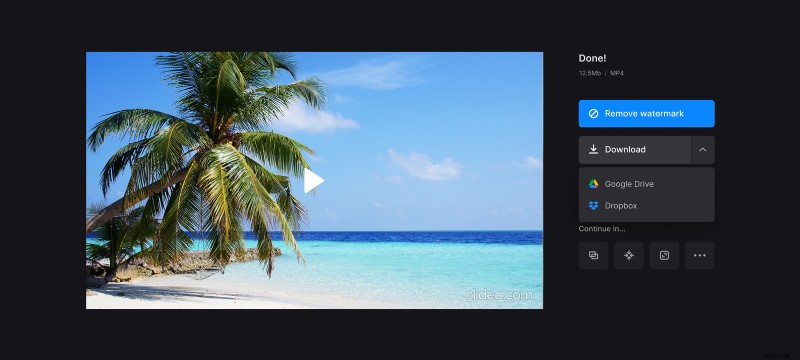
Watch the preview to check if the video looks good. To make some changes, click "Edit". Otherwise, click "Download" to save the video on your device or upload it to your Dropbox or Google Drive.