
How to make a fandub of your comic
Usually, dubbing involves the participation of several professional voice artists, but not necessarily; you can as well make a fandub by yourself.
Now, when "what is dub?" is not a question, let's go into technical details. Before using our tool, you have to do some preparatory work.
Take your favorite manga or a comic in any image format. Make sure you have several copies of each page: the first one is with empty speech bubbles, the second one with the captions in the first bubble, etc.
Then do your voice dubs. Each caption should be recorded in a separate file. Save all those recordings to the same folder.
Now, let's see how to dub comics step by step.
Upload files to the tool
Open Clideo’s Video Editor in any browser. Don't worry, the service works online, and you don't have to install anything.
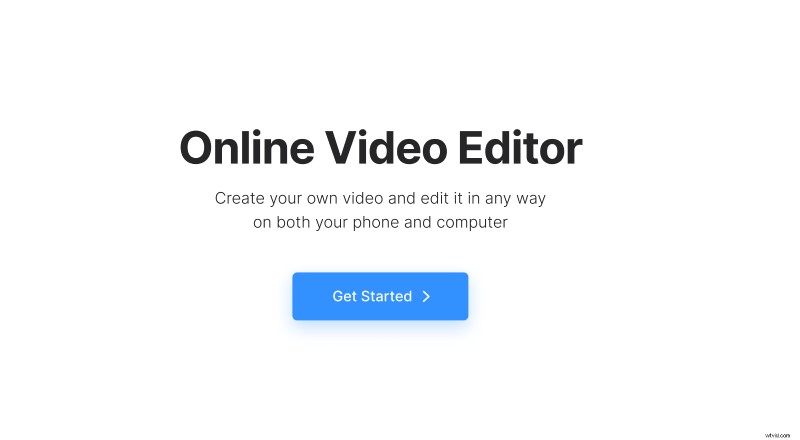
Hit "Get started" and then use a bulk upload function to import all the previously prepared and saved files.
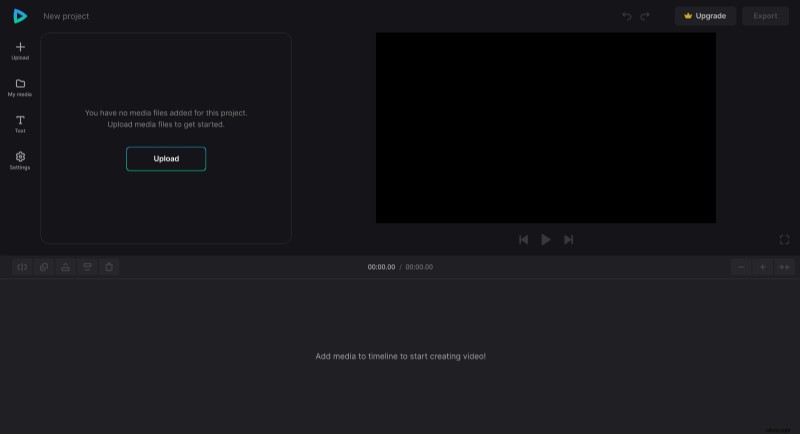
Arrange and edit files
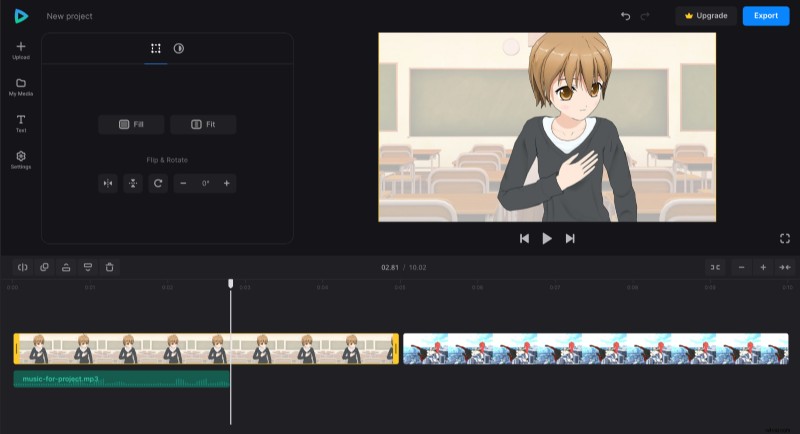
Place all the graphic files on one track of the timeline and all audio recordings on another. Then match the images and dubs by dragging the files along the timeline, changing their duration with the help of yellow handlers. If necessary, split the voiceover and delete spare parts.
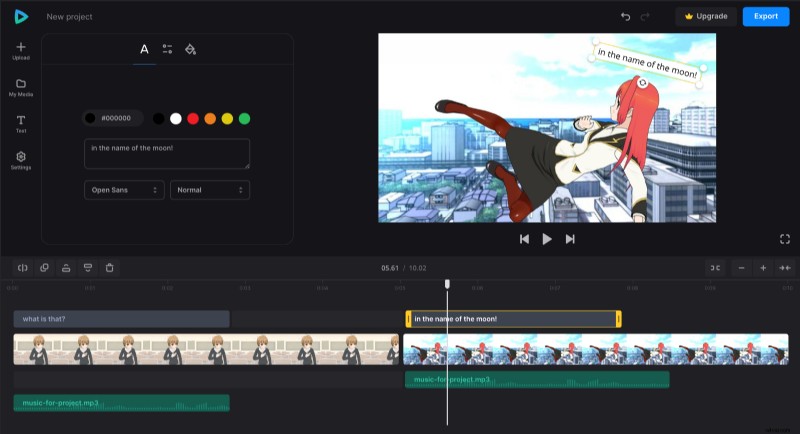
You can also add captions in case you need them. Change the color of the text or text background as you like.
Save the result
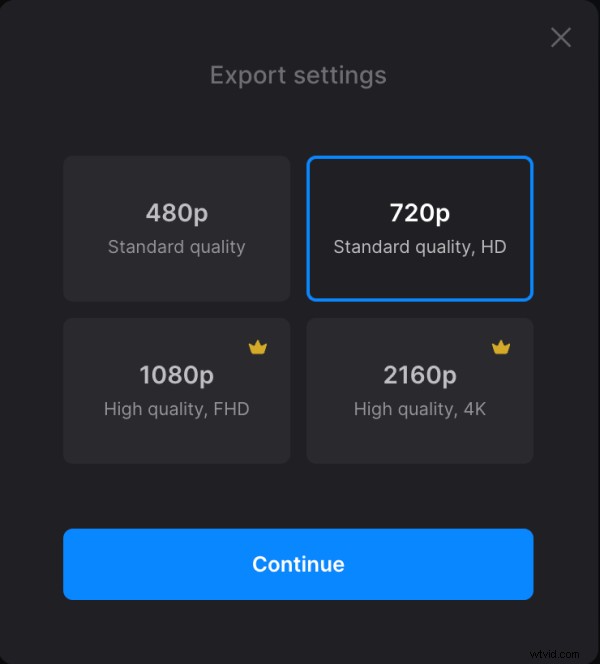
When happy with the result, click the "Export" button and select the resolution. The best options are available for Clideo Pro accounts only, but 480p and 720p are free and are fine for most social media networks.
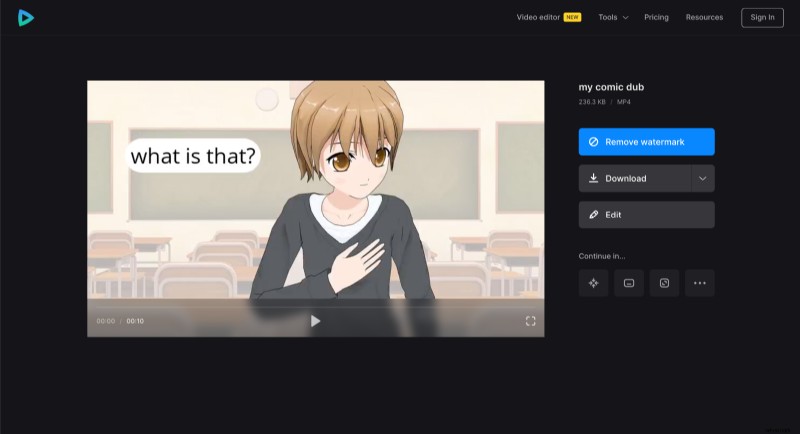
Give the tool time to do its job. When the project is processed, give it a final run and either return to editing or save it to your device, Google Drive, or Dropbox.
More information about other Video Editor capabilities could be found in Video Editor Help Center.