
How to make short inspirational videos online
Not only that, inspiring videos are also made for students to help them, for example, find a path that interests them or show that they shouldn't be afraid of life changes.
Have you seen a lot of such inspiring videos on YouTube and want to try making something similar? Well, why not start now? If you have an interesting idea but don't have an opportunity to film it yourself, don't worry, you can always use various royalty-free resources to find something fitting for your ideal inspirational scenes! Be careful about the music, though, as it should sound encouraging but at the same time not be too loud or bombastic.
And what about editing? There's no specialized inspirational video maker since the result mostly depends on your idea and editing style. However, you don't need to look for specific software – our online editing tool will help you create your uplifting videos anytime you need!
It's quite easy to work with, follow the instructions below:
Upload files
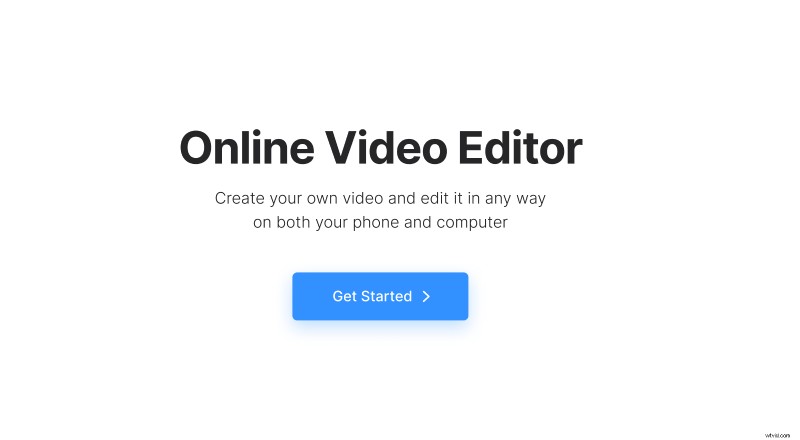
Open Clideo’s Online Video Editor and click "Get started".
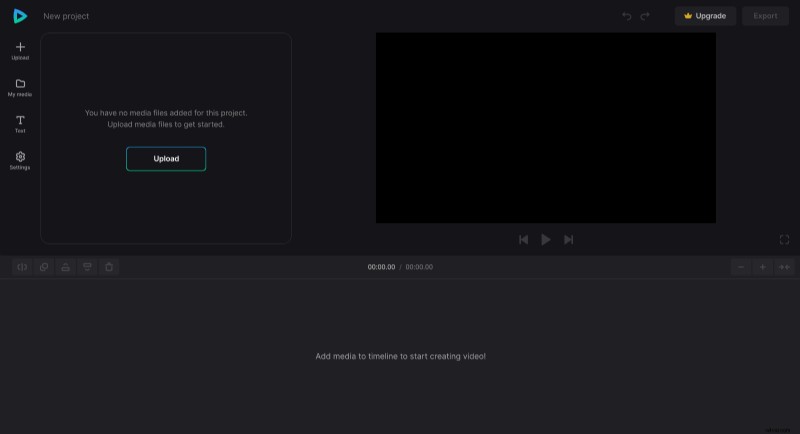
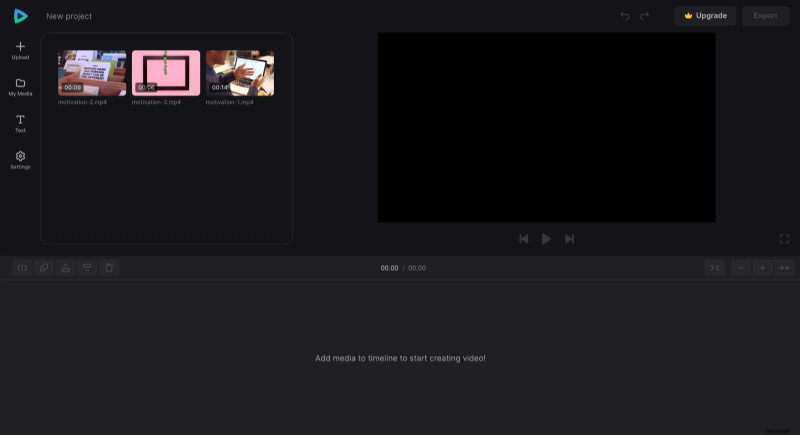
Click "Upload" and add all media files you need from the device, or pick them from your cloud storage account.
Create a motivational video
Add the files to the timeline – you can do so by clicking the "+" icon on files in the "My Media" tab or by dragging them from there. The exact order is unimportant, as you can rearrange your files in the timeline anytime.
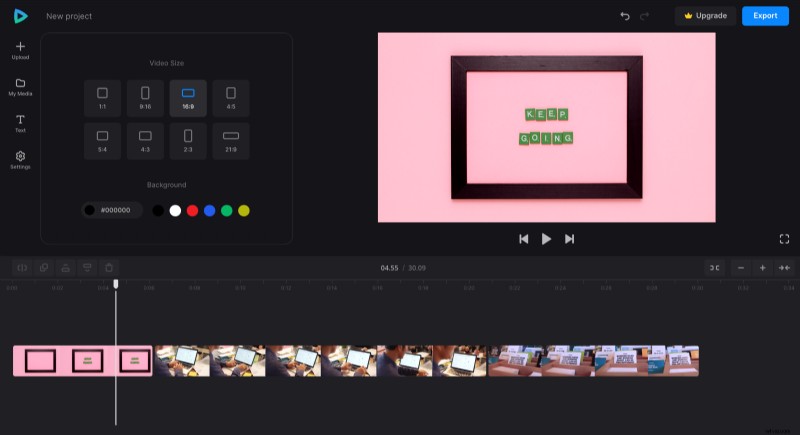
There are different aspect ratio presets in the "Settings" menu, so if you plan to post the video on a specific social media page, you can apply a corresponding preset. If any image or video clip doesn't fit the preset completely, you can resize it by dragging their corners in the preview.
What's a motivational video without encouraging words? In the "Text" tab, you can add captions and customize their font, style, and background color to fit the vibe of the video.
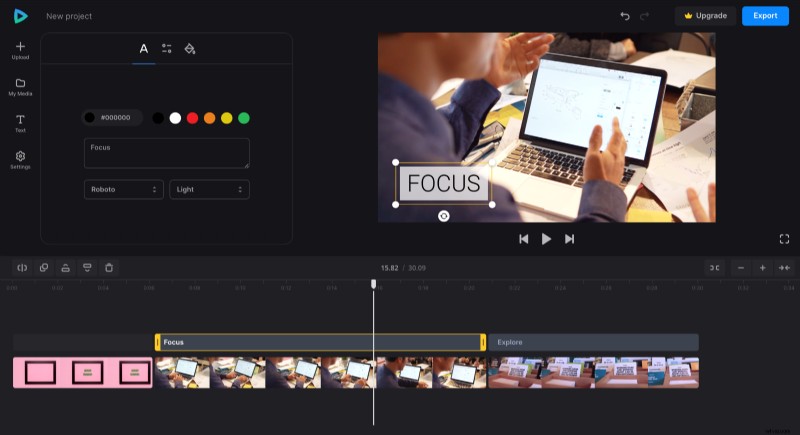
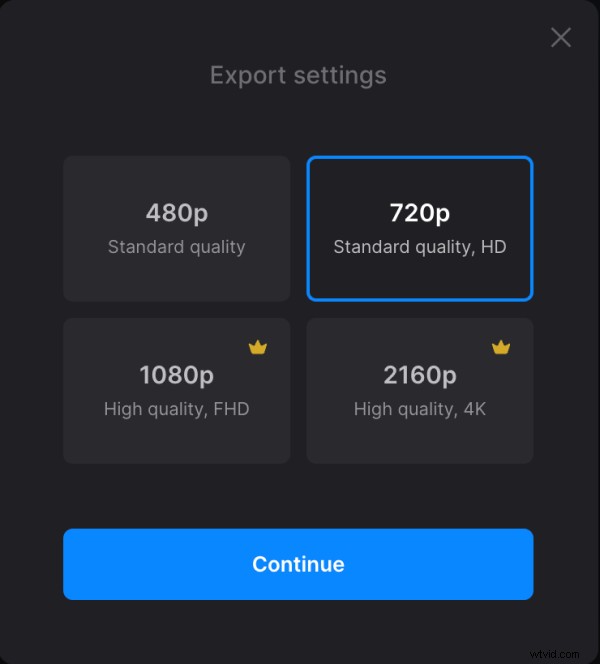
When you finish making your video, click "Export" and choose the export option you like.
Download the video
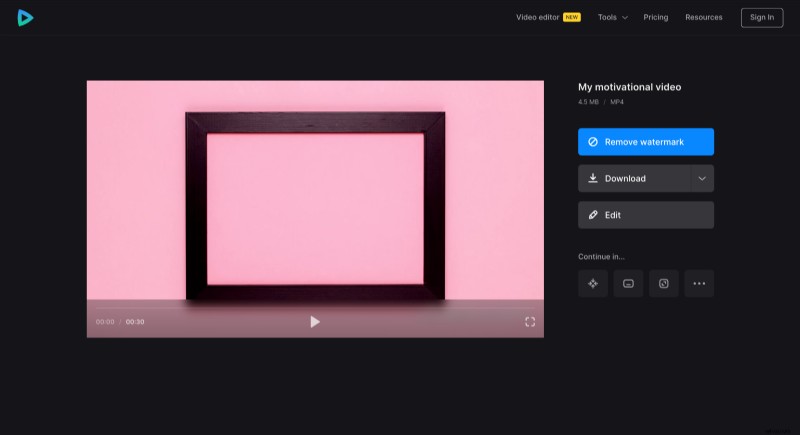
Watch the preview to see how the result looks. If everything looks good, click "Download" to save the video to your device or upload it back to the cloud storage. And if it needs some changes, click "Edit".
Motivated enough to learn more about Video Editor? Go to our Help Center for more details.