
How to create video for do it yourself projects
DIY — meaning Do It Yourself — is a video trend where the author shows the creation of something with improvised means. It can be simpler videos like making jewelry or tailoring. Some authors go further and come up with cooler DIY things to make, such as assembling a gyro scooter or creating a motorhome from an old Volkswagen. The format is trendy and can organically fit into a variety of topics.
Not only the versatility of DIY craft videos is important, but also the low requirements for their quality. Informative, helpful, and demonstrative videos are in trend, while very basic shooting characteristics, the absence of expensive equipment, and complex editing are met with understanding by the audience. All you need to make a video is a creative idea and a simple camera – you can shoot such a video with an ordinary smartphone.
When it comes to editing DIY projects, it's quite simple — you only have to cut out unnecessary stuff, speed up some parts if the process is long and add explanations when needed in the form of voiceover or text on the screen. Our online tool will help you with all this! Whatever device you use, you only need an internet connection to start editing.
The process is also simple, just follow the instructions below:
Add files
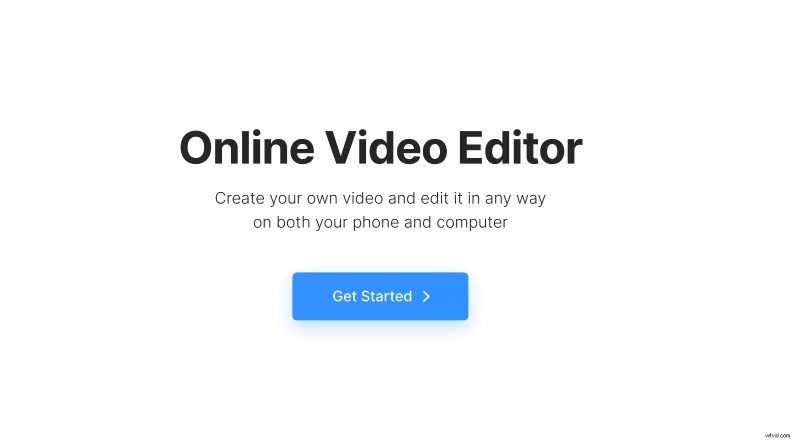
Open Clideo’s Online Video Editor and click "Get started".
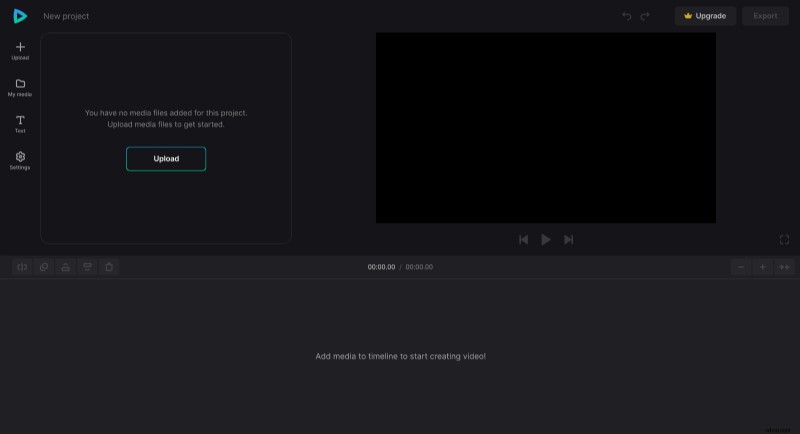
Click "Upload" to add all media files you need — images, videos, and audio files. You can upload them from the device or pick them from Google Drive or Dropbox.
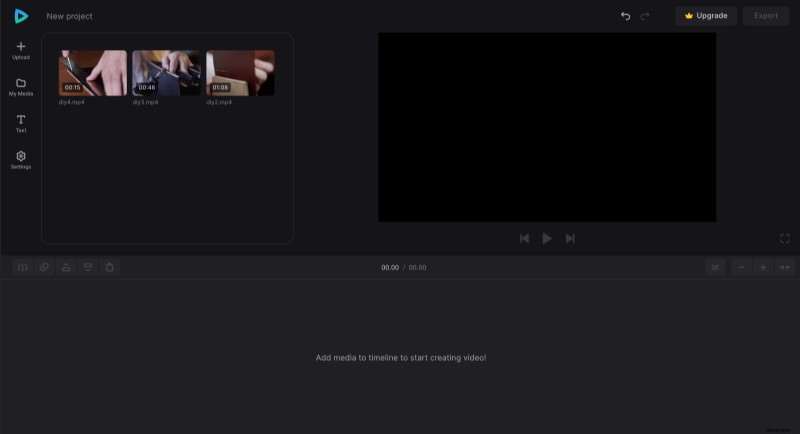
Create a DIY video
To start your project, click the "+" icon on files or drag them directly from "My Media" to the preview area or timeline one by one.
To cut unnecessary parts, place the playhead at the starting point and click the "Split" option above the timeline, do the same at the endpoint, then select this part and use the "Delete" option.
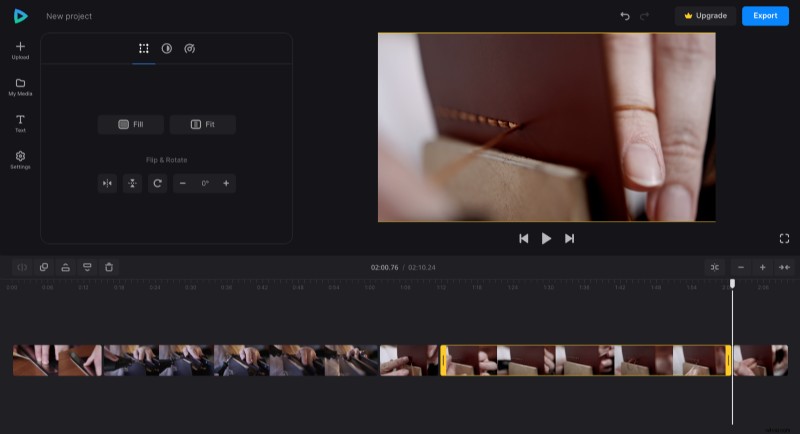
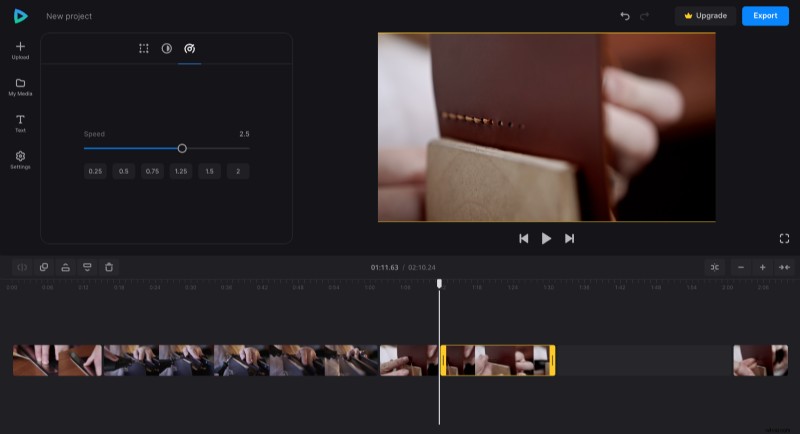
It's similar for the speeding up process, but here, after selecting the split clip, open the "Speed" tab and set how fast it should play. Note, that when you increase the speed, the clip thumbnail in the timeline will become shorter, and there will appear a gap after it. So remember to drag the subsequent parts together.
If you're using voiceover for narration, split it in the same way and place audio parts where they should be.
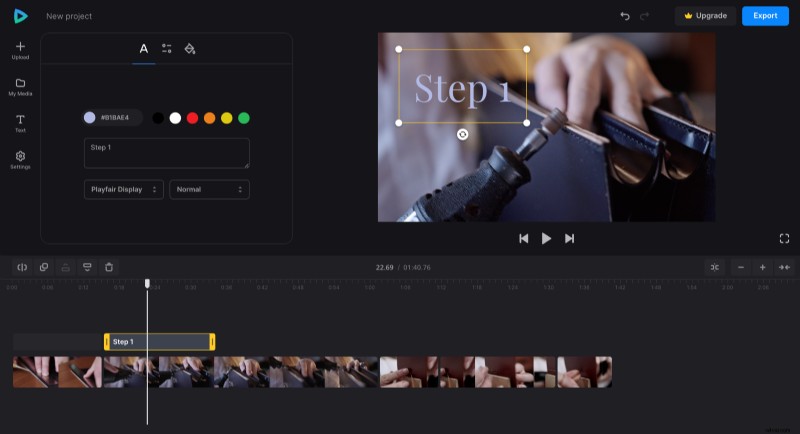
And if you want to use captions, choose any preset from the "Text" tab and customize it, so the captions fit the look and feel of your video.
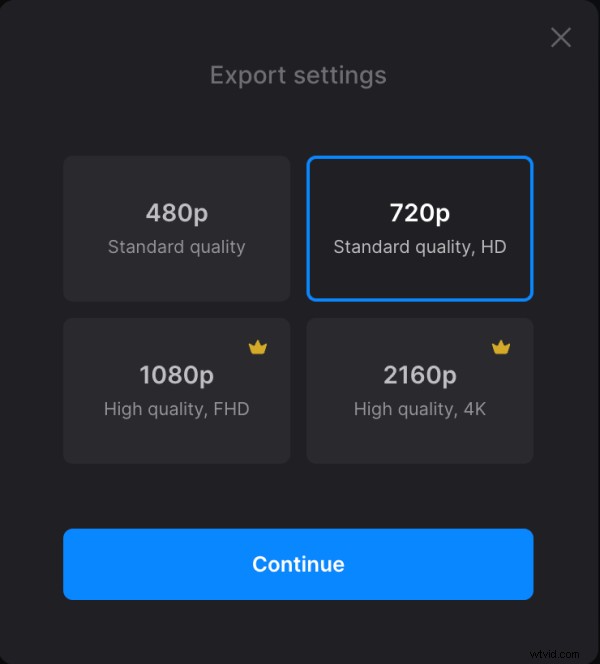
When editing is done, click "Export" and choose the export option you like.
Save the video
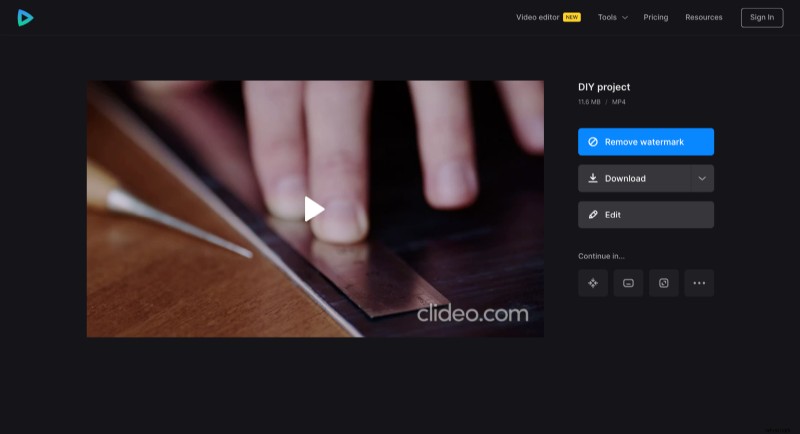
Watch the preview to see how the result looks. If you need to improve anything, click "Edit". And if everything is good, click "Download" to save the video.
If you would like to learn more about other options and features of video editor, you can explore Video Editor Help Center.