
Make step-by-step recipe videos online
Making food may bring not only pleasure but also money: start your own cooking YouTube channel, gain followers, and earn on ads.
But the competition is high, and if you want your clips to stand out, you have two options:
- Buy expensive professional software to edit cooking videos. Be aware, though, that this investment might never pay off.
- Use free online services; even if your tutorials don't go viral, you'll lose nothing.
We're happy to introduce our new Video Editor, which is perfect for creating this (or any other) type of video. Make sure your internet connection is stable enough and your files don't exceed 500 MB each if you want to use the tool for free.
So, here is a short tutorial on how to make a food video in four steps:
Upload videos to the tool
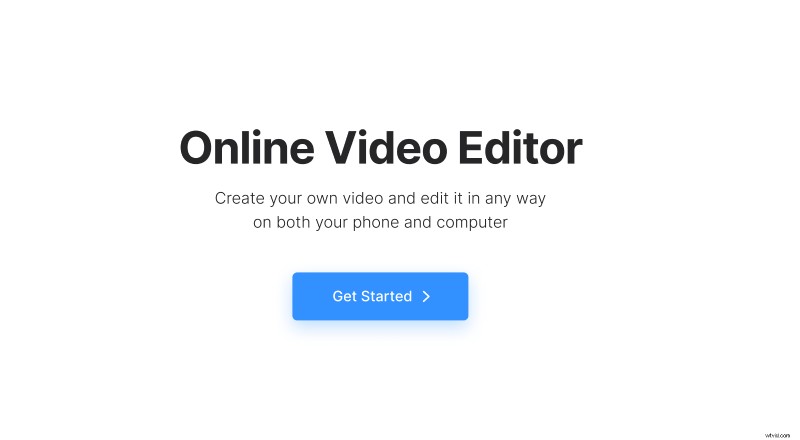
Record your cooking steps as one video or a series of short clips and save them to the same folder on your device, Google Drive, or Dropbox. Then open Clideo’s Video Editor and press “Get Started” and upload your files.
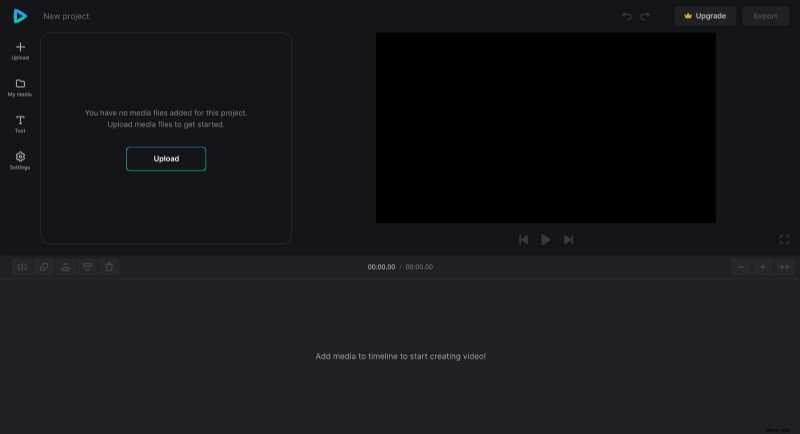
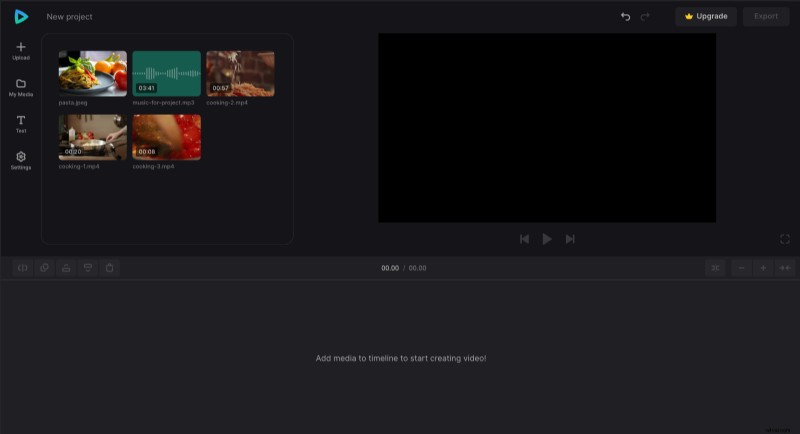
Unlike other Clideo tools, the Video Editor will not transfer you to the editing step right away: you'll find your files in the "My Media" section, and to start working, you have to drag them to the timeline below the player or the preview pane on the right.
Edit the video
Go to "Settings" to define your video layout. Choose the aspect ratio: this parameter will depend on the platform where you will start your vlog. YouTube cooking videos have a horizontal orientation, i.e., 16:9. For other social media specs, check this complete guide.
Then select the files on the timeline and decide on the crop option, adjust brightness and other visual settings.
A hint! You can split the file into several chunks: place a white playhead at the selected point and hit "Split".
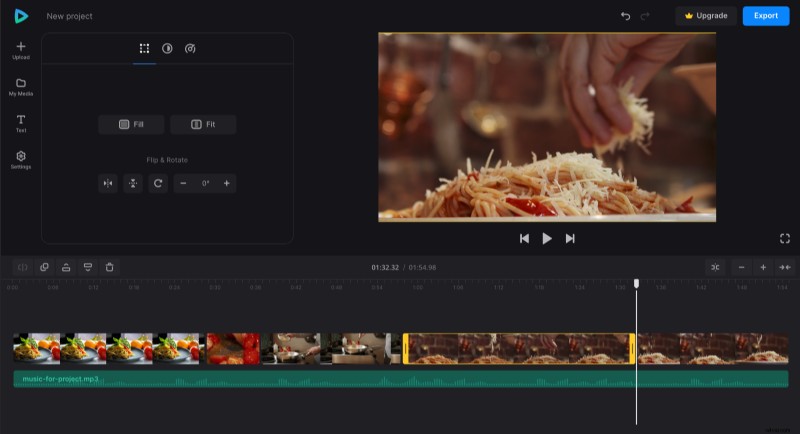
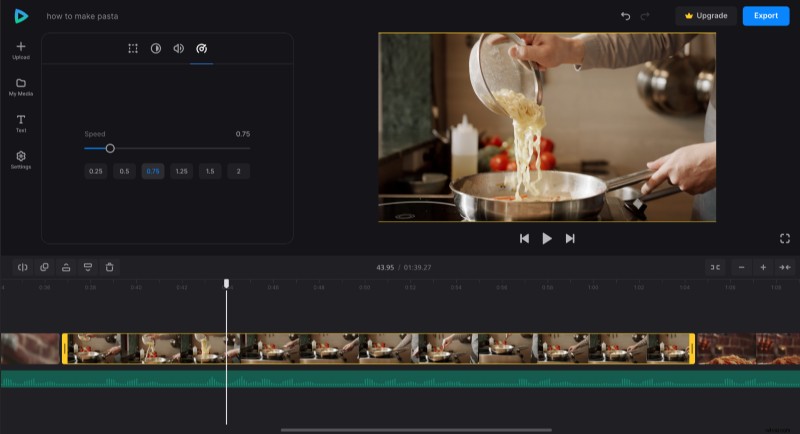
Then you can edit them separately, for example, speed up to make a time-lapse recipe, slow down one of the snippets, or delete those you don't need.
Add audio and/or subtitles
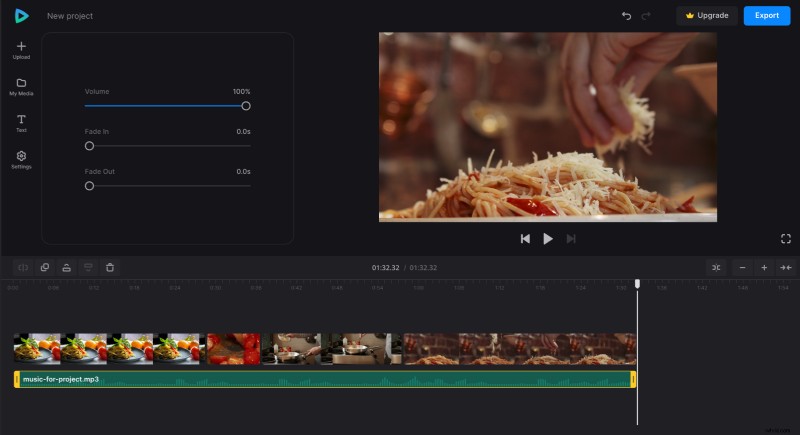
Audio tracks are added and edited the same way as visuals, and you can adjust their volume, fade them in or out.
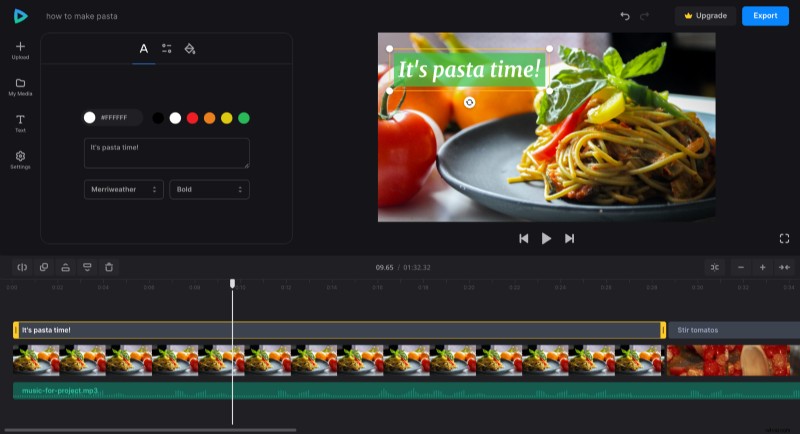
As for the captions, the tool has a whole pack of presets. If you need to add recipe comments, just go to the "Text" section and choose the preset you like and then change the text, specify the color you like, and change other available settings.
Check all the editing options the tool offers, as we constantly upgrade our service, and you may find something new not mentioned in this manual. Don't worry if your "experiments" go wrong: you can always undo the last actions (look for the small arrows above the preview pane).
Save your project
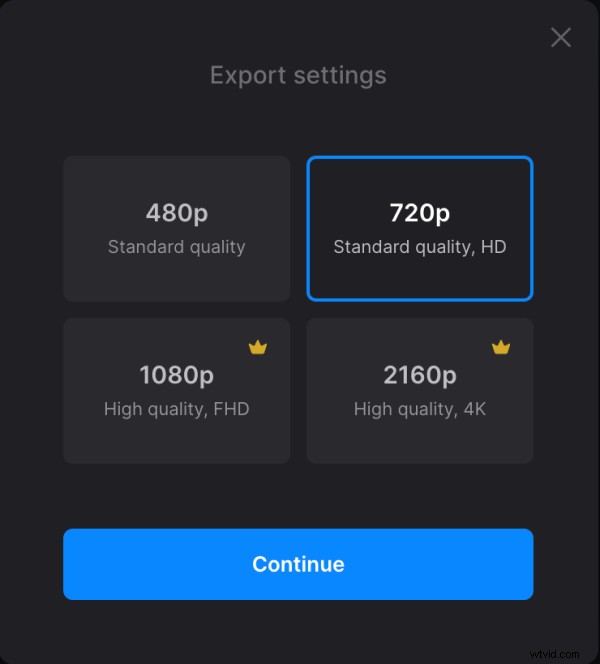
When you are done, hit the "Export" button and choose the resolution of your video.
Then save it to your device or cloud storage account.
Also see more details about how our tool works in Video Editor Help Center.