
Improve your selfie video and add music to it
Many social media users sooner or later have to use the selfie video camera. Smartphone cameras can work similarly, especially when someone uses a selfie stick to make videos.
If you haven't done it before and want to try it, here are a few tips on how to take a selfie video:
- First, stabilize the camera – you can use a selfie stick or other items, such as books, phone holders, etc., if you don't have one.
- Set the lighting – it applies more to indoor shootings since you can't fully control lighting outdoors. Make sure the light source illuminates your face so it can be seen in the video.
- Film in landscape orientation – it will give you more space to show whatever you want. And if you are puzzled over which shooting angle to use, don't worry; the best angle for a landscape selfie video is when you put yourself in the center of the frame!
Once you finish filming, you can make a selfie video with music and show it to everyone on social media. And our editing tool will help you with that! It works on any platform, be it PC, Android, or iPhone, and you only need a stable Internet connection to use it.
It's also simple to work with; just take a look at the steps below:
Upload files
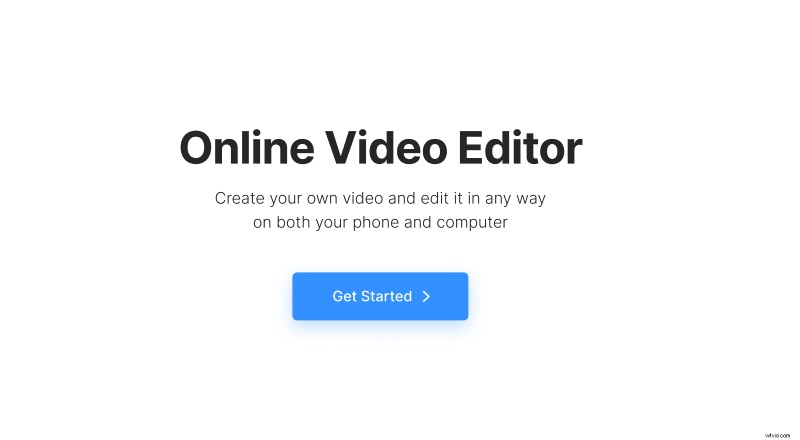
Open Clideo’s Online Video Editor and click "Get started".
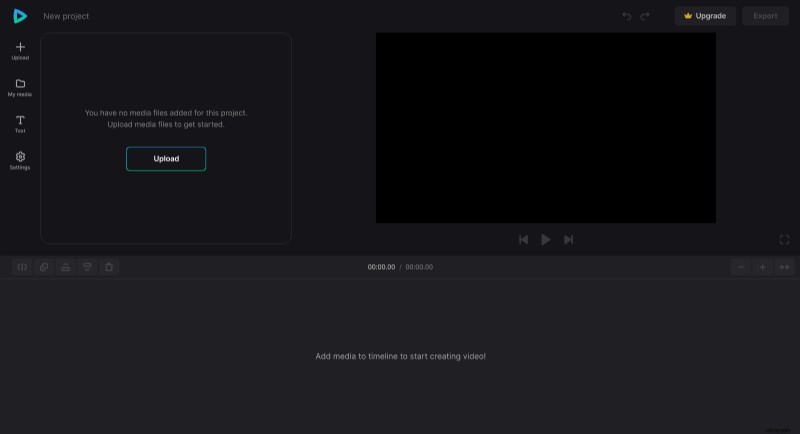
In the editor, click "Upload" and add your selfie video and an audio file from the device or pick them from your cloud storage account.
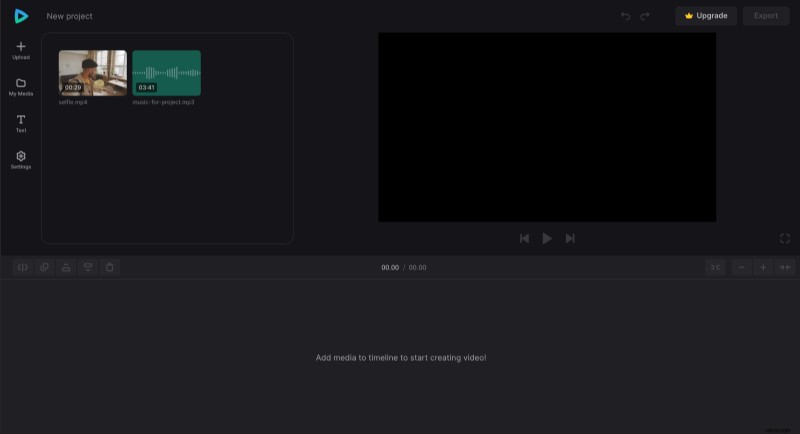
Make a selfie video with music
In the "My Media" tab, where uploaded files are stored, click the "+" icon on files to add them to the timeline or drag them manually to the timeline or preview pane one by one.
If you plan to post the video on a specific social media page, in the "Settings" tab, you can set the aspect ratio you need (e.g., 16:9 for Youtube, 9:16 for Instagram Story, etc.). If the original clip doesn't fit perfectly, you can resize it by dragging its corners in the preview. Or you can select the video element and, in the Transform" tab above click "Fill" or "Fit". You can also adjust its saturation and other settings, as well as set volume and speed.
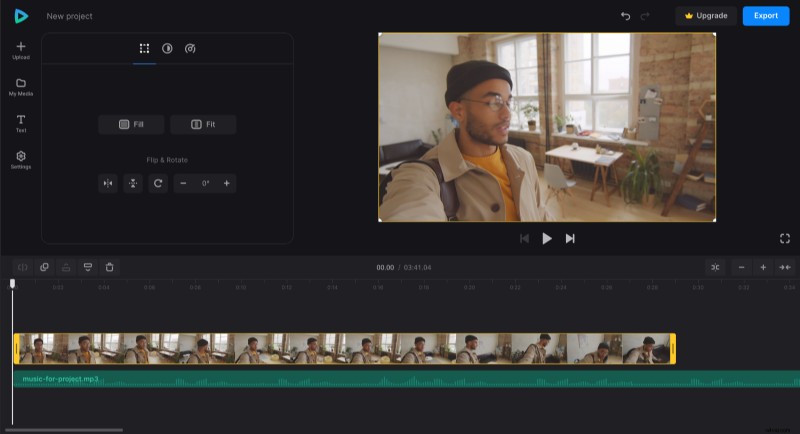
There are also options above the timeline, such as "Split", which you can use to cut out the part you don't need, and "Duplicate" which will make a copy of the file.
You can also set the audio's volume and speed. Select the file in the timeline and drag its bars to make the audio match the duration of the video if it's too long or duplicate it if it's too short.
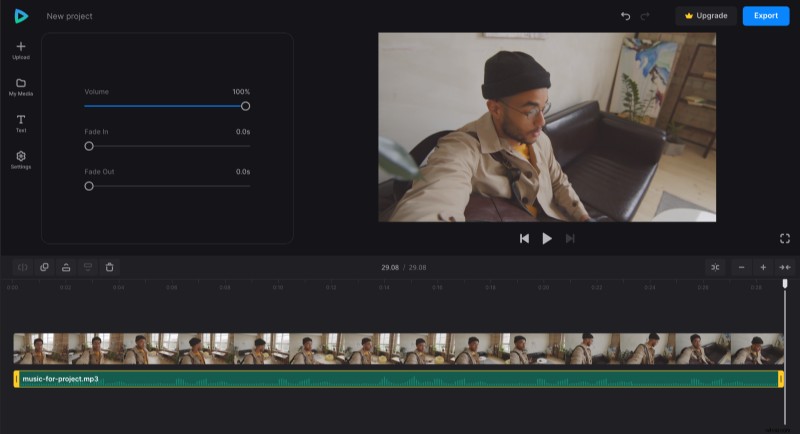
When all needed settings are applied, click "Export" and choose the export option you like.
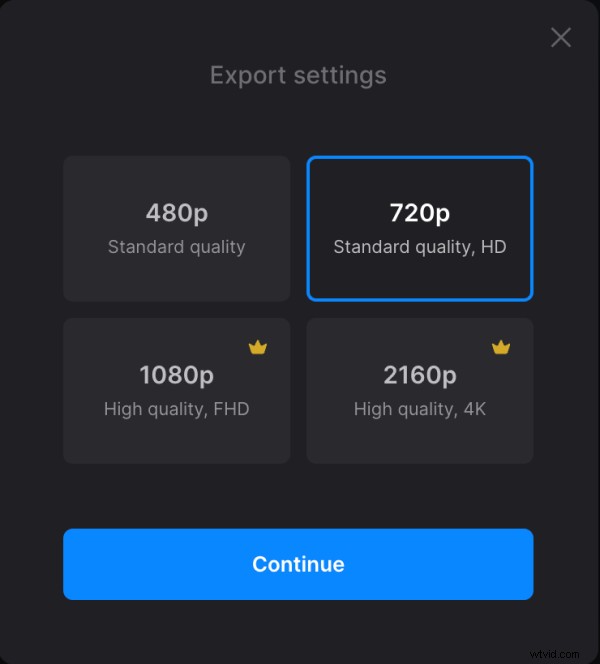
Download the result
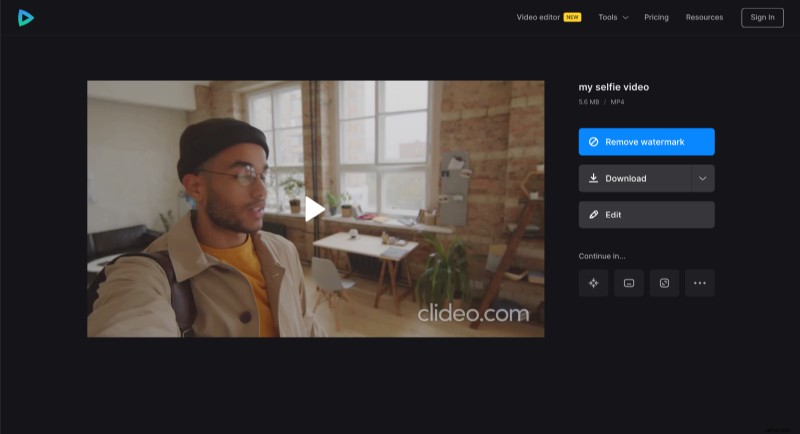
Watch the preview to see how the video turned out. To add changes, click "Edit". Or, if you like how it looks, click "Download" to save the video to your device or upload it back to the cloud storage.
If you prefer to study the all-in-one video editor all by yourself, you can refer to our Video Editor Help Center.