
In this video tutorial, we explore how you can improve a 360° footage shot with a consumer-grade camera.
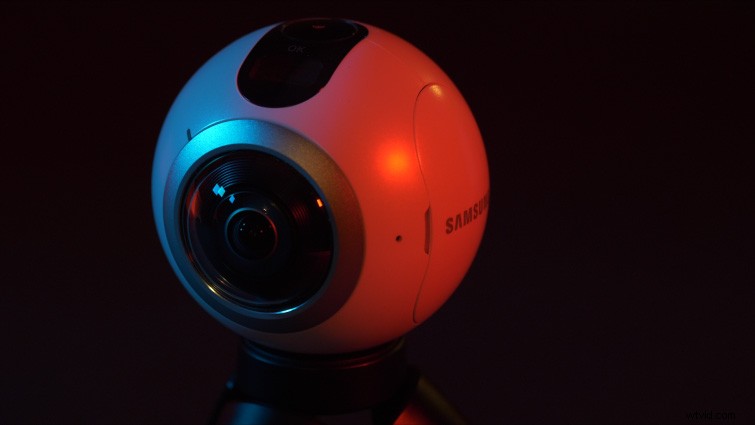
Now that 360° cameras have been out for a few years, there are many more consumer-grade options available. (Some popular models include the GoPro Fusion, Samsung Gear 360, Ricoh Theta V, Kodak Orbit 360.) Most consumer-grade 360° cameras cost a few hundred dollars, whereas professional models can start at a few thousand and increase drastically from there.
The quality of consumer models can be hit or miss, but most will at least output 4K 360° video. Visually, a professional 360° camera will almost always give you better results. However, professional-grade cameras can be a hassle on shoots, requiring lots of finesse. I’ve opted to use consumer 360° cameras on quite a few shoots, and in this tutorial, I want to share some tips that can help visually improve the quality of your 360° footage.
Bitrate
Most consumer-grade 360° cameras film 4K video at around 50-60 mbps. This is relatively low for 4K footage. (For example, think “mushy” tree leaves on drone footage, which is often 50 mbps.) There’s not much you can do to change the bitrate in the camera itself, but here are two tips I recommend: film while stationary and stitch the footage manually.
Filming stationary, on a tripod or monopod, will help preserve the detail of the surroundings during recording. Faster movement and quick scene changes will increase the chance for compression artifacts. Also, by stitching the 360 footage manually in a program like Autopano Video Pro or After Effects, you can control the export bitrate for your final video. This helps ensure that you don’t lose any additional detail.
360° Photos
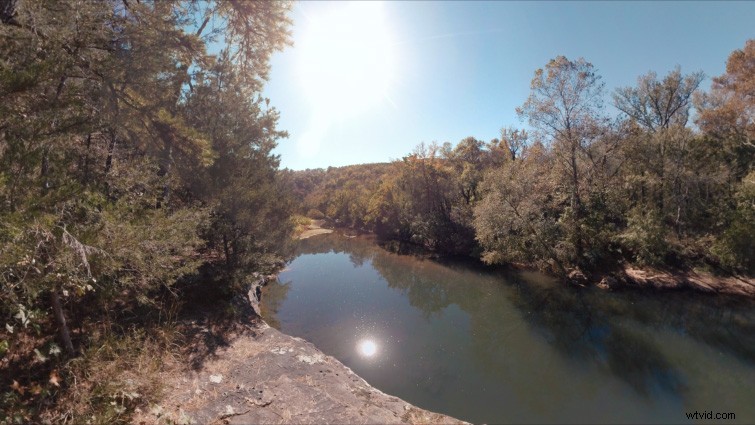
Often, the 360° photo quality on consumer cameras will be far superior to the video quality. For example, the Samsung Gear 360 records 4K video, but it actually takes 8K 360° photos. You can use those photos to create a 360° video, overlaying information graphics, music, etc. This can be a great option for client videos and tour 360° videos, where movement isn’t a major factor. (And quite often it is worth the trade-off for the jump in image detail.)
VR Sharpen and VR Color Gradients
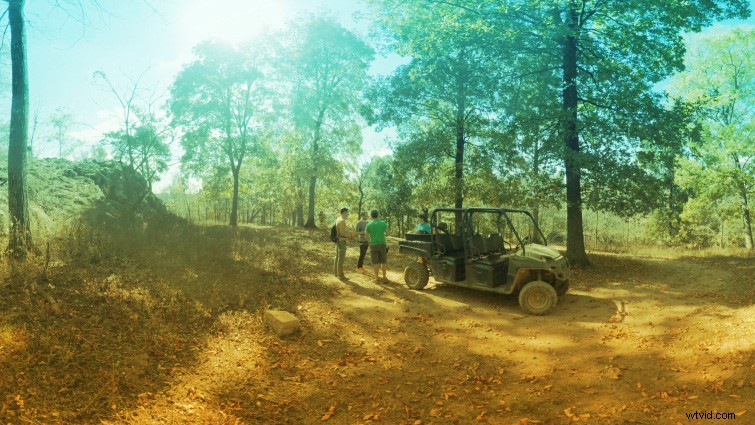
Adobe has integrated many VR effects for 360° video into Premiere Pro and After Effects. Two I highly recommend are the VR Sharpen and VR Color Gradients effects. You can use VR Sharpen to add a little more “bite” to your 360° video, if it’s lacking image detail. I recommend a value between 8-16.
Use the VR Color Gradients effect like color lens gels or filters for your 360° footage. You can easily customize the colors, blending modes, and opacity levels. This effect is great for adding a splash of color to flat footage.