
If you are a professional video maker, you probably know that starting a video without a proper opening is like breaking into someone’s home without a warning. An intro is like a doorbell that lets people know you’ve come.
An effective intro is a guarantee that more people are going to watch your video. According to research, done back in 2000, the attention span of adults was around 12 seconds. Now, it is just 8 seconds. So, you have only 8 seconds to make your audience watch your video, and you shouldn’t waste time. An engaging intro will give your content a professional touch and will spark the curiosity of your audience. If you want to promote your videos successfully, this is a challenge worth taking.
Nowadays, if you need a video, you can easily create one yourself without hiring a professional. All the tools are at hand, and mostly for free. In this tutorial, we are going to show how you can make a professional intro for your video with Renderforest. Whether it’s used for commercial purposes or just for a fun birthday video, our Intro Maker will allow you to make an impressive opening.
Here, check out one of our many intros to have an idea of what you can do with Renderforest.
Once you’re ready to start creating your own video, visit Renderforest and sign up or sign in if you already have an account.
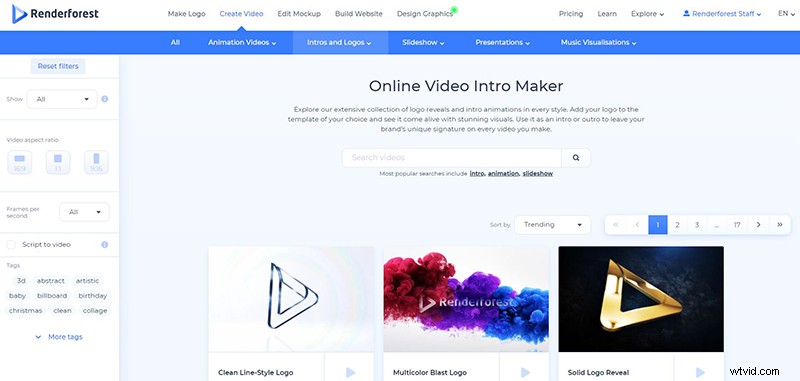
Next, go to the “Create Video” from the navigation menu and check out our massive collection of templates in the “Intros and logos” category. Here you can choose the intro you prefer and start editing it, or find exactly what you need, using our advanced search filters.
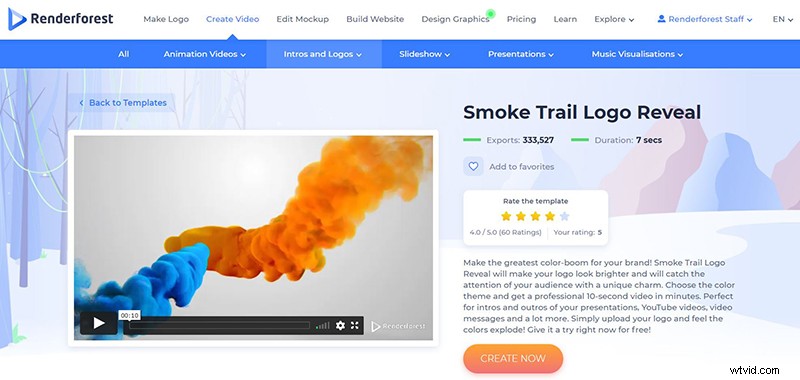
For this tutorial, we’ll pick the “Smoke Trail Logo Reveal” template, which will help you present your logo with colorful smoke trails. You can use this template to create intro and outro videos for your presentations, YouTube channel, lobby background, and many other purposes.
Choose the template that you like and click on the “Create now” button to start.
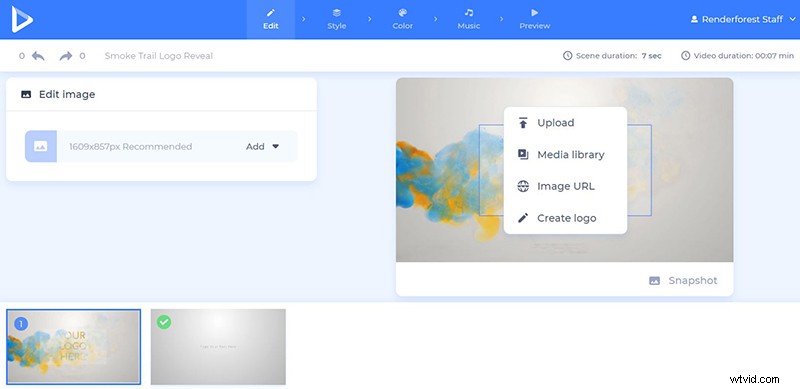
Now, it’s time to upload your logo on a transparent background (PNG). There are three ways you can upload it: via image URL, from your device, or choose an already uploaded from your “Media library”. If you don’t have a logo yet, you can create one right on the spot with our logo maker tool, also available in the editor.
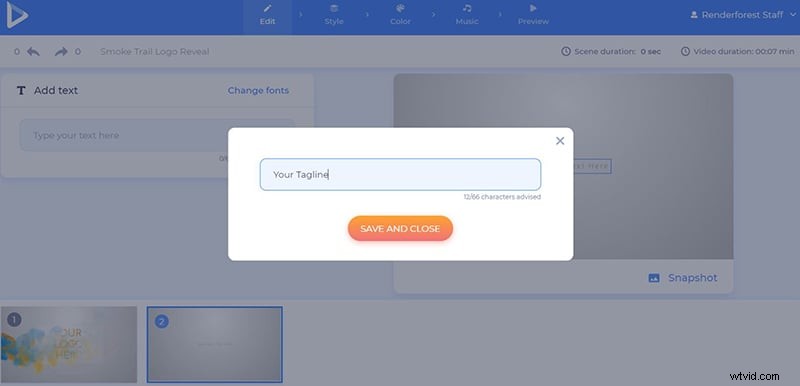
After adding the logo, type your brand name, slogan, or any other short text in the text bar. Don’t forget to click “Save and close” to keep the changes.
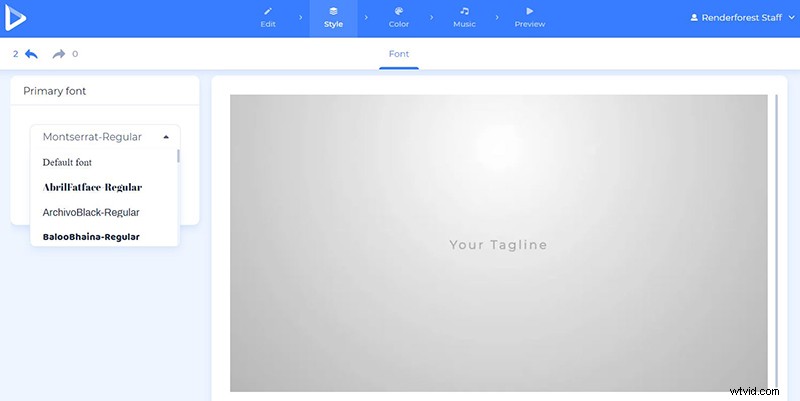
In the “Style” section, select your preferred fonts for the video.
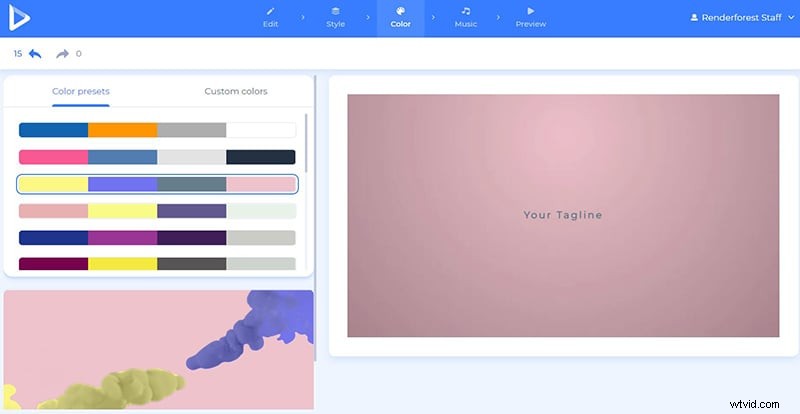
Now, go to the “Color” section and choose your favorite color combination. Here, you are offered two options: color palettes created by our design team and custom colors to select manually.
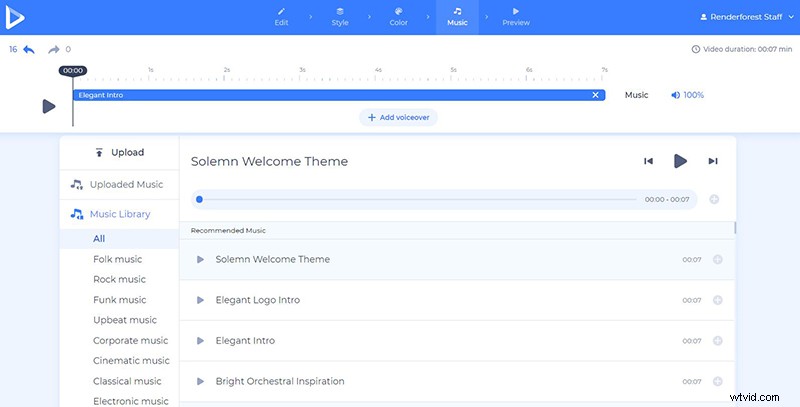
Choose a music track for your intro by going to the “Music” section. Select one from our “Music library” or upload your own. You can also upload a voice-over for your intro, or record one in the editor.
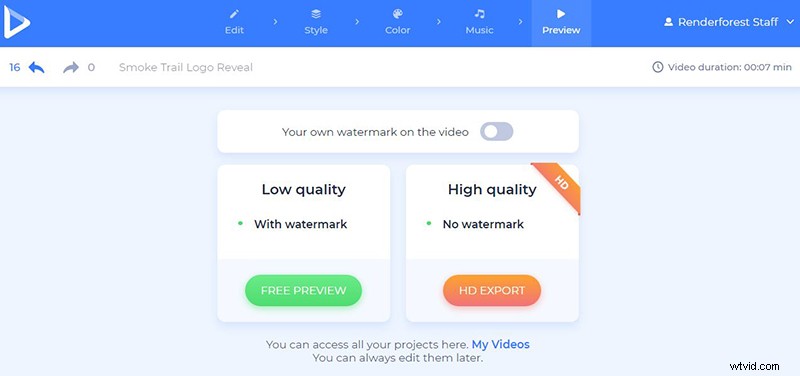
Good job! Now, let’s go to the “Preview” section and check your intro out. Watch your video by clicking “Free preview” to ensure you’re happy with the result. If there are things you want to change, go back with a single click and edit the intro.
Congrats, your project is ready! Download your video for free in SD360 quality and with a watermark, or export it in HD1080 and without a watermark. Find all the details about our pricing here.
Make professional intro videos straight in your browser! Use our Intro Maker and let the special touch of it make your videos shine among the others.
Enjoy your video creation process with Renderforest, where the only limit is your imagination.
Renderforest features a wide variety of intros in different categories, with more coming each week. Let’s have a look at some of them below: