
Do you need to make a successful YouTube video? All you need is a camera, a mic, a few lights, and a whole lot of energy.
If you’ve been following our blog for the past month, you’ve probably seen some of our informational videos about the basics of filmmaking and the tenets of a quality video. Hopefully, they helped you out in some way, but to get meta for just a second, have you ever wondered how we make the videos that inform you how to make videos? Don’t worry, we’ve got lessons on lessons for you.
A personality standing in front of a camera talking about a subject may seem easy to record, but if you’ve ever tried before, you know that it can be frustrating trying to get that professional quality that seems unreachable. If you really dive into it though, it really is easier than you might think. In this video, we’ll help you take the right steps to shoot quality, informative content.
Assessing Your Lighting Situation
Whether you are in a studio, living room, or office space, you can always enhance your video with lighting. If you aren’t familiar with the traditional three-point lighting setup for a video, here’s a brief summary: you have your key light, fill light, and back light.
Your key light is the main light for your subject. You can place it in front of your subject or slightly to the side — as long as it lights up your subject effectively. In our videos, we use a soft box as our key light. Soft boxes are a perfect way to get diffused, quality lighting. Direct light can be harsh and unflattering, while diffused light will usually highlight your subject’s features without distortion.
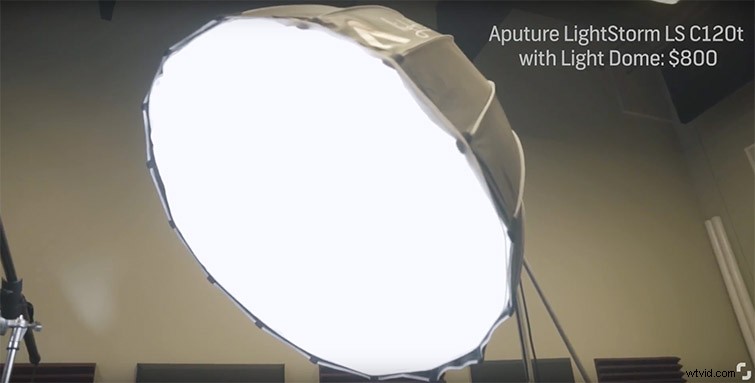
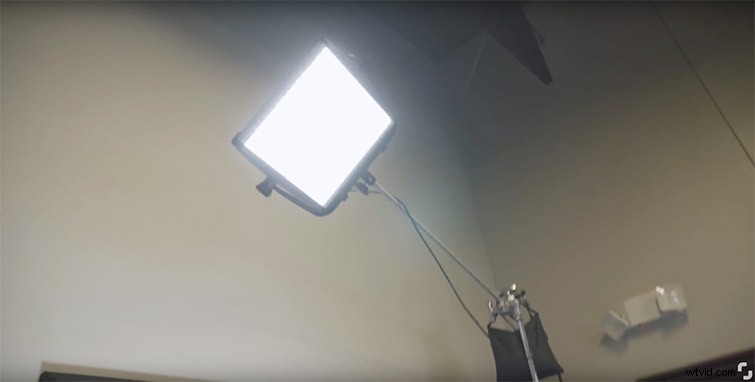
The fill light is your secondary light source. You use this one to fill in the spaces that your key misses. We kind of stray from the norm in our videos, since we use the fill light to brighten up our background instead of filling in the spaces of a subject’s face. The fill lights up the background to separate it from the subject in front. An unlit background might not have enough light to effectively separate from the subject.
The back light is your tertiary light, and it provides a “glowing outline” of your subject. We place ours on a stand about eight feet in the air pointing down, which provides the subject with a bright outline that separates us from the background in conjunction with the fill light. It may not be very noticeable in person, but it will give you that extra edge that makes your video look more professional.
Mic’ing Up Properly
A lot of what makes a video look and sound professional is quality audio. Audio from the camera body is going to sound echo-y and distant, whereas a boom mic or a lavalier mic — otherwise known as a “lav” — can capture crisp audio that complements your video. One thing to remember is that if you have quality video and terrible sound, your video will be bad. If you have terrible video but quality sound, people will still stick around.
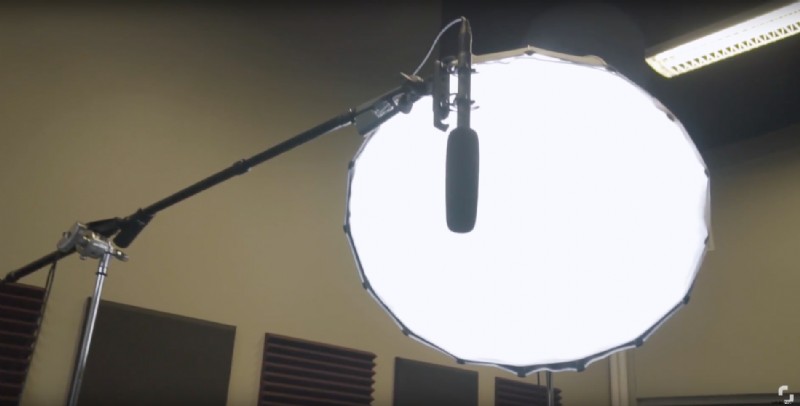
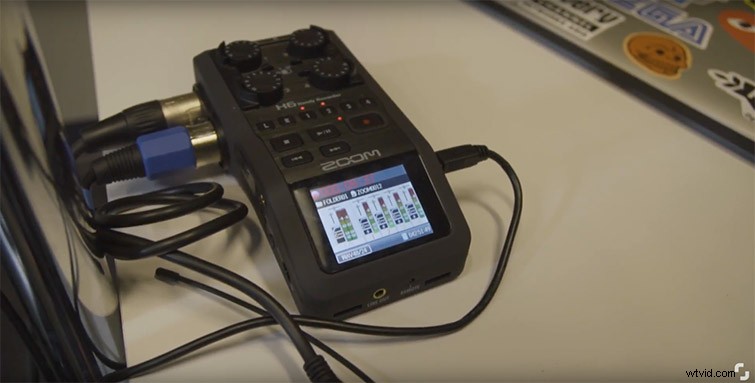
So you can choose to use a lav or a boom mic (or both) in your video, which will dramatically increase the sound quality of your content. If you have extra hands on deck, see if someone can monitor your audio levels during recording to make sure you don’t blow out the audio. If not, you can always just plug a mic directly into the camera. Just don’t rely on camera-body mics — they will always let you down.
Choosing the Right Camera
Camera choice will vary wildly based on budget. If you have the money, and you can invest in a quality camera, go for it. If you’re on a shoestring budget, you can always just use your phone (which can usually record surprisingly good video). Our preferred camera is the Sony A6500, since it still has the look of a cinematic camera but the convenience of auto-focus for a subject’s face. This eliminates the need for a camera operator — just strap your camera to a tripod and press record.
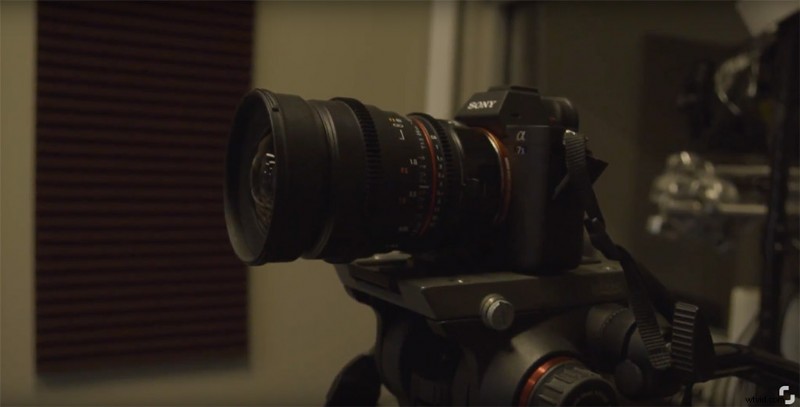
I highly recommend using a tripod for informational videos. You want your audience to pay attention to your information, not camera movement. Eliminate all distractions, and let the information present itself. It also helps when jump-cutting in this format, since there won’t be much difference between the shots.
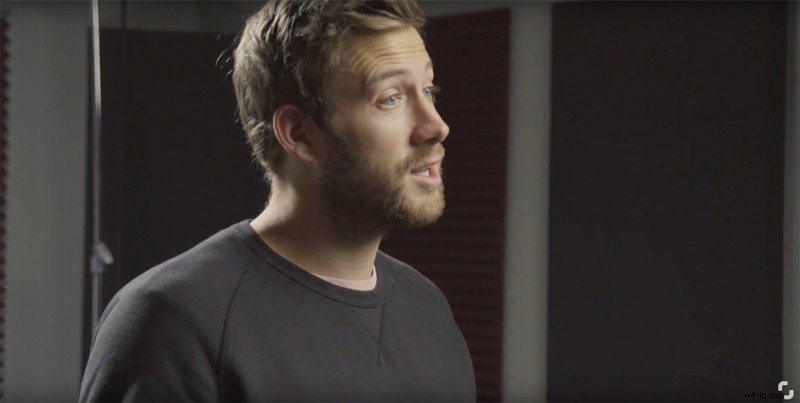
Finally, make sure your subject is properly staged. You want them to be in center of frame (unless you’re showcasing a product as well) at a medium shot, from their torso to above their head. Find the sweet spot in your lighting set up, and tape down a reference location for your talent to refer to if they decide to move between breaks.
Looking for more video production tips? Check out these tutorials.
- Filmmaking Tip: How to Capture the Perfect Tracking Shot
- Back To Basics: Capturing Crane Shots Using a Jib
- Video Tutorial: How to Create a Simple Drag-and-Drop Transition
- Back to Basics: The Pan, Tilt, and Zoom Camera Movements
- The Video Editor’s Guide to the Most Popular NLEs