
How to make a video diary film
A day in the life of a software engineer will be something new and exciting for a firefighter — and vice versa. Even the day of a housewife is not that simple, not even mentioning real estate agents or police officers.
Of course, you don't have to shoot everything, from dawn till dusk. Prepare a series of short chunks with the key episodes: what you do in the morning, what your routing work day looks like, something funny, something touching.
Then, combine all the recordings in a "one-day video" with the help of Clideo's free online service. Just follow these simple steps:
Upload all the videos to the tool
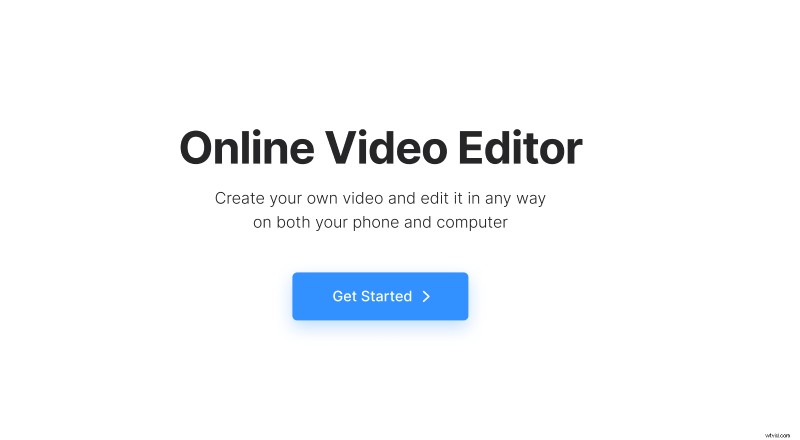
Open Clideo’s Video Editor in any browser. Hit the "Get Started" button.
When transferred to the editor screen, click the "Upload" button to import your pre-recorded videos from a personal device, Google Drive, or Dropbox.
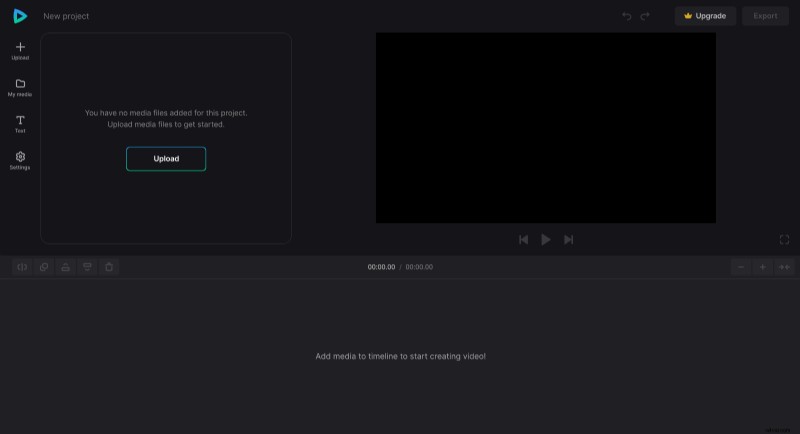
A hint! Save all your recordings to the same folder and use a bulk uploading.
Turn them into a journal
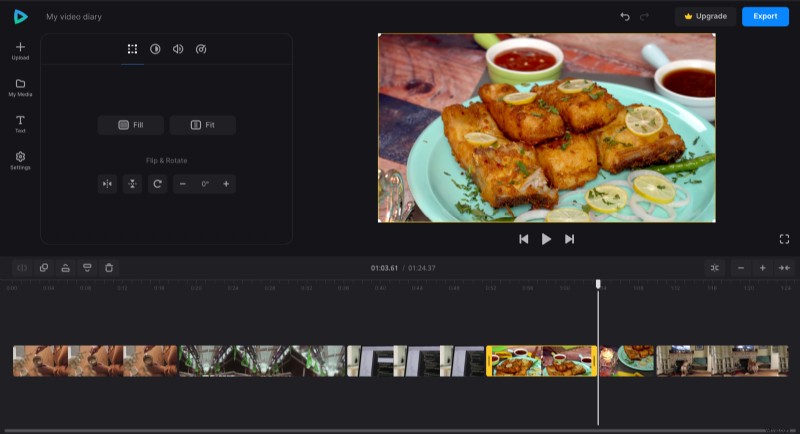
Add the chunks to the timeline one after another in the correct order. If you want to cut out any awkward moments, use the "split" function that you can find at the top left of the timeline. You can also use the yellow handles to change the duration of each snippet.
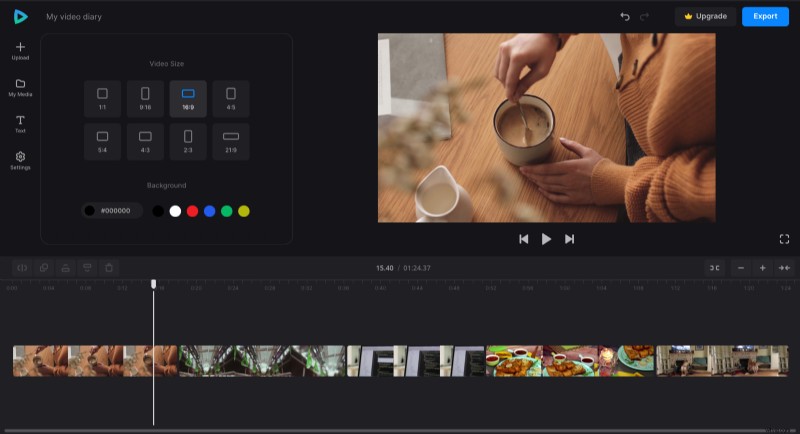
When the visual is ready, go to the "Settings" and select the required aspect ratio.
In the "Text" section, you can add some subtitles to explain what is going on on the screen and leave some comments. You may also add a voiceover, upload an audio file as videos before using a "+" sign and drag it to the timeline.
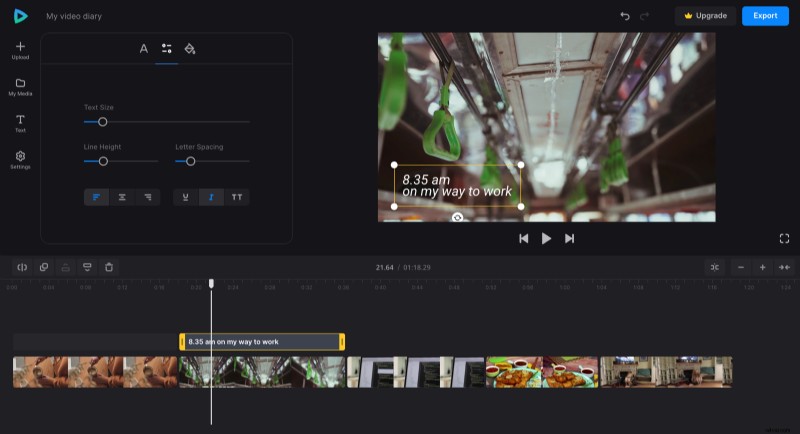
Our tool is evolving, and you may find numerous new functions and options. Don't hesitate to try them out, if you don't like the result, you may always reverse it by hitting the left-facing arrow in the top right corner of the screen.
Save the result
When you are sure you've done all you can, hit "Export" and select the resolution. Some of the options require updating to a Clideo Pro account.
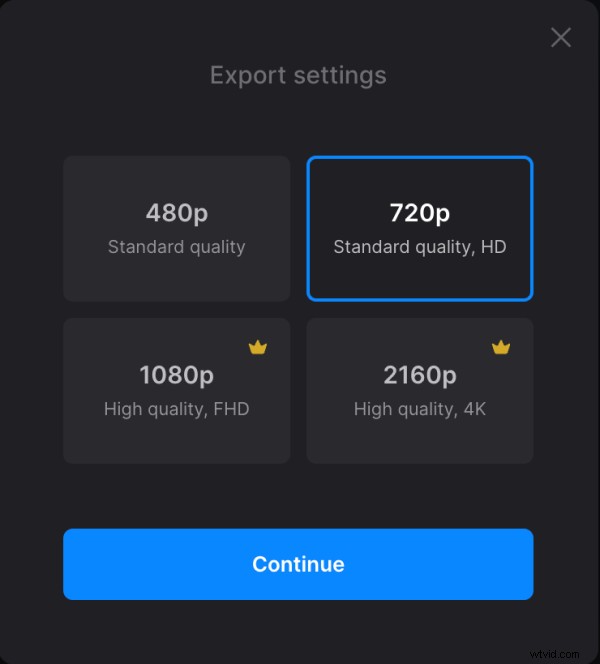
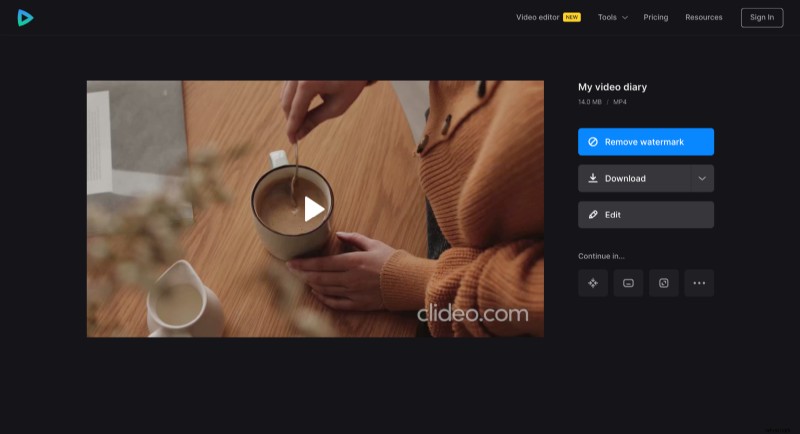
Click "Continue" and get ready to "take over work". Now save your project wherever you want and share it on social media.
Looking for more information? Then we have a detailed Video Editor Help Center for you.