
How to make an Instagram meme
As little as 10 years ago, the word “meme” would have meant nothing to most people. Fast forward a decade, and thanks to the viral nature of the online world memes are now commonplace in society, and most prominent in internet culture.
Looking to create your own? It’s not as hard as you think. It can now be done in one place and without needing to download apps or desktop software that can take up valuable disk drive space.
With Clideo’s online Instagram meme maker, all the heavy lifting is done on the server-side, meaning you can create in your internet browser, for free, and in a matter of minutes. With our tool you can make Instagram meme videos or photos in three easy steps.
Upload your image, GIF or video file
Go to the Meme Maker for Instagram. It will work on all major devices, from Android and iPhone smartphones to Windows and Mac laptops. Select one of the templates.
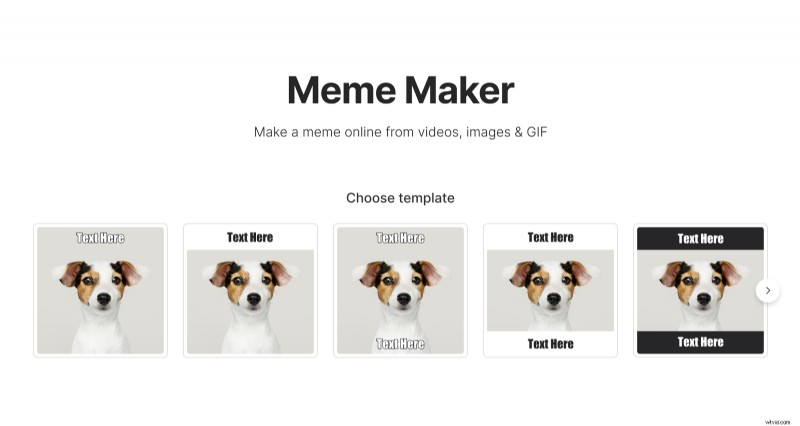
Then hit Choose file icon to upload an image or video from your device. Most popular formats will work in the maker tool, such as JPEG, TIFF, BMP, PNG, GIF, MP4, WMV, MOV, VOB, AVI and more.
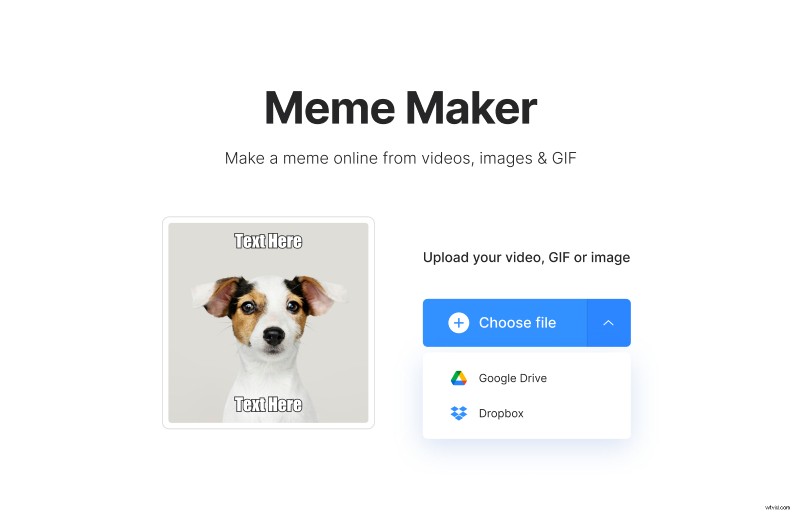
Alternatively, tap the downward arrow to upload media already saved in your Dropbox or Google Drive.
Make it your own
The minimal interface means you can build your creation easily. Start with entering your desired text and selecting the necessary font from 12 available.
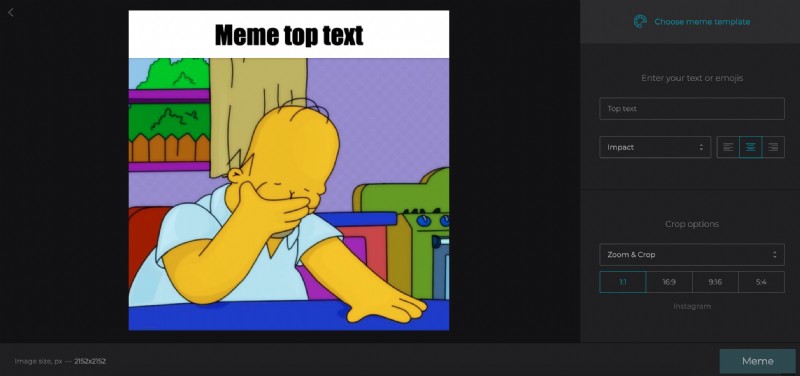
If you're making a meme for Instagram Stories, ensure your image is cropped to 9:16 under Crop Options or it won’t display properly in the app. The 1:1 option gives you a standard Instagram square media format if you’re posting it in your main feed.
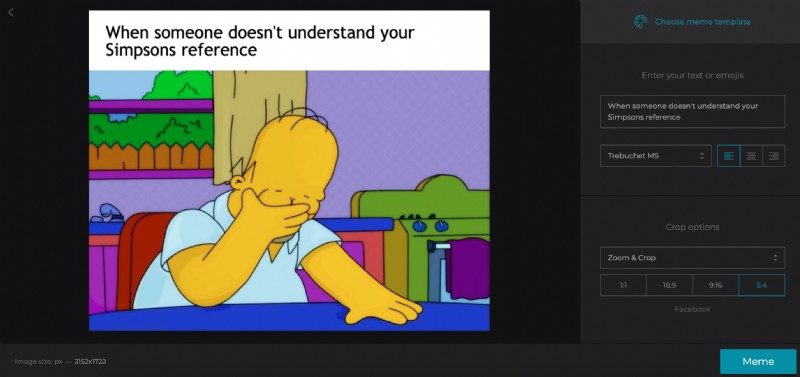
You can also change the meme template any time by clicking the button on the top right.
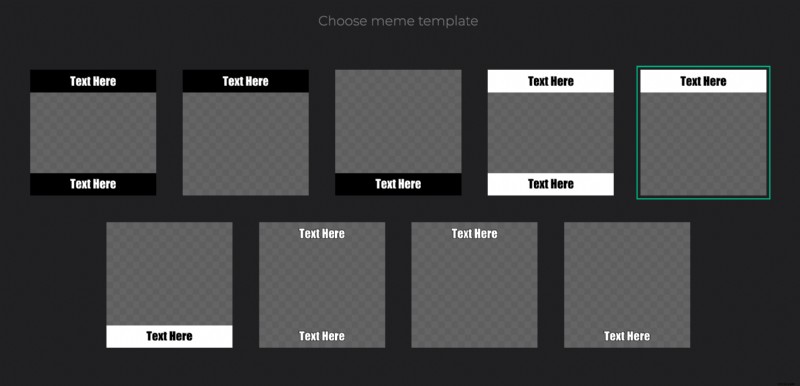
If making a video, ensure it looks the way you want it to by playing back the video. You can do this within the tool by hitting the play/pause button below the preview. Once you’re happy with how your custom meme looks and you think it’s ready to go, hit the Meme button.
Save to your device
Now save the result by clicking the save ‘Download’ button and it’ll be ready to share. If you want to save directly to an online storage provider, you can do that too as Clideo’s meme creator works with Dropbox and Google Drive.
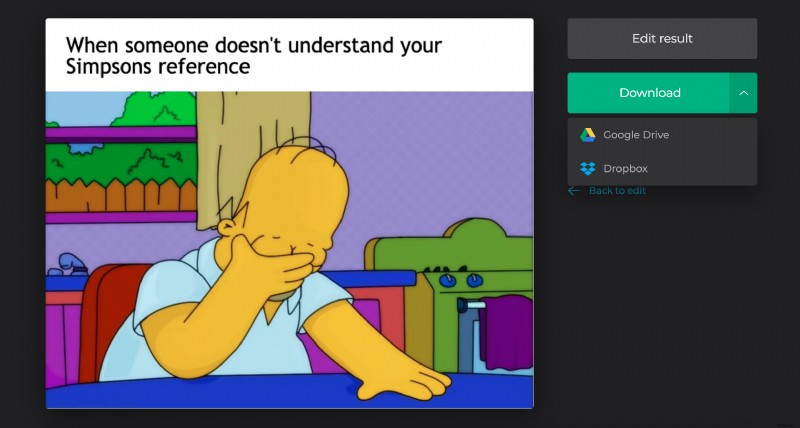
Have more changes to make? Simply click to ‘Back to edit’ button to make any needed alterations. Have other videos to copy, snip or merge? Check out Clideo’s full suite of online editing tools such as video rotator, video looper, and audio joiner to create and edit all the media you need, for free.