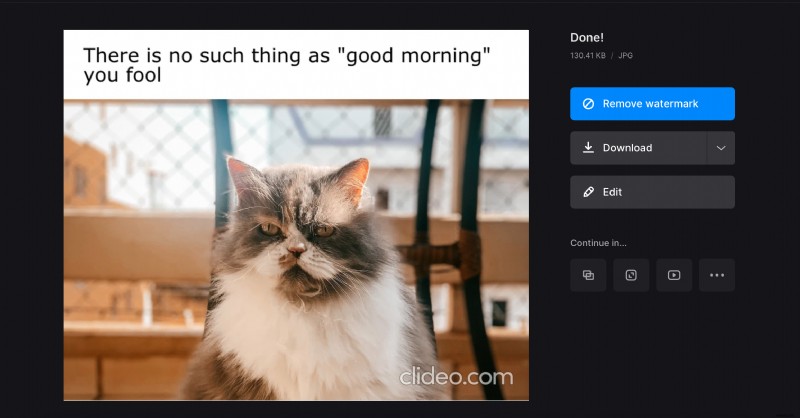
How to make a custom meme from photo or video
There are hundreds of meme templates with various anime characters, movie stars, funny images, but they are still not enough. Sometimes we need something more personal – and we have the right tool for it.
All Clideo tools are free for files up to 500 MB, and the custom meme generator is no exception — we don’t have any freemium modes with excessive ads or limited functionalities. The platform works online from a browser, hence it is compatible with all the possible device types and operating systems.
Using it is as easy as a piece of pie.
Upload a visual for your meme
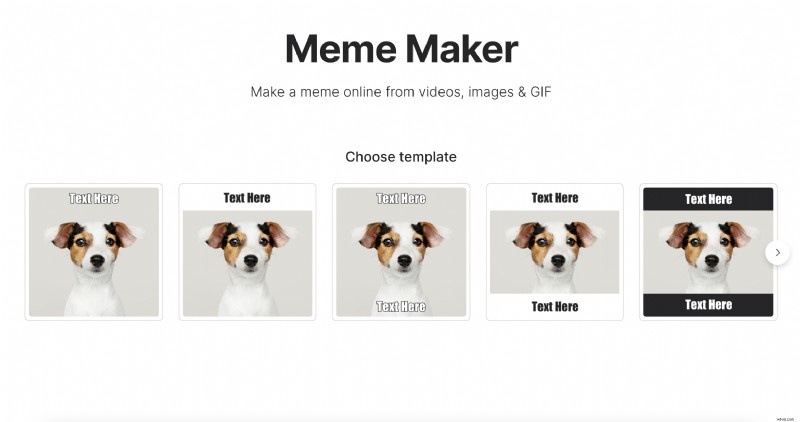
Open Clideo’s Custom Meme Creator and click on “Or change template” below the blue button. Now select the pattern you like. Don’t worry, you’ll be able to change it later if you change your mind!
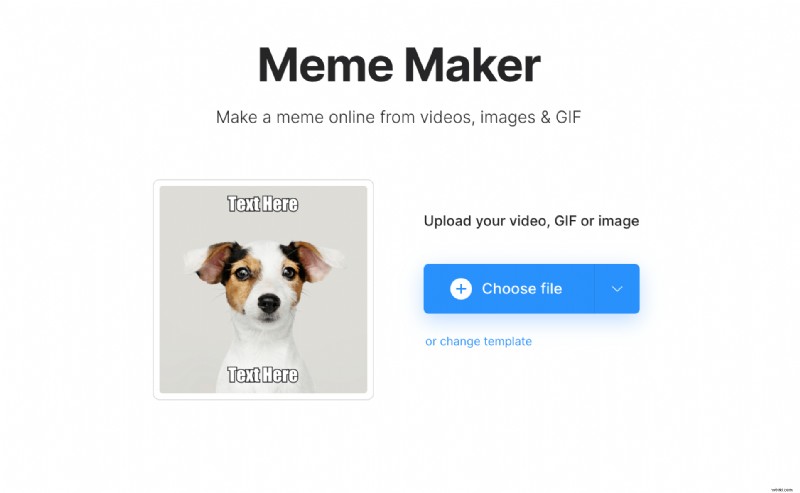
Import a pic, a GIF or a video, from your personal device by clicking on “Choose file”. You can also upload any file from Google Drive or Dropbox. For that just call the drop-down menu.
Create a meme
Insert a top and/or bottom captions and style them: decide on the font and alignment. If you want to select another pattern, hit “Choose meme template”.
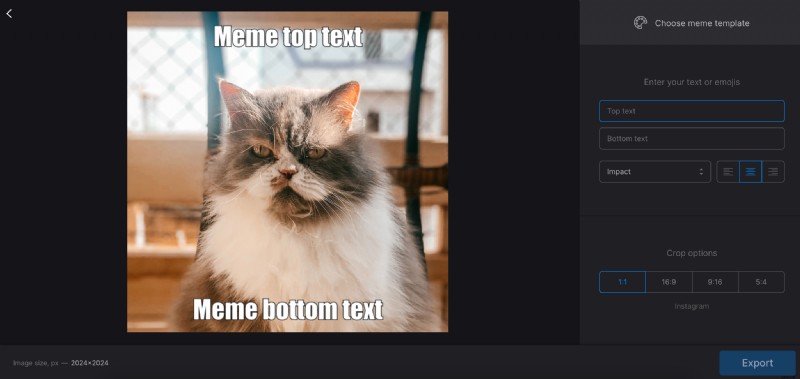
Select one of four aspect ratio presets, adjusted for YouTube, Instagram and Facebook posts. If your template has white or black bars, zoom and crop your visual or fit it with borders.
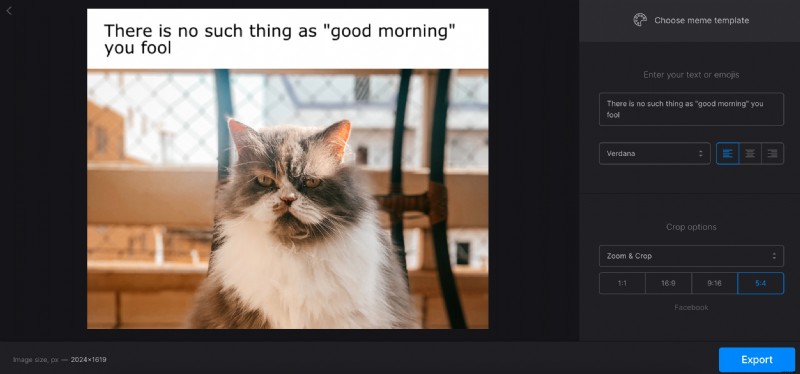
When you are fully done, hit the “Export” button and get ready to share your freshly made meme.
Download and post your meme
Save your project to your personal device or a cloud storage account. If you don’t want to bear with a discreet watermark, consider subscribing to Clideo Pro. This option also allows editing the same project in different tools without prior downloading and subsequent uploading.