
How to make a GIF out of a video for YouTube
While the majority of profile pictures are still, animated GIFs really stand out and stick in memory for weeks and months.
In spite of having so many more ways to express ourselves - video and audio messages, various social media, apps, free Internet channels, etc. – we still prefer GIFs.
Gone are the days when users had to be content with ready sets of GIFs, as creating a new infinite animated picture of your own was quite complicated (not to mention converting a video for YouTube to an animated GIF).
Nowadays, all we need is a reliable online tool. Read three simple steps on how to GIF a video for YouTube to customize your personal profile or text messages.
Upload a video for YouTube
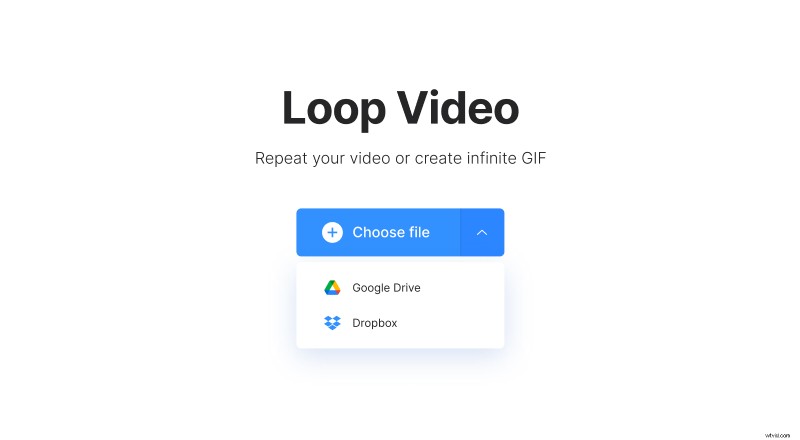
Open GIF Creator by Clideo. Import recordings from your personal device by clicking the “Choose file” button. Alternatively, click an arrow on the blue pane to see a drop-down menu and select “Google Drive” or “Dropbox” options.
Create a GIF from the video for YouTube
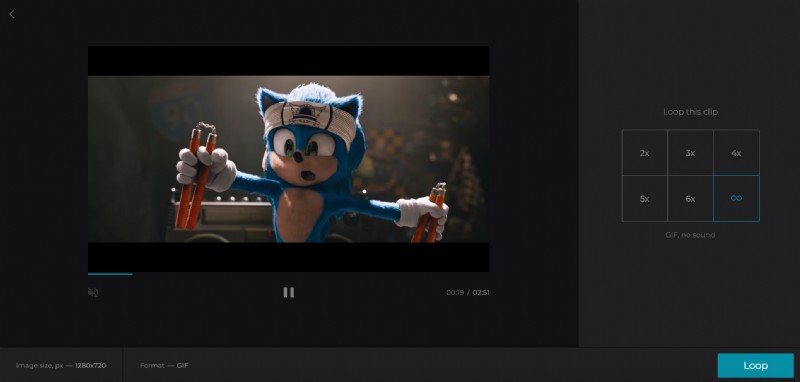
Choose an “infinity sign” on the right-side panel to create an endless GIF (mind that it will not keep the sound). The same tool allows to loop a clip up to 7 times. In that case, you can choose a preferable format for the resulting file.
When everything is ready click “Loop” and wait several seconds.
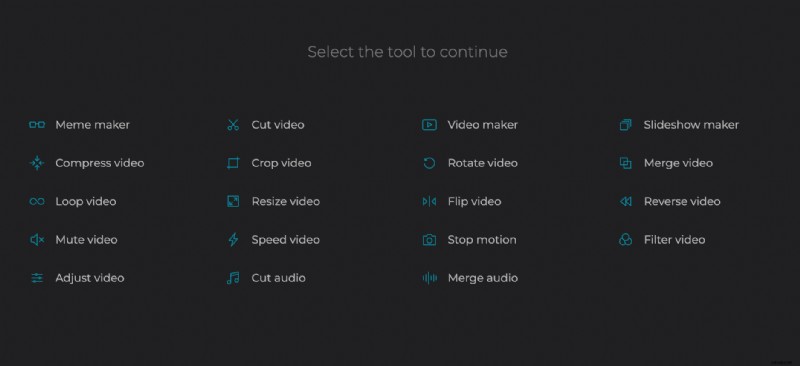
Sometimes you don’t need the whole recording to create a GIF from a video for YouTube, just several seconds which make the point. For that purpose, first go to the Online Cut Video tool and cut out the necessary part.
Want to make a meme out of your GIF (and get famous on the Internet)? Add some creative text and emoji with the help of our special tool.
Lifehack: Clideo is completely free for you! However, If you want to switch from tool to tool to use them thick and fast without uploading your result video all over again, subscribe to Clideo Pro and enjoy full access to the most convenient feature ever! It also removes the watermark from all your projects.
Save your infinite GIF
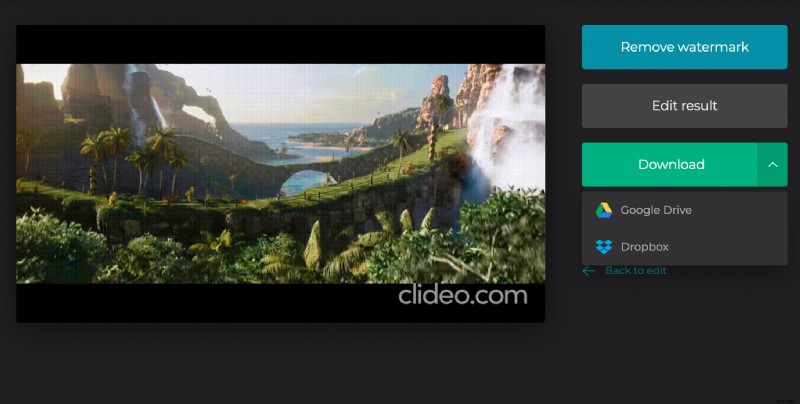
Watch a preview and return to editing if you wish to alter anything. If the output is unsurpassed, save it to your PC, Mac, mobile device or a cloud.