Mirror or flip any video for YouTube
Or you just see that it will look better if you flip it horizontally, or mirror it, in other words.
And this is when our flipper can become very handy. It can work with MP4, AVI, MOV, and other popular file formats. Moreover, you can also flip a video for YouTube online without downloading or installing yet another software or app.
Everything will be free if your recording is up to 500 MB and you won’t even need to register. Though, being a Pro subscriber will let you upload larger files and enjoy seamless and uninterrupted editing in all the Clideo tools.
And now, let’s try to turn one of your videos for the better in three simple steps.
Upload a clip
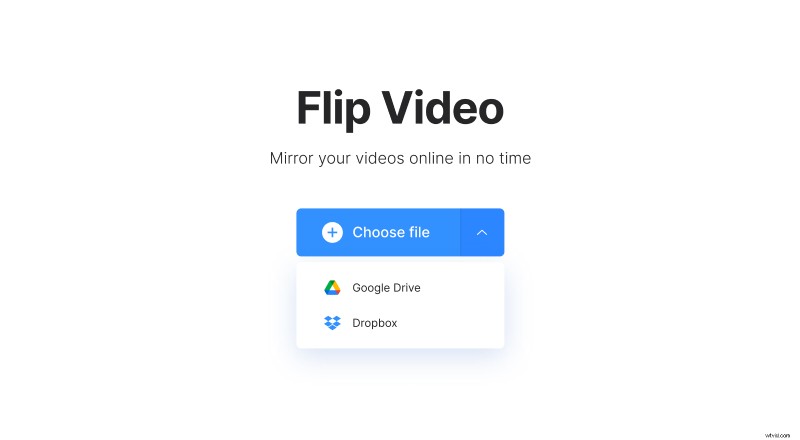
Open your favorite browser on Mac, Windows, Android, or iPhone and head over to Clideo’s flipping tool. You can always upload from your device, Dropbox or Google Drive cloud storage.
Flip the video
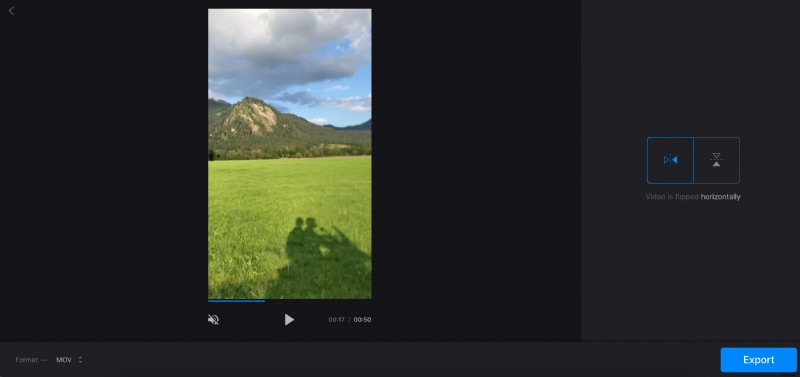
Once the file is fetched, you will see its preview and two buttons in the right-side pane.
To flip the YouTube video horizontally, click the button to the left. To turn it upside down, use the button to the right. To both mirror and flip the clip, click both.
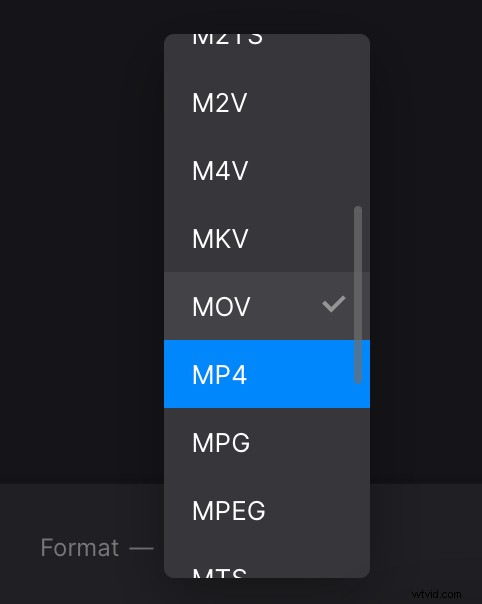
Additionally, you can convert your file on the bottom pane. The best format for YouTube will be MP4.
See? Just a couple of minutes and you can click “Export”.
Save the result
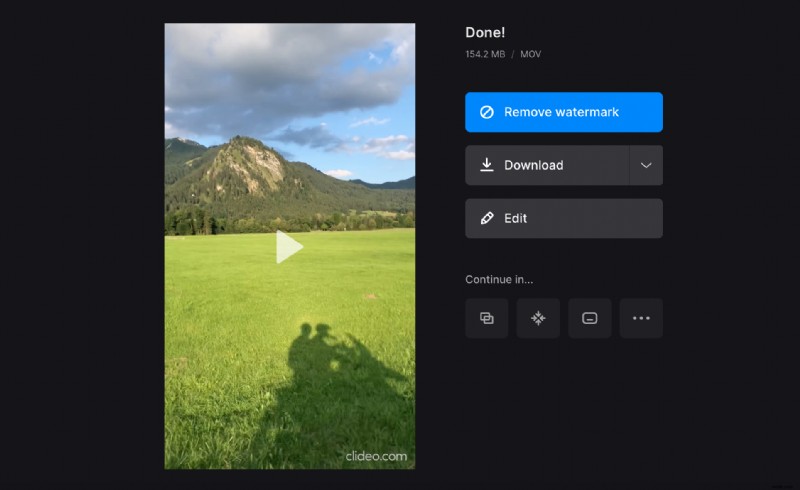
Now have a look and replay your final creation. Doesn’t it look better now? Then, save the new recording to your device or cloud storage. Otherwise, you can always step back and make the changes one more time by hitting the “Edit” button.