
How to clip a video for YouTube online
Imagine, you want to share some useful content with your peers without sending the whole file or link. You’ll need a special tool – preferably an online and free one, so that you could use it anytime you want.
Luckily, we have exactly what you need. Online video clipper by Clideo doesn’t require any additional tools installation, it’s not a mobile application or desktop program. It provides the highest level of security of your personal data, supports any video format and enables you to clip video for YouTube and download it on your device.
Stay tuned and get to know how to take a clip from a video for YouTube in three easy steps.
Upload a chosen video
The tool is compatible with all the operating systems and works with all the most popular video formats, including MP4, MOV, MPG etc. You can choose a file from your personal computer or smartphone, using the option drag&drop, or upload it from the cloud .
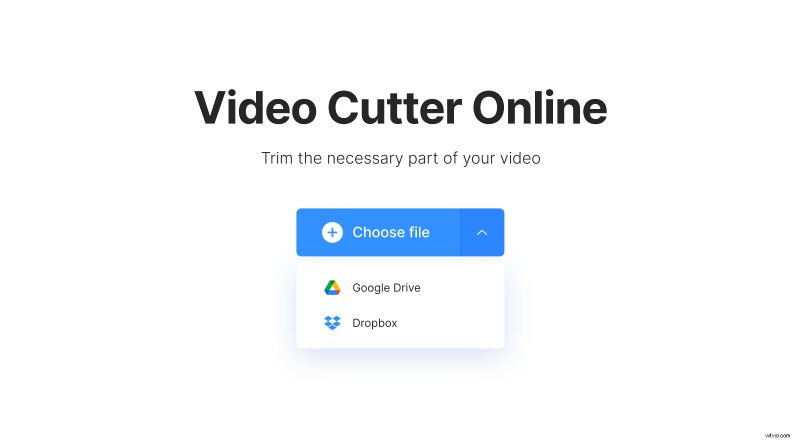
Mind the limit of 500 MB for free trimming!
Cut and edit the video
Click (or tap), hold and move two sliders to mark the beginning and the end of your desirable video. Set the needed length and get the almost ready clip in a couple of seconds!
Choose the format of your future clip – it is not obliged to be the same as in the original source, our tool will convert it automatically, only sky is the limit.
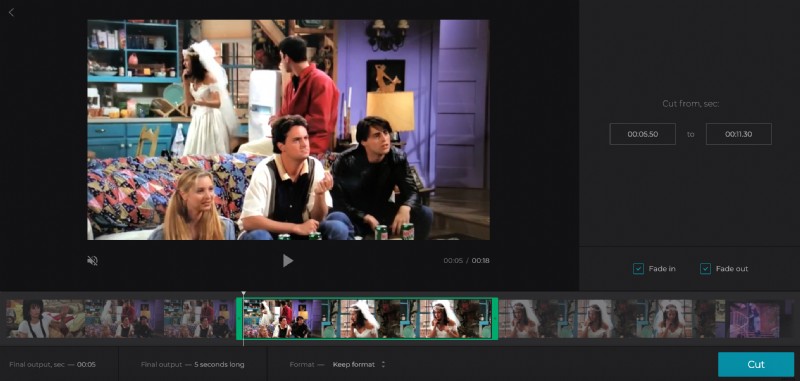
Add some visual effects – fade-in to introduce the scene or emphasize the notable moments; fade-out to end the video smoothly.
Save the clip
Before making a final version, have a trial run, watch the video online and introduce the needed amendments.
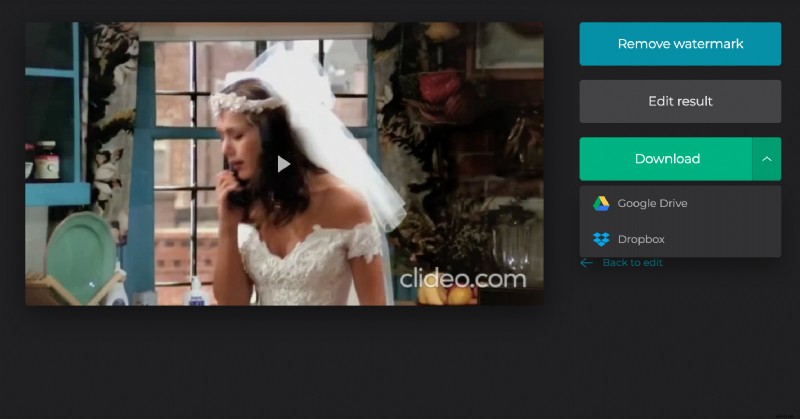
When you are absolutely happy with the result, download it on your device or save to the cloud. Bingo! That’s it!