
How to Speed Up a Video for YouTube Online
Everyone loves watching videos on YouTube but they also love not to spend a lot of time doing that. The Clideo’s video editor tool will come in handy if you want to solve any of these issues:
You’ve filmed a tutorial and just realized that it’s too long for any purpose but don’t want to shoot it again. It means now you need to accelerate the video speed to make it shorter hence more interesting.
You’ve found a great video but it’s too long and you don’t want to spend much time watching it. The Clideo’s tool will not only help you speed it up but also save to watch it any other free time.
Follow the three easy steps provided below to speed up your video online:
Add the necessary video
First of all open the Speed video tool by Clideo. If you want to add a video from your computer or phone, just drag and drop it to the page or select by clicking the “Choose file” button.
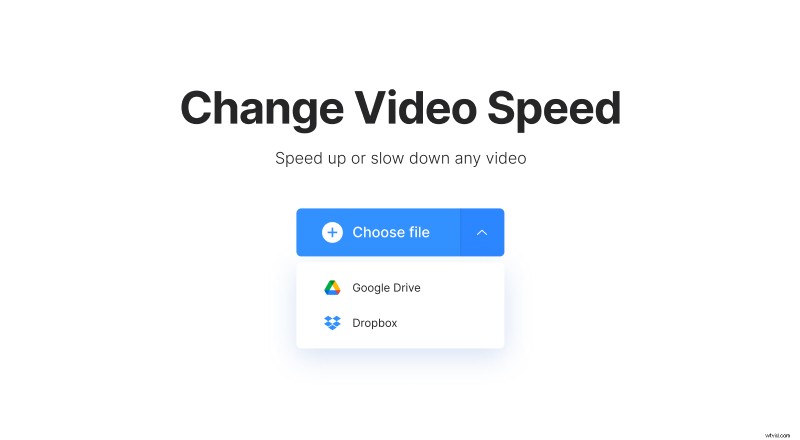
If you want to speed up a video stored in your cloud storage, click a small arrow and select a file from Google Drive or Dropbox.
Speed up the video
The video is uploaded. Now select the desired speed — you can just click on a preset or set the custom speed by moving the slider. Mute the video sound by checking the box if it’s needed and select the output format if you want to change the initial one.
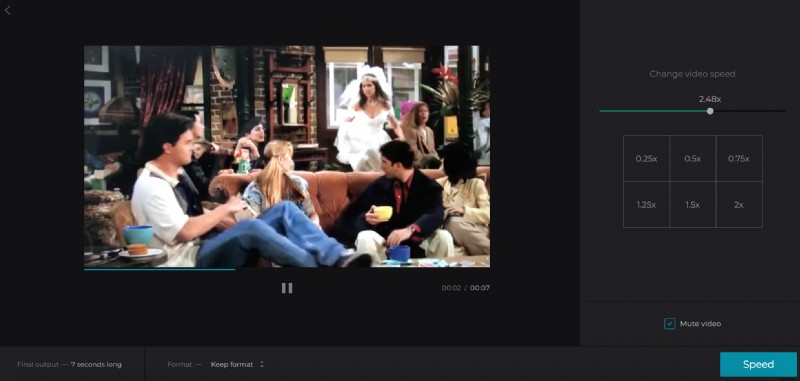
Now click on “Speed”.
Download the result
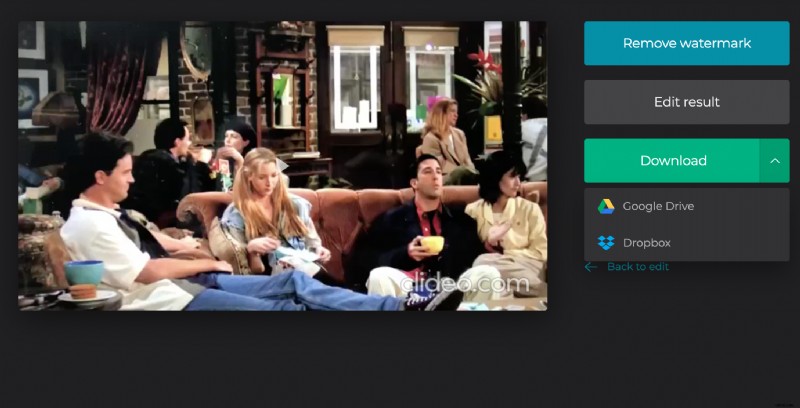
The video is ready to be saved. You can download it to your device or save it back to cloud storage.