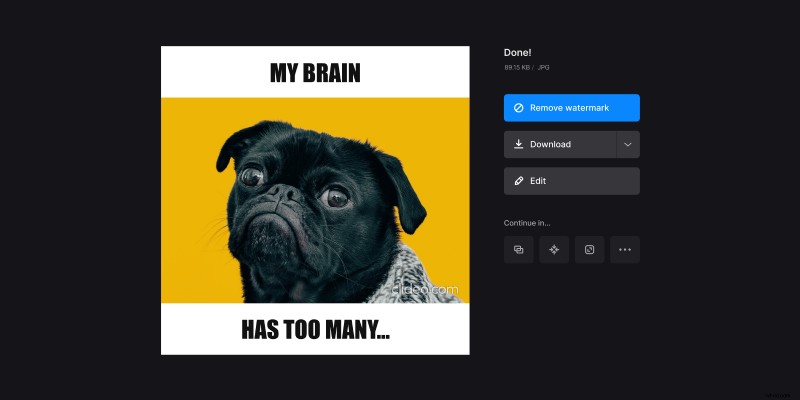
How to make a meme in generator
But it will be tiresome and, most likely, far from perfection. That's why the Internet is full of ready meme templates and online services for creating memes. Let us introduce another one.
Clideo's tool is remarkable for several reasons. First of all, it's free for files up to 500 MB, and as far as memes are generally made out of pictures, it's more than enough for every project.
Then, all our services work online, so you don't have to download and install any additional programs, set them up, save settings, etc.
Last but not least, being an online service, Clideo is compatible with all operating systems and gadget types. All you need is a stable internet connection, 5 minutes of your time, and some creativity.
Here we go.
Upload a visual to the tool
Open Clideo’s custom meme generator in any browser and either upload your video, GIF, or image.
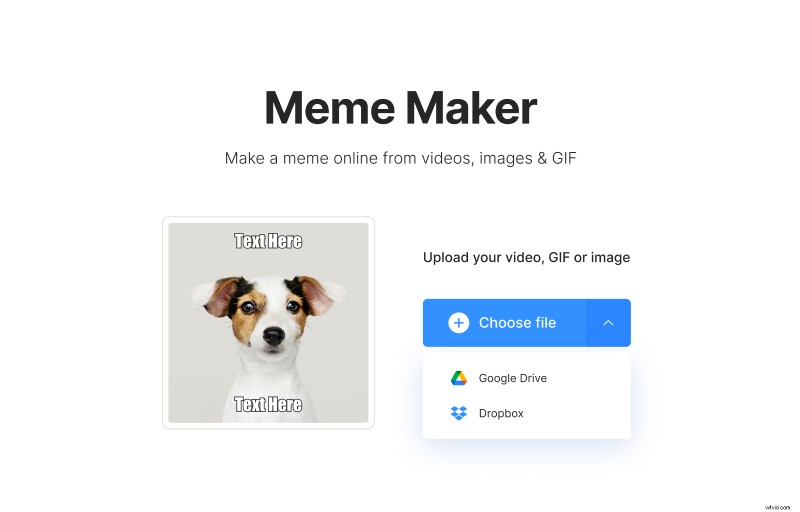
By the way, you can change meme template right here before you upload your file or do it at the next step.
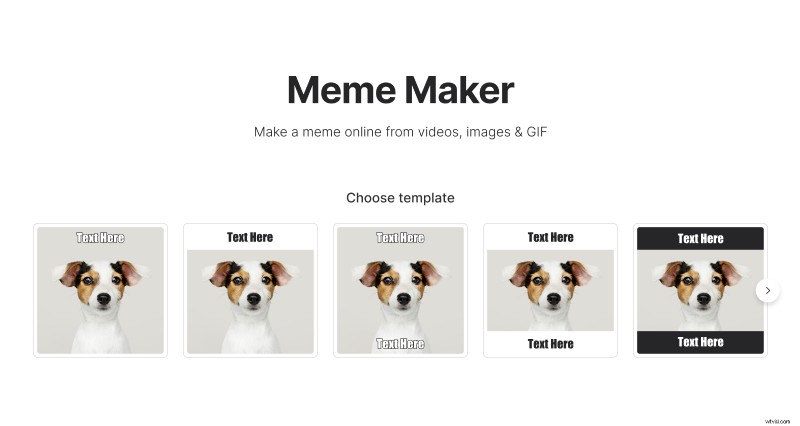
Enter meme text
Now, having a blank meme, you still can change its template in the top right corner of the screen. If you are happy with what you have, enter the caption(s) in the corresponding fields on the right pane.
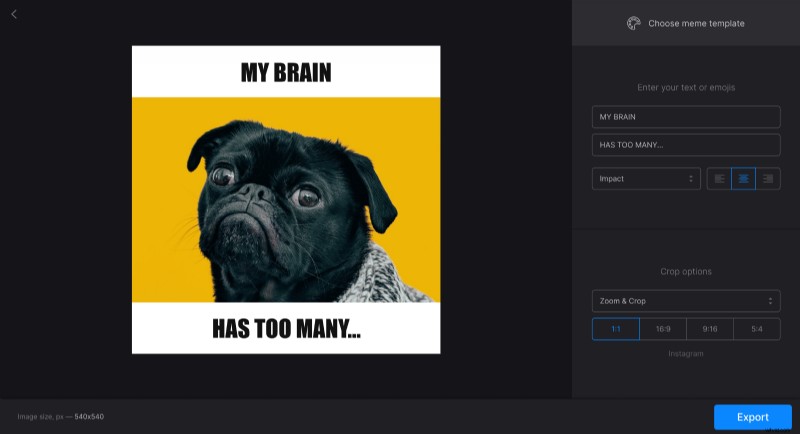
Then, you can change the meme font and alignment and set up crop options. If you want to share your meme image on social media, we have 4 presets with the most popular aspect ratios for you.
When you are sure you like what you see, hit "Export" and let the tool do its job.
Save the meme
At this step, you should only save the project to your device, Google Drive, or Dropbox. Be aware that we place a tiny, discreet watermark on all the free projects as a humble tribute to our service. If you are not happy with that, just update your account to Clideo Pro.