
What are memes and why should you create one
Okay, here’s another quick fact for you, the meme isn’t pronounced as “mi-mi” but, “meem”.
And did you also know that on average 6.1 million people search the term “memes” on Google, while 1.2 million people search for the term “meme generator”, that means we can safely assume that the memes have become an online industry with lots of potentials to expand.
And guess what, creating your own meme is so much fun.
Of course, you're not going to spend your valuable time learning how to do that with heavy software such as Adobe Photoshop. With plenty of free meme maker websites, honestly, you don’t need to. In short, they save you lots of time and trouble.
Clideo allows you to create a meme online out of videos and images right here in your browser. Yaay! Cool, isn’t it?
So, without any further ado, let’s learn how to make your own meme using our tool.
How to create a meme in three simple steps
Upload your file
Open Online Meme Creator by Clideo in any browser and on any device.
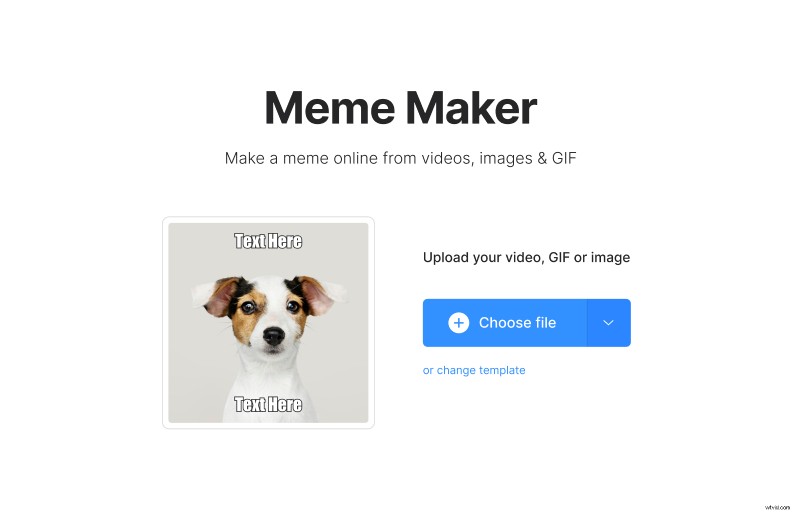
Choose the file (image, video, or GIF) from your computer, mobile device or storage service. The tool supports many formats: JPG, PNG, GIF, MOV, AVI, MKV, WMV and others.
Create your own meme
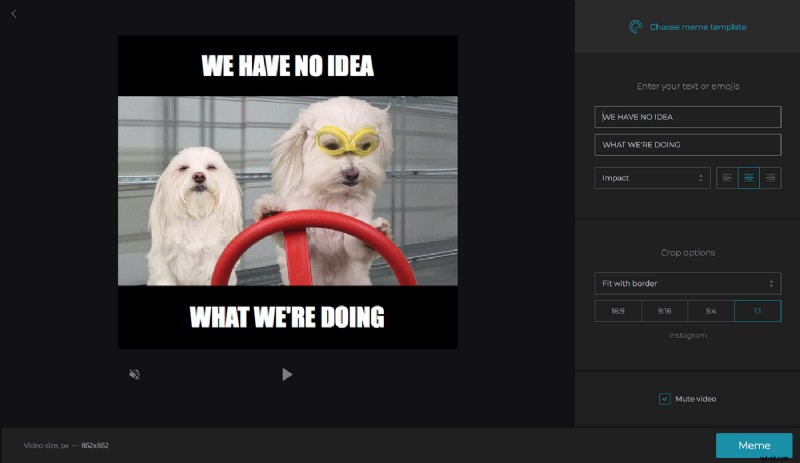
After the file is uploaded to the website, select an appropriate template, enter funny text or emojis and align it as you like. Then, crop the meme as per your requirements. Once done with all the editing, click the “Meme” button to process.
Save the meme
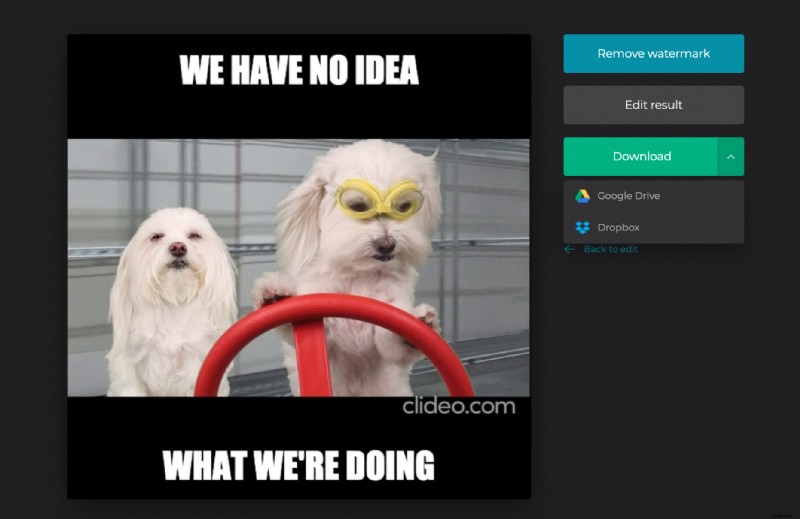
Before saving it to your computer, you can watch the edited video or picture online in your browser, if it isn’t up to the mark, you can go back and keep editing the file until you’re satisfied with the final copy. Then click the “Download” button to save it on your local drive or you can always save it back to Google Drive or Dropbox.
So, what are you waiting for? By the way, Clideo fulfills all your needs and provide you with a wonderful experience while creating your own meme or even editing, looping, and joining your videos.