
Create a video collage
For example, show a story of friendship or love that has lasted for several years. If you find yourself in a similar situation, you would probably want to create a video collage of pictures to tell your story properly.
It won't be difficult! Nowadays, there are many video collage makers to help with this task, and there are also various applications if you would like to do it on your phone. However, if you want to make several collages on different devices, the difference in functions of video collage editors may prevent you from getting the desired result.
In this case, our tool will help you! It works online, so you won't need to download any apps for video collages, and you can use it on any device, be it Windows, Mac, Android, or iPhone.
The process is also quite simple, follow the instructions below:
Add files
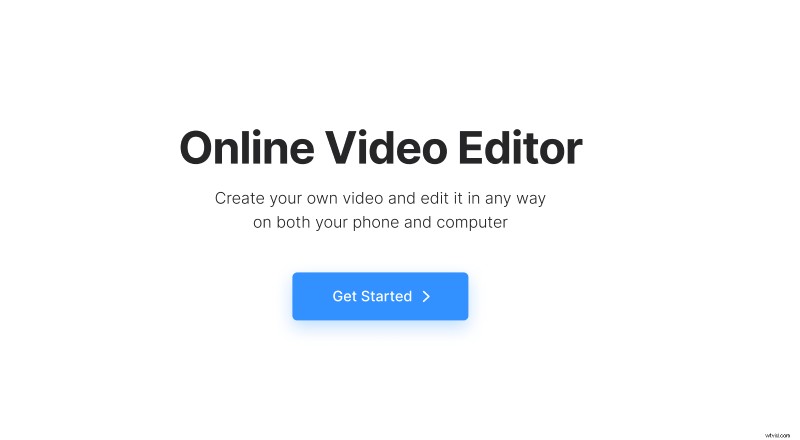
Open Clideo’s Online Video Editor and click "Get started".
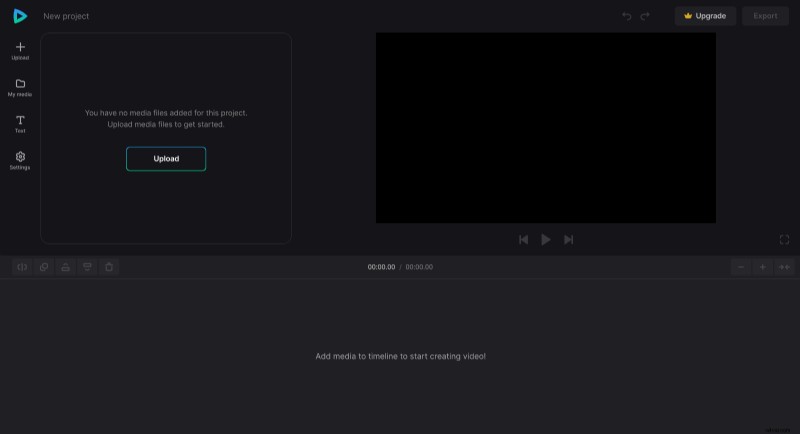
Click "Upload" to add all media files you need – images, videos, audio files, etc. You can upload them from the device or pick them from Google Drive or Dropbox.
Create a photo or video collage
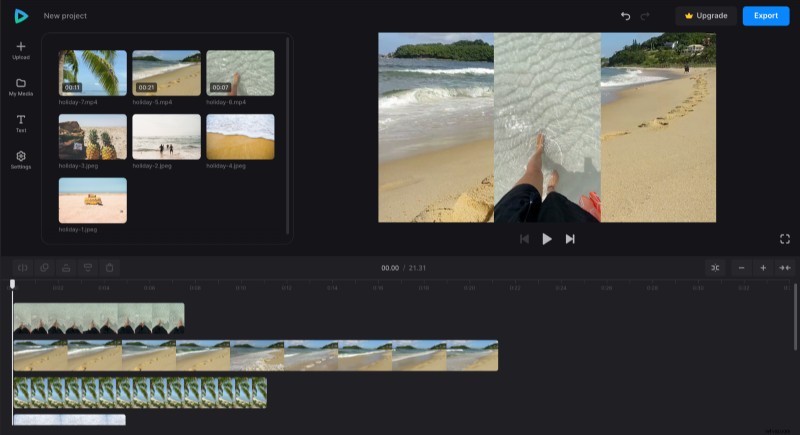
To start your project, drag the files from "My Media" to the preview area or timeline one by one. Make sure the files are not on the same line in the timeline. Otherwise, when the video switches to the next file in the line, the previous one will no longer be visible.
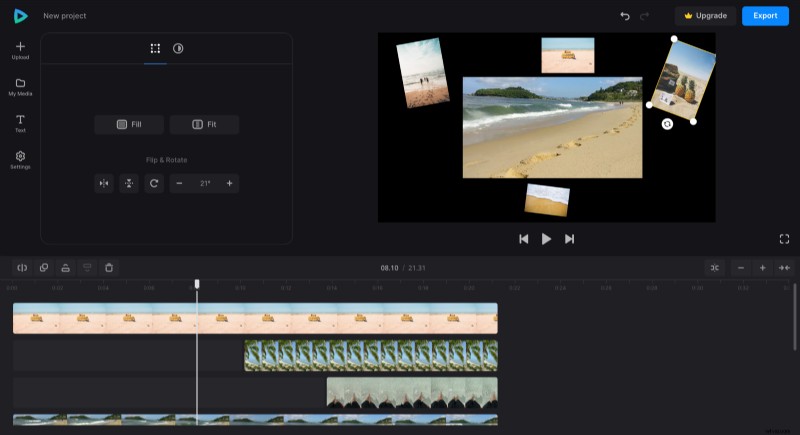
Resize each image or video to be smaller – to do so, select it either in the timeline or preview, manually adjust its size, rotate, and flip if needed. Then, drag files in the timeline to determine when they appear on the video and adjust their duration accordingly by dragging the yellow handles. If your collage video clips are too short, you can copy them so they stay as long as the other elements.
The background will be black before every picture appears in the video. If you want to change it, click the "Settings" tab and pick any other color.
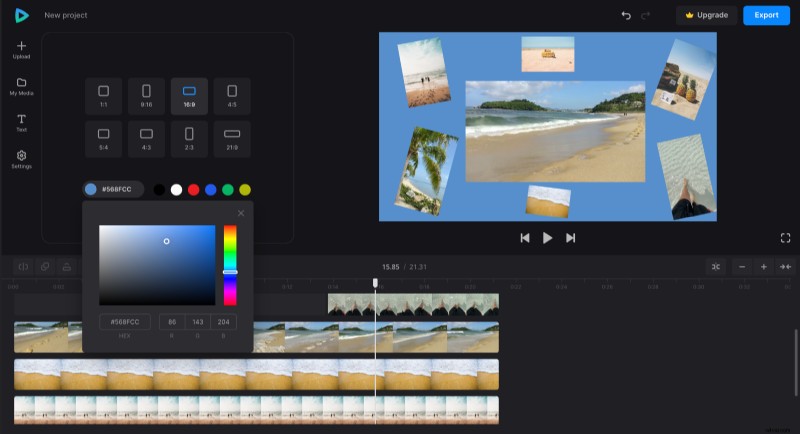
When you're done with editing, click "Export" and choose the export option you like.
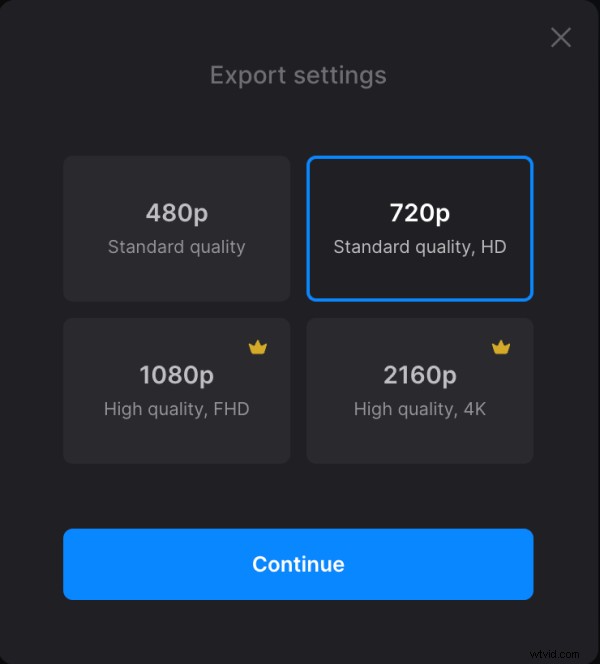
Save the collage
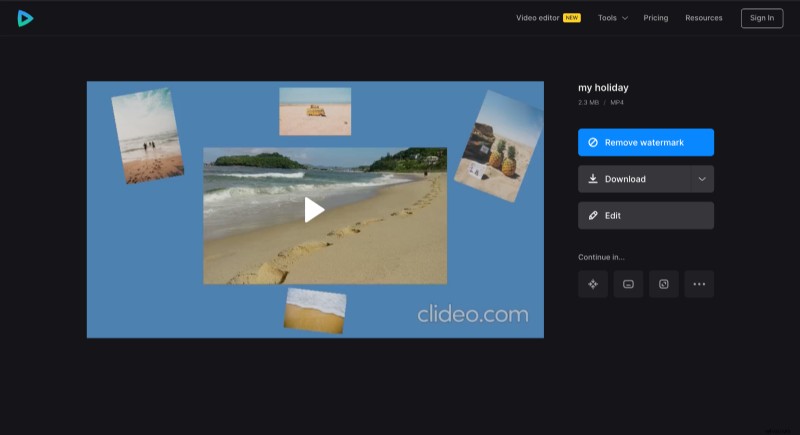
Watch the preview to see if the result looks good. To add changes, click "Edit". And if everything is good, click "Download" to save the video.
If you need to know more about other all-in-one editor features, feel free to refer to Video Editor Help Center.