
How to create a dance video
No wonder, because such clips can charge you with positive energy and inspire you for the whole day! Plus, it's aesthetically pleasing to look at, and in the case of team dance videos, the synergy of participants and the symmetry of their movements looks spectacular.
Many dancers have become famous only thanks to their dancing clips on YouTube and other social media pages, and some even created videos with new dancing styles. Isn't it time to join them? It can be a flashy street dancing video or a simple recording of you moving along to your favorite song – either way, show yourself to the world!
And if you already have such a recording and are looking for a dance video maker to edit it, our tool will help you! It works online on any device, so if you record the dance on your phone, you can start editing the video in no time.
It's also simple to work with; follow the steps below:
Upload files
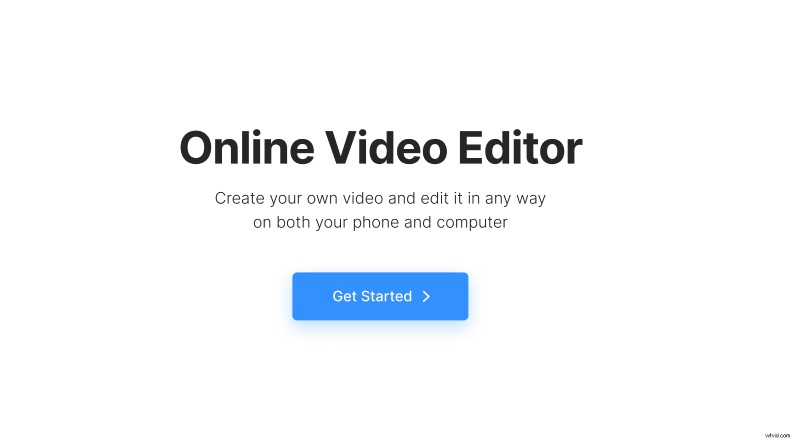
Open Clideo’s Online Video Editor and click "Get started".
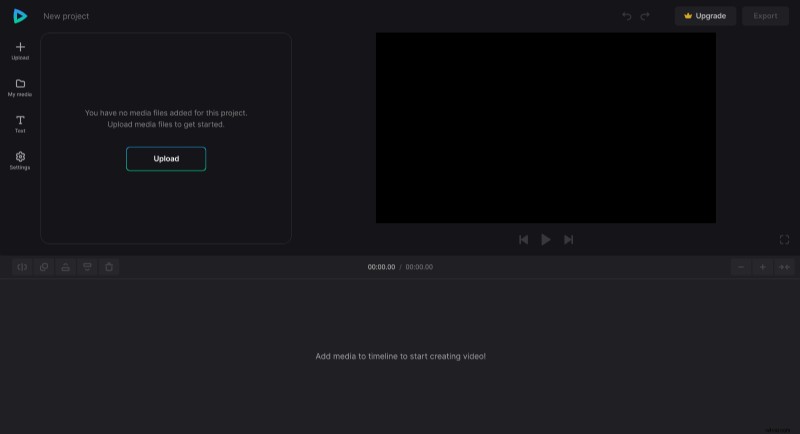
Click "Upload" to add the audio and video files you need. You can upload them from the device or pick them from your cloud storage account.
Create a dance video
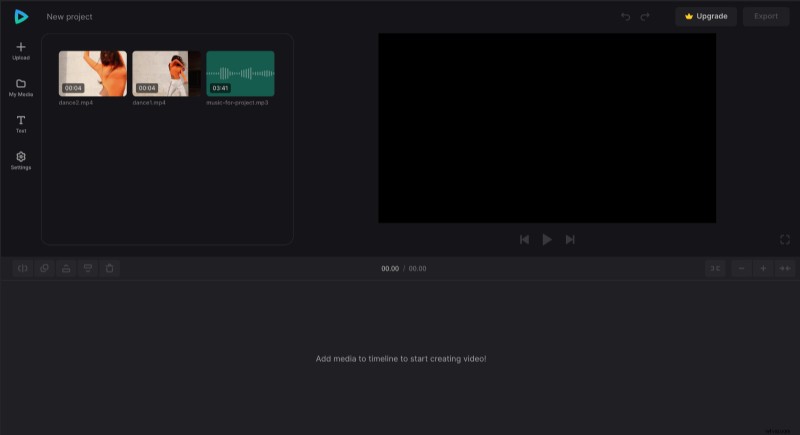
Add files to the timeline by clicking the "+" icon on them in the "My Media" tab or drag files directly to the preview area or timeline one by one.
If you have a few video clips (for example, you shot your dance from different angles), you can rearrange them in the timeline to match the music. You can also split them if you want to mix different parts from different videos.
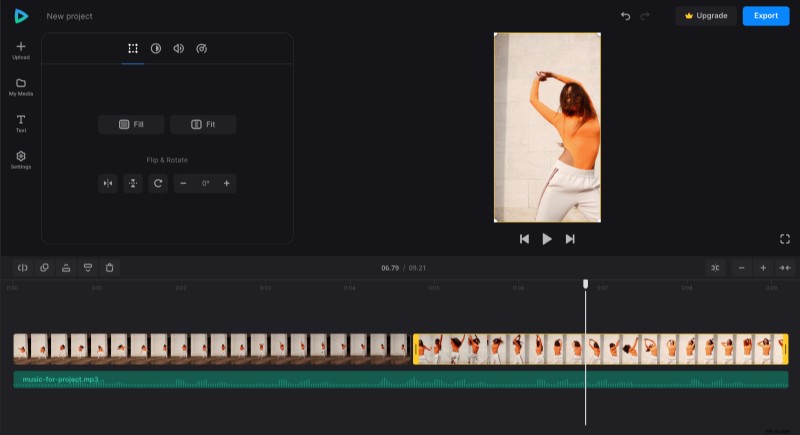
You may need to change the aspect ratio depending on where you plan to post (e.g., 16:9 for YouTube or 9:16 for TikTok). There are different aspect ratio presets in the "Settings" tab, so you can apply the one you need for the specific site. If your video doesn't fit the preset, you can drag its corners in the preview to resize it.
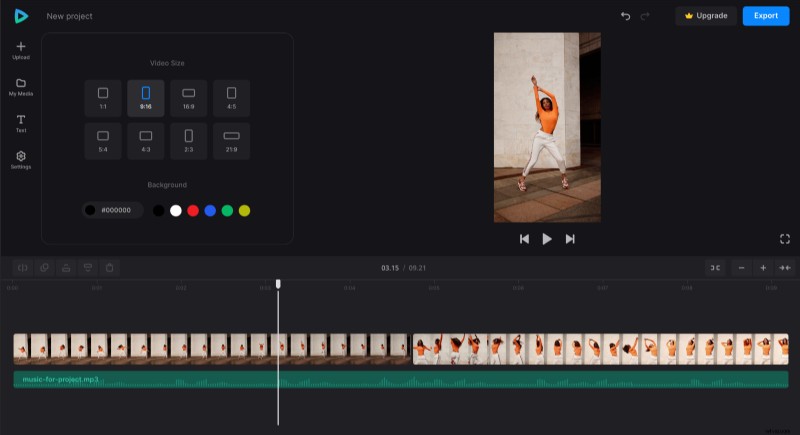
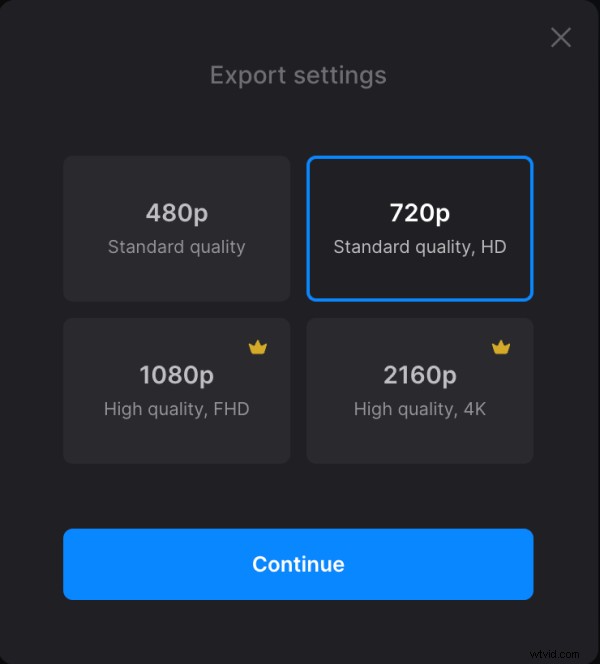
When you finish making the video, click "Export" and choose the export option you like.
Download the video
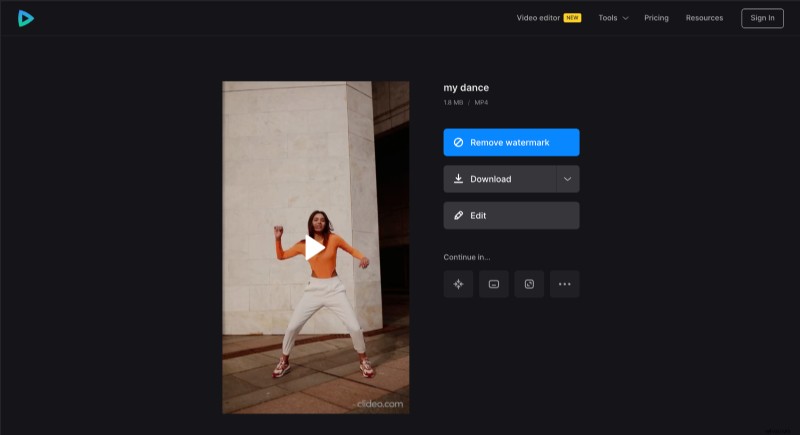
Watch the preview to see how the finished dance video looks. To add some changes, click "Edit". And if everything is good, click "Download" to save the video to your device or upload it back to the cloud storage.
If you would like to learn more about our all-in-one video editor, you can always find more details in our Online Video Editor Help Center.