
Gameplay is the process of playing a video game, including the interaction with the game environment and overcoming different challenges. These videos are one of the most-watched and popular gaming video categories on YouTube, which is why as a gamer or a video gaming blogger, you need to create some gameplay videos.
The so-called “Let’s plays” are gameplay videos that show the process of playing a game or overcoming certain challenges. Many gamers just love to watch Skyrim or Fortnite gameplays.
Every game has its unique story, challenges, and difficulty levels. Let’s be honest, some challenges are almost impossible to overcome without preparation.
So, how to make a perfect gameplay video?
Choose your favorite game, record your gameplay, pick an editing tool, and add your voiceover, if needed. It’s really as simple as it sounds.
To prove it, we’ve created a gameplay video with one of our templates. You’ve probably heard about the game “Getting over it”, right? So, let’s see how one of our team members is trying to play it. The keyword here being “try”.
If you enjoyed the video and want to create your own with Renderforest, our step-by-step tutorial will help you start right away.
First, sign up or sign in to Renderforest to start creating your video. Next, go to the “Create video” section on the main menu and choose the “Video editing” subsection on the “Animation videos” list.
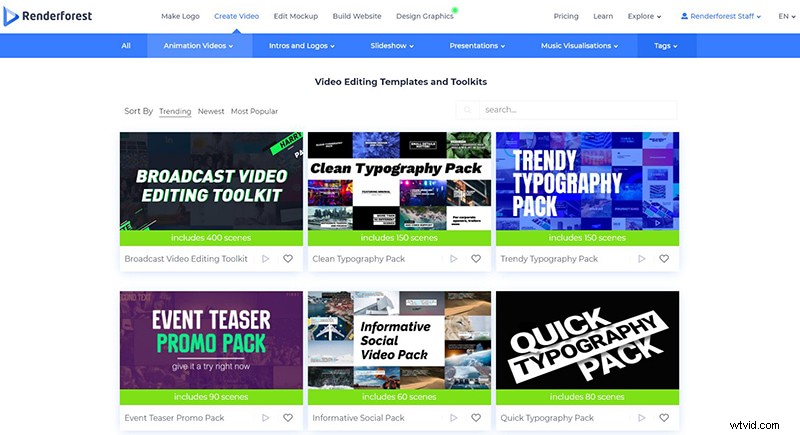
To start editing your video, choose the “Broadcast Video Editing Toolkit” and click “Create now” to start.
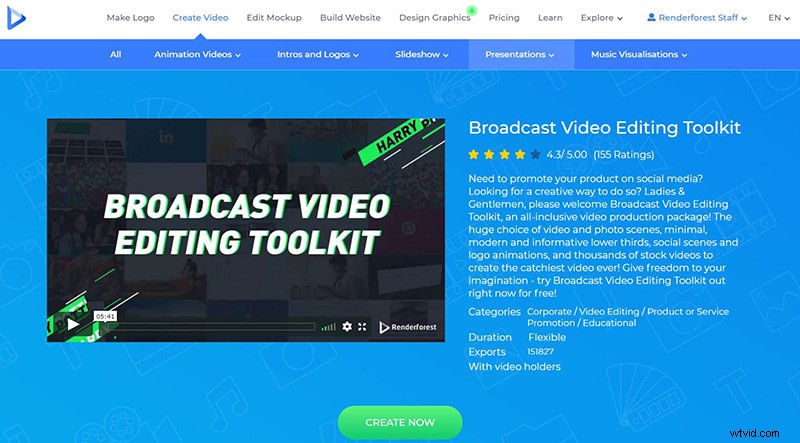
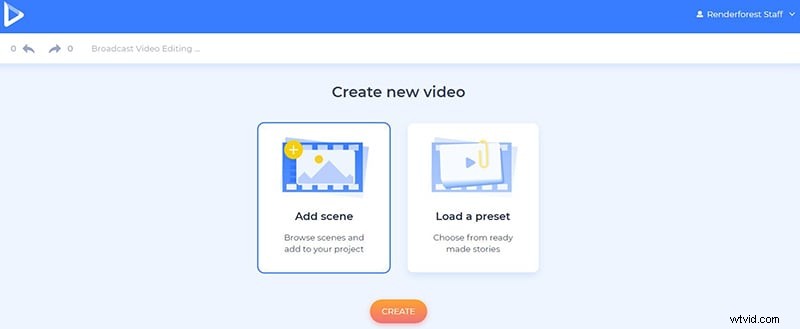
There are two ways for you to create your gameplay video. The “Load a preset” option will offer you presets full of collected scenes. But since you already have your recorded videos, click on the “Add scene” option, to choose the necessary scenes and media holders yourself.
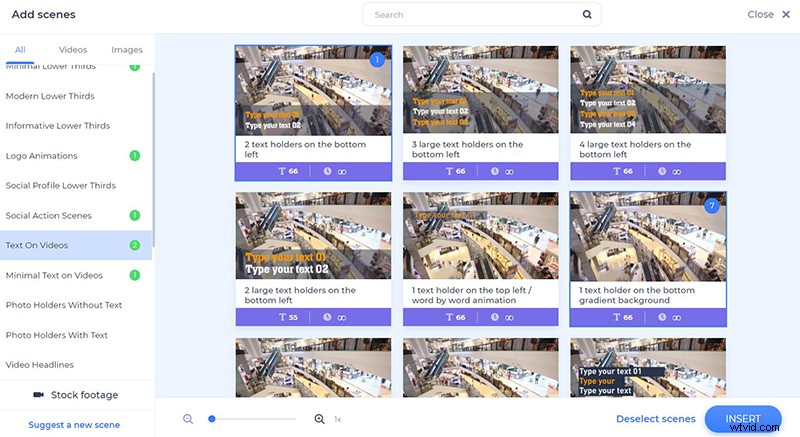
There are scene categories with minimal and long texts, media holders, logo animations, and more. Depending on your text size, select the scenes that suit your video best and click on the “Insert” button to move on to the next step.
The first scene in our dashboard is our intro. You can create one with your logo as well by using different intro templates. We’ve created this one with the “Pixelating Logo Reveal” template.
Next, we have an image holder with a title as an opening scene. To add your image to the scene, click on its empty field. You will have three ways to add an image: paste the image URL, upload from your device, select one from our stock footage, or choose an already uploaded image from your “Media library”.
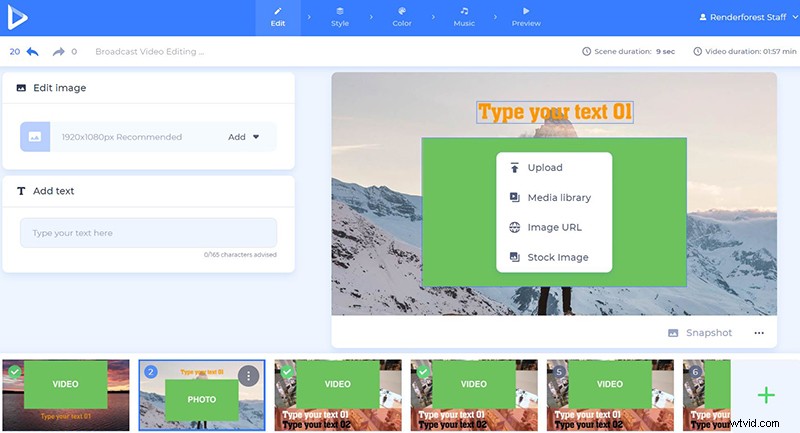
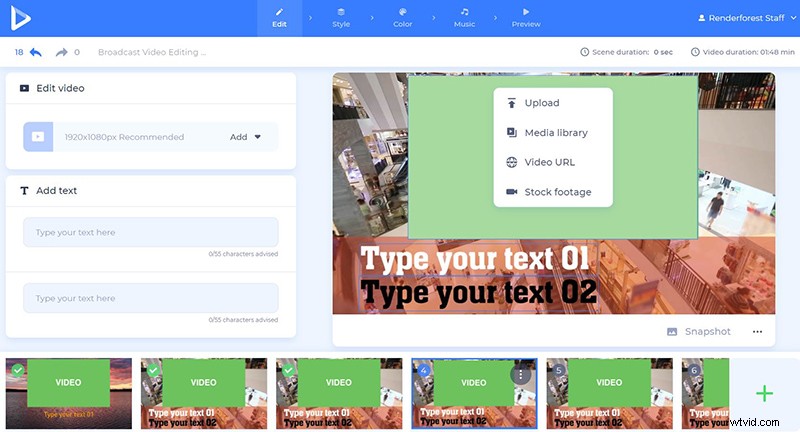
Then, it’s time to add your screen recording. To add your video file click on the video holder and choose an option. Add the video URL, upload it from your device, or choose an already uploaded video from your “Media library”. We also offer 195.000+ stock videos, in case you don’t have anything suitable for some certain scenes of your project.
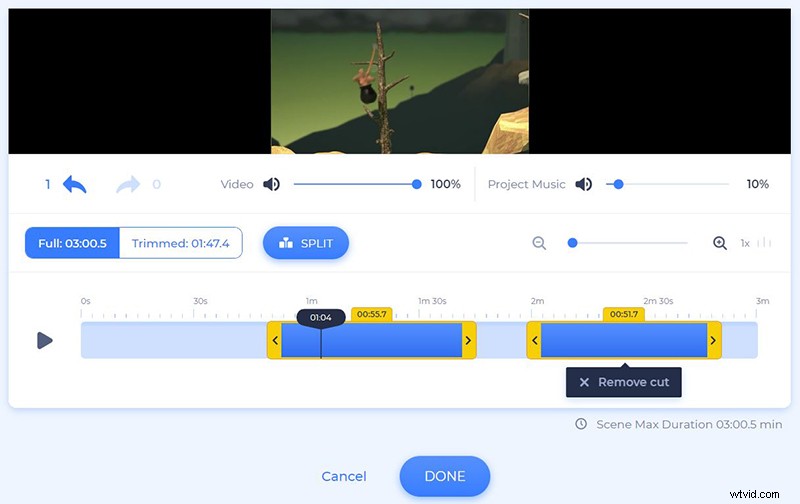
With our advanced trimmer, trim your screen recording and keep the parts that you need in each scene. For example, if your video is 10 minutes long, but you want to keep each scene short, let’s say 1 minute long, then you can easily trim your video and add the selected part.
Note that here you also have the chance to change the volume of your video or the music of your project, as well as mute all the sounds.
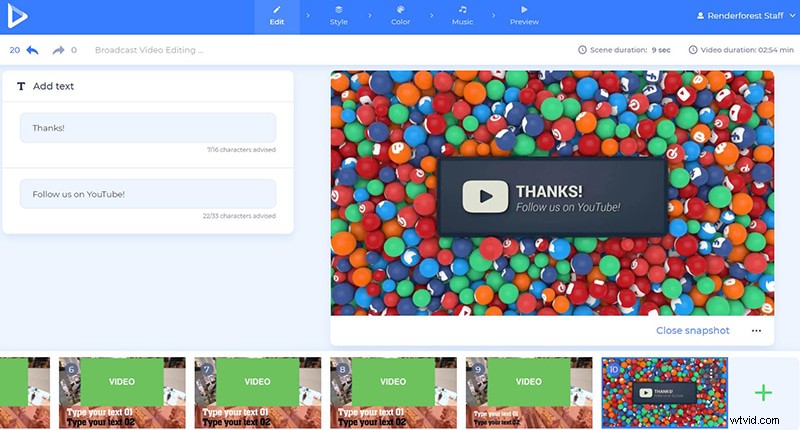
Type in or paste your text in the text holders as well, but pay attention to the character count, not to exceed it.
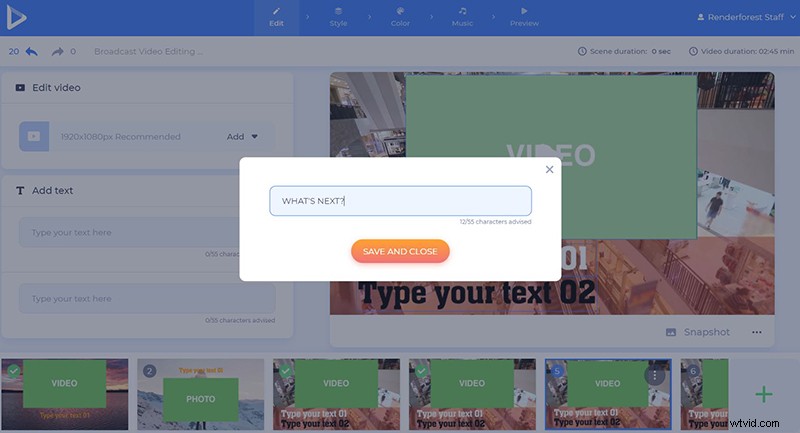
The last scene of our project is a social action scene with a YouTube icon. Decide how you want to end your video and choose the scene accordingly.
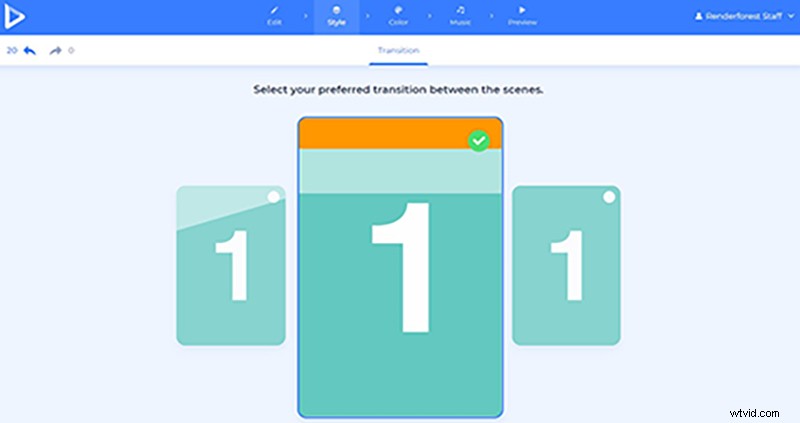
Once the scenes are customized, pick the scene transitions. We’ve selected the 3rd option, to have simple and smooth transitions in between.
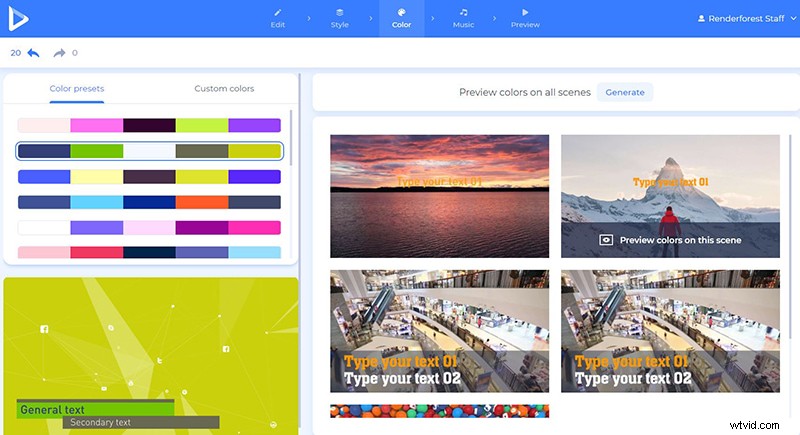
In the “Color” section, pick the colors of your video – the general and secondary texts, and the background colors. Choose from the suggested color palettes, or add your custom colors. Click “Generate” to apply the changes to your scenes.
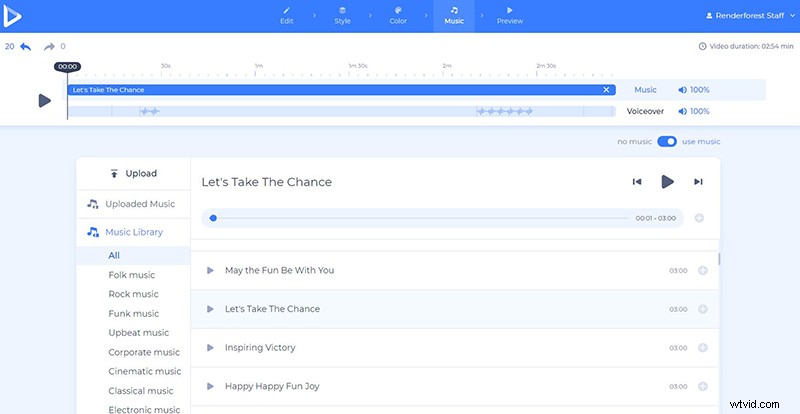
Next, upload or record a voiceover on the spot and add it to your video, to tell your viewers more about your gaming process.
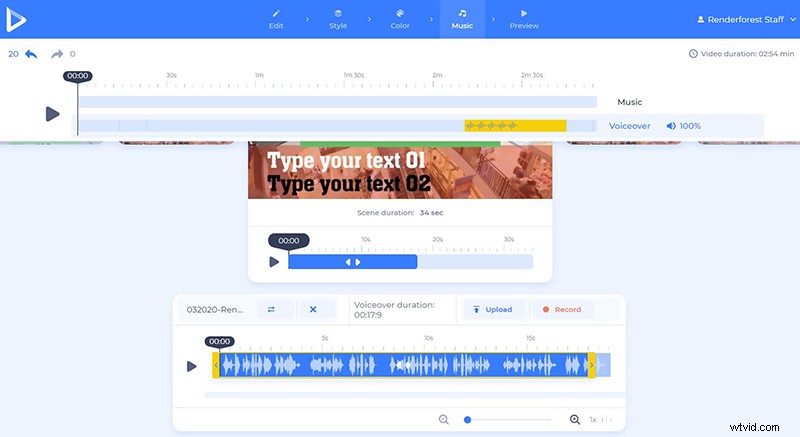
Add a music track, if needed, by selecting one from our library. We have music tracks of different genres: Folk, Rock, Classical, Electronic, etc. In case you have your own track, upload it from your device.
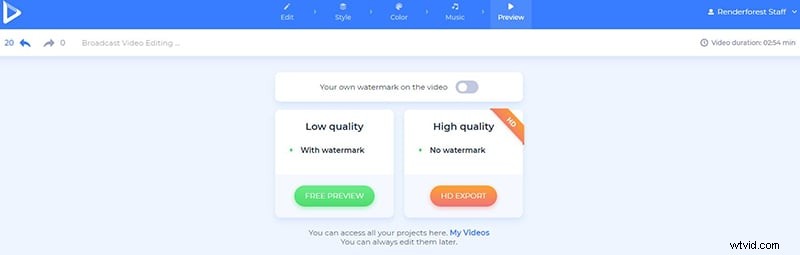
After customizing your video, preview it to make sure that everything looks great. Click on the “Free Preview” option, to watch the video before downloading it.
If you like the result, export it in high quality and without a watermark. Check out our pricing and subscription plans to learn more.
Now, it’s your turn to make a creative gameplay video for your viewers. Share your video on YouTube, Facebook, any other social media platform, or your website, to help people discover you. Try creating your piece for the gaming world right now!
If you’re interested in making more gaming videos for your platform, check out some of our templates, that will help you create great content for your followers and the gaming market.
Gaming Website Promotion
Lead gamers to find your website with an innovative promotional video, where you can showcase all the advantages of your platform. Try the template right away!
Online Game Platform Promo
Promotional videos like this will help you spread the word about your gaming platform and bring in more users. With the right dose of creativity and features, you will be able to reach more gamers and be their favorite gaming heaven.
Gaming Rush Logo Reveal
Make a terrific gaming logo reveal for your YouTube channel, website, or any other kind of gaming platform. This template will give you a chance to stand out and share your special style.