
Sitting down at your computer and trying to write a professional research summary on your topic? Sure, but before starting, it is important to have a clear understanding of what you’re required to do.
A research summary is a professional piece of academic writing and requires your own opinion and approach to your work. Thus, in writing a research summary, you need to pay attention to its content, style, and the way you present it.
Nowadays, there are a number of techniques and tools with which you can present your research summary. One of the most professional ones is using video to present your work.
First, prepare the script that includes all the key points of your research in a simple and comprehensive way. Keep your audience in mind to make your video more engaging. Get the content ready and create a captivating research summary video with minimum effort.
With the right tool, creating a research summary video will not only be easy but also fun.
Below you can watch a research summary video created with one of our ready-made presets.
Follow the instructions below and present the key takeaways of your research through an animated video.
After signing up or signing in to your Renderforest account, click on “Create video” from the navigation menu to go to our ever-expanding template library. The templates here are separated into several categories and subcategories, so it’s easier for you to find what you’re looking for. 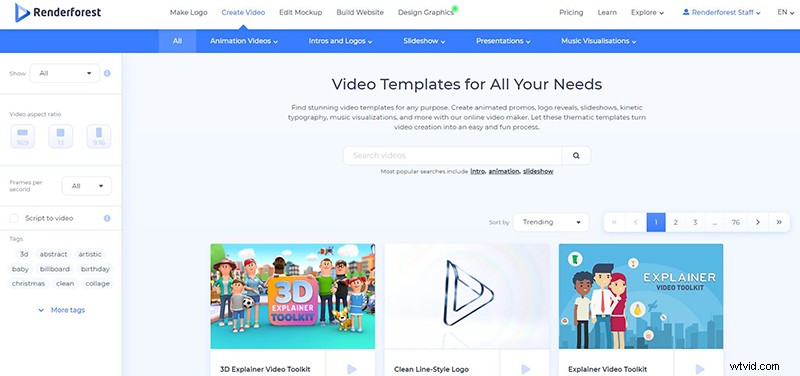
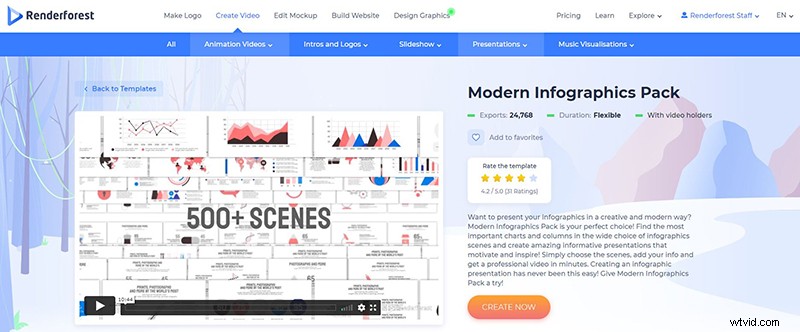
Select the template you need and click “Create now” to start. We’ve used the “Modern Infographics Pack” template to create our video.
Our video editor provides two options for creating videos. You can create a new project by choosing the scenes manually or choose from the ready-made videos created by our team.
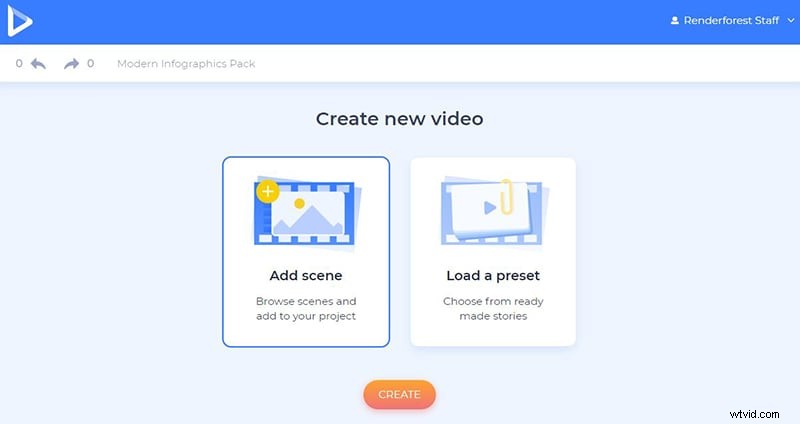
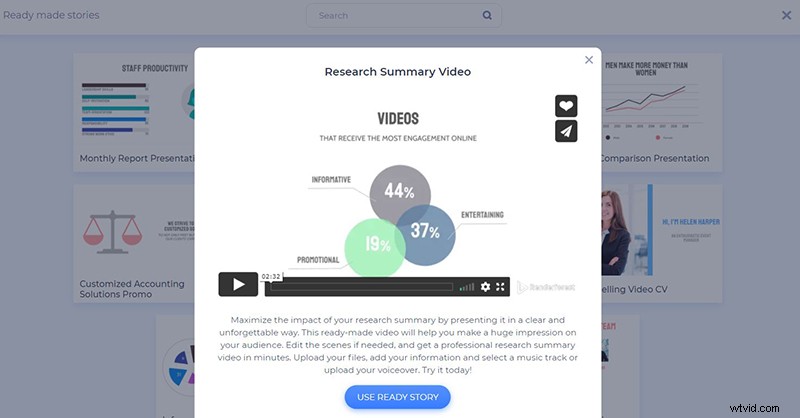
The “Load a Preset” option offers a variety of presets, from where you can choose the one most suitable for your project and start customizing the scenes. Pick the preset and click “Use ready story” to start your project.
We’ve used the “Research Summary Video” preset for our project.
And to create your video project from scratch, click on “Add scene” and start selecting all the necessary scenes manually. This template offers 22 categories with more than 500 scenes. Select the ones you need and click on “Insert”.
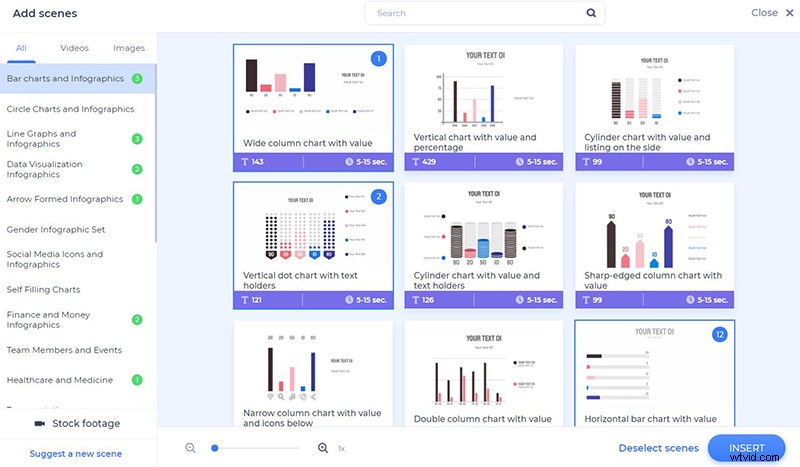
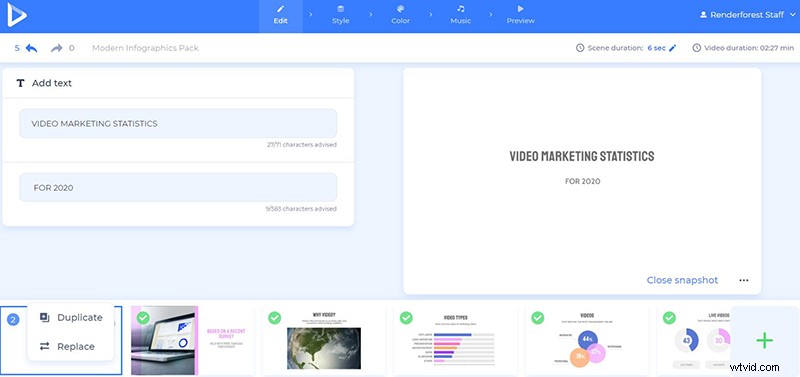
After you’ve finished selecting all the necessary scenes, start customizing them. On your timeline, you are free to edit the sequence of your scenes, as well as duplicate, replace, or delete them. Each scene has a Snapshot feature, so you can see how it looks like without previewing the whole video.
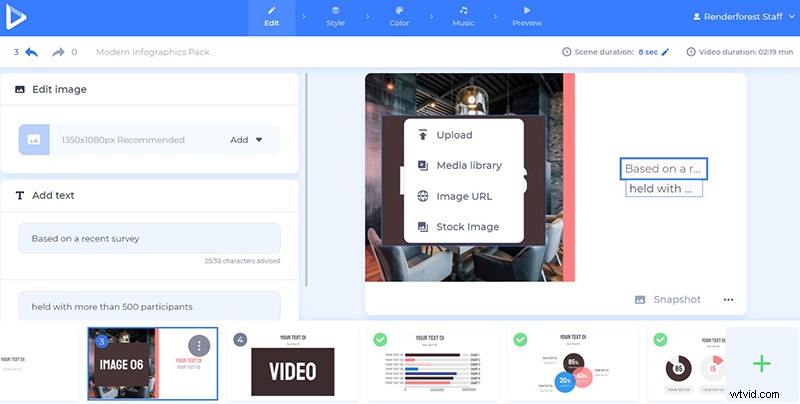
You can upload your media files in several ways: via image or video URL, upload them from your device, or pick an already uploaded file from your “Media library”.
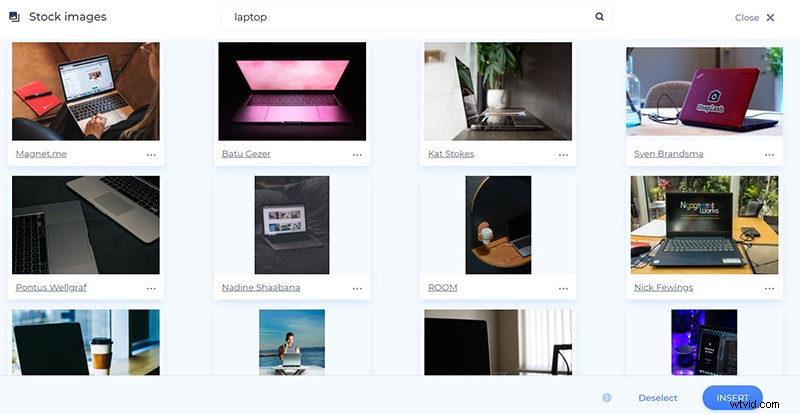
If you don’t have a certain video or image file for your recipe video, click on “Stock footage” and enter a keyword or a phrase to find relevant media files. Once you select a file, click “Insert” to confirm it.
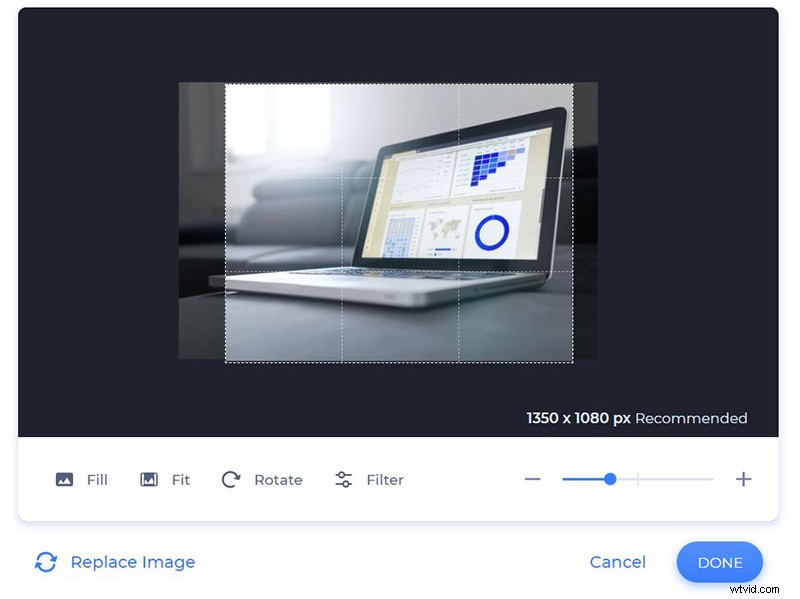
The images can be cropped, rotated, or zoomed in right in the editor. This way you’ll be able to match the image with its frame size perfectly.
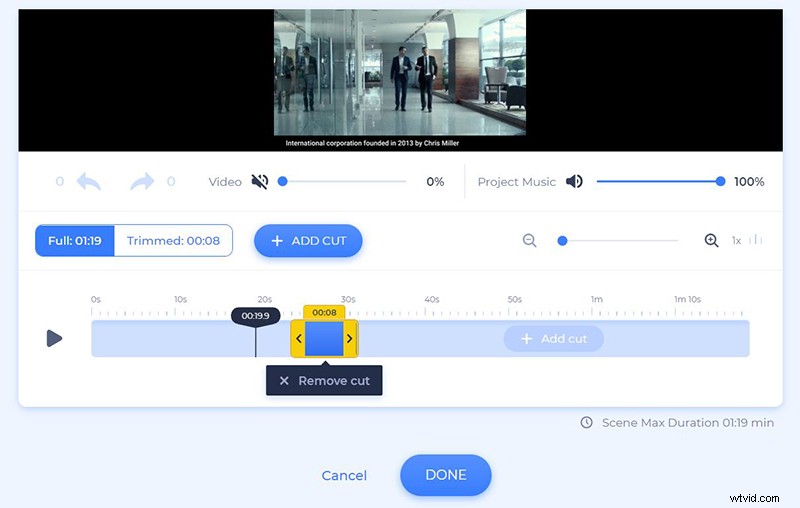
Mute or trim the added video and keep the parts you want to use in your research summary video.
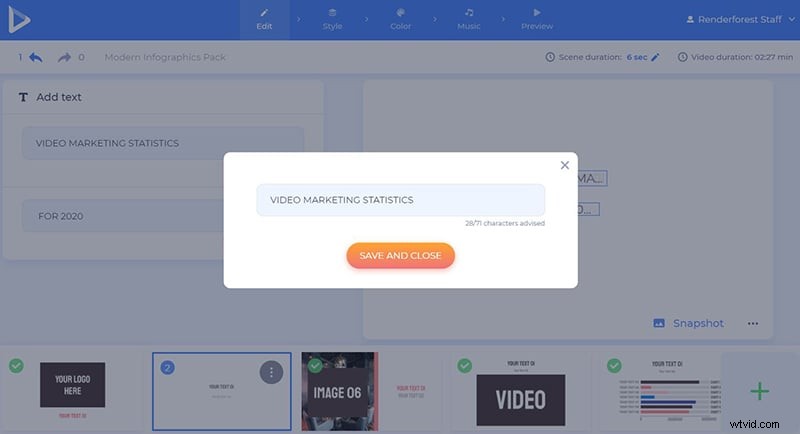
Click on the text holders to type in your text. The text holders have different character limits, so be careful not to exceed them.
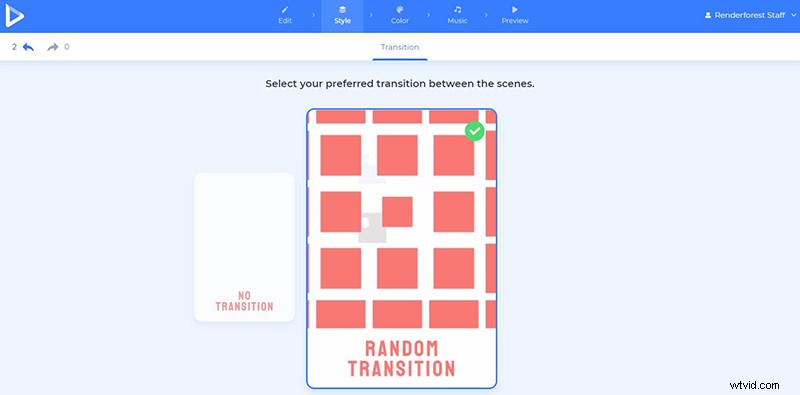
Choose the transition of your scenes in the “Style” section, to make your video more active and enjoyable.
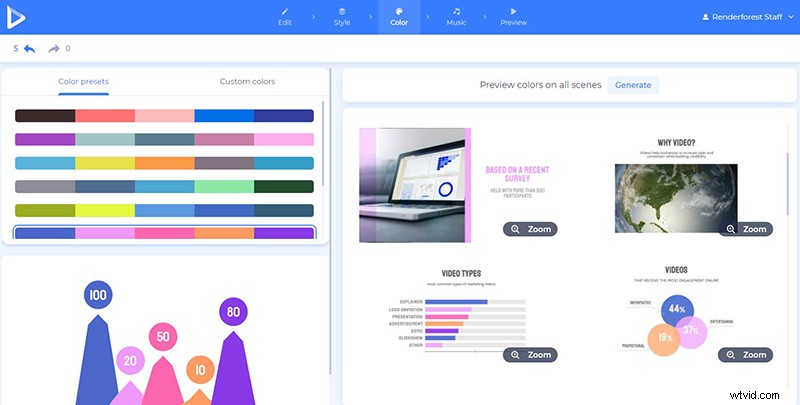
In the “Color” section you customize the colors of your video. Select one of the ready-made color palettes suggested by our design team, or edit the colors of the video components by adding your custom colors.
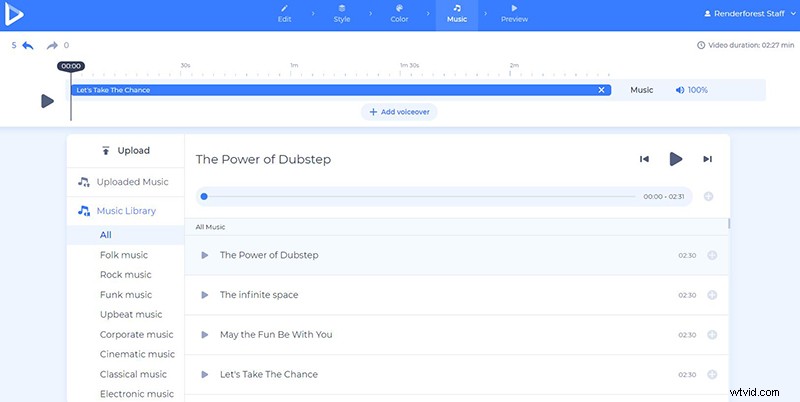
Want to add background music or a voice-over? Go to the “Music” section and pick one of the music tracks available in our library. If you want to use your own music or voiceover, no problem, upload it and add it to your project.
When you fully customize your video, go to the “Preview” section and click on “Free preview” to see the result. We highly recommend previewing your video before you export it in high quality. This way, if you want to edit some parts of your project, you can go back and make all the necessary changes.
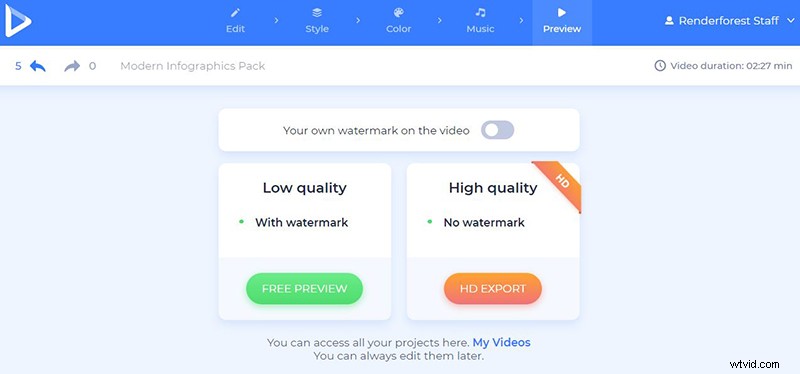
There are two ways for you to download your video: The “Free” and the “HD export” versions. The free option comes with a watermark and 360p quality. Meanwhile, with the other “HD export” option, you can choose one of our paid subscriptions and download your video in high quality and no watermark. All the details about our pricing are available here.
Your research summary deserves to be presented in the best possible way. Want to leave an unforgettable impression on people? Share your data through an interactive video and enjoy your success.
Start creating your video now by clicking the button below: