
How to do a makeup tutorial
They show people doing every day and evening makeup, as well as ones for parties and special occasions. Such clips can help those who are not very familiar with the topic or are looking for an interesting look to try on.
Feeling inspired after watching some of the best makeup tutorials on YouTube, TikTok, or Instagram? Create your own makeup how-to videos and share them with the world! And if you already have some videos and want to edit them, it's only a matter of minutes with our tool. It works online on any device, so you can create makeup clips anytime using it.
The rest is simple, just follow the instructions below:
Upload a video
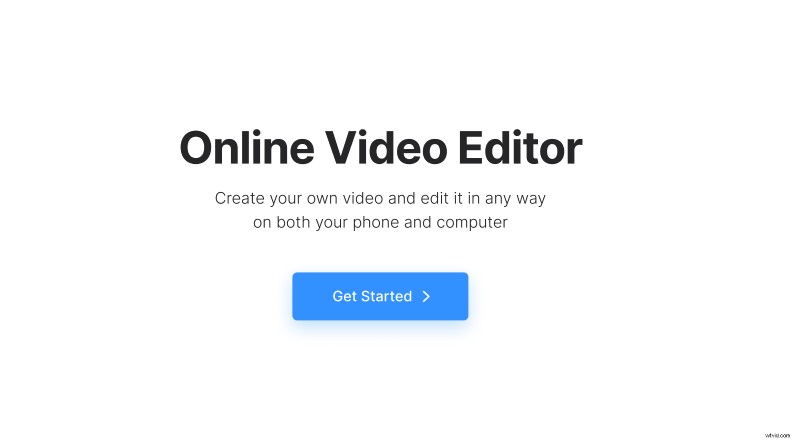
Open Clideo’s Online Video Editor and click "Get started".
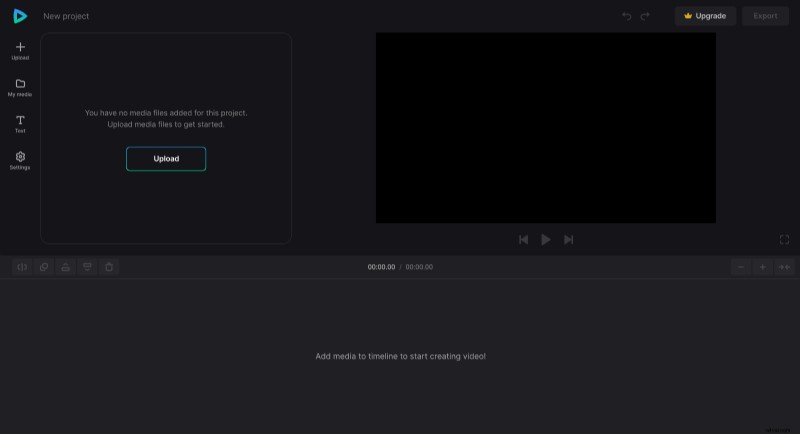
Then, click "Upload" and add all media files you need from the device or pick them from your cloud storage account.
Create a makeup video
Add files to the timeline by clicking the "+" icon on them in the "My Media" tab or drag files directly to the preview area or timeline one by one. Then you can start editing your clip.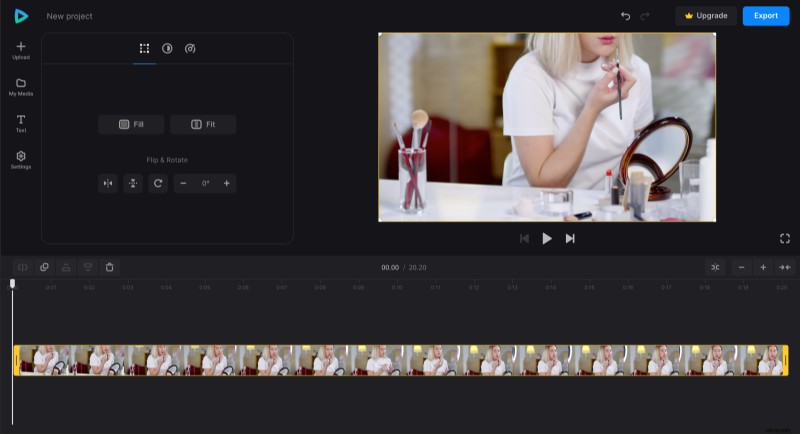
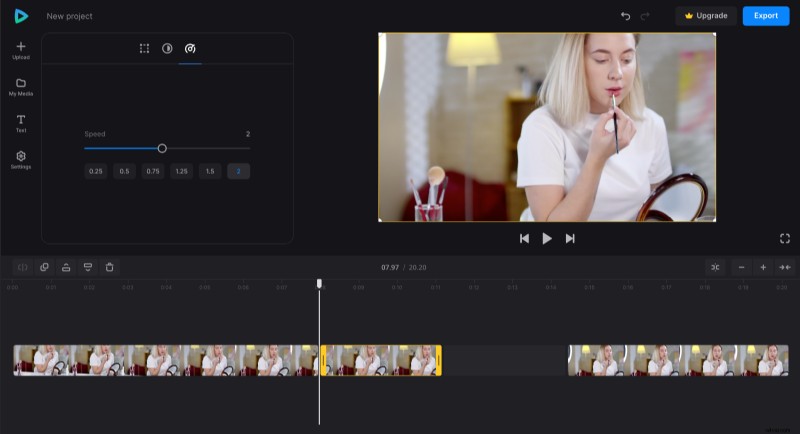
Some parts of applying makeup can take time, so it's better to speed them up. To do so, apply the "Split" option on starting and ending points of the needed fragment, then select it and specify how fast it should be in the "Speed" tab. There will appear a gap after you speed up a clip, so remember to drag the pieces together later.
If you're not using voiceover in your videos, you can add captions to describe what's happening in certain parts of the video. For that, choose the preset in the "Text" tab, then customize your subtitles further.
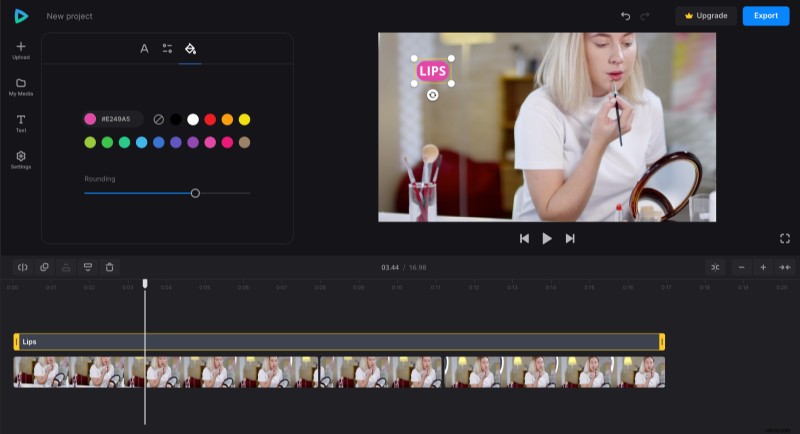
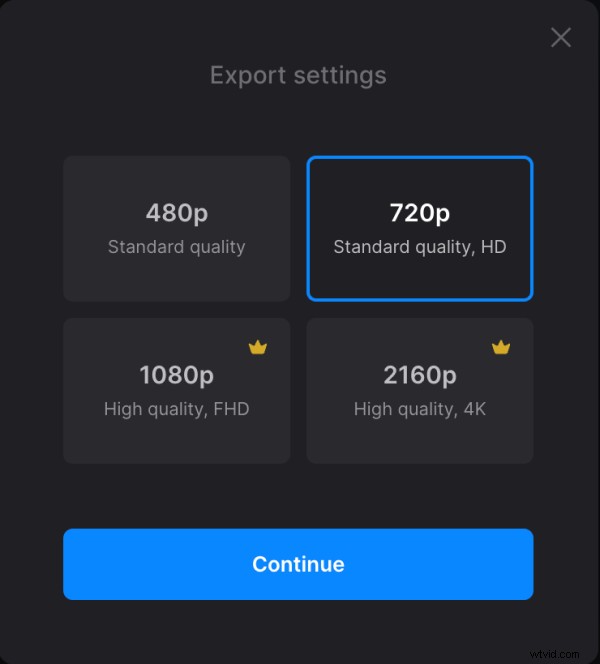
When you finish making your video, click "Export" and choose the export option you like.
Download the result
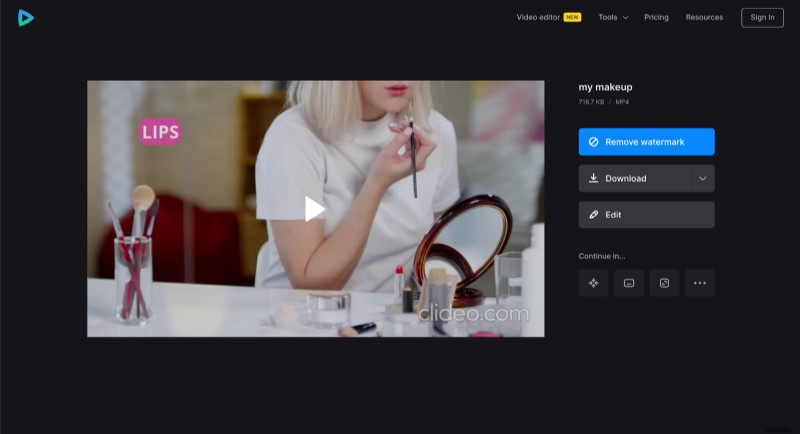
Before you save your makeup video, watch the preview to see how it looks after editing. If changes are needed, click "Edit". And if everything looks good, click "Download" to get the video to your device or upload it to the cloud storage.
Video Editor has more options to discover. You can explore them in our Video Editor Help Center.