
How to make a video loop
Looping means to repeat a series of images or clips in which the end connects back up to the beginning. It creates a never-ending play of memorable moments. The idea of video looping is a continuous automatic repetition of either a video section or the full video length.
Don't get caught up with difficult video editing apps that take up most of your precious time learning how to use it, rather than spending that time in creating good quality content. With Clideo, you can reach the effect in three simple steps and it doesn't matter if you have advanced video editing skills or none at all.
Upload a file
Open the Clideo's Video Looper. Choose a video from your Mac or Windows laptop, from your iPhone or Android device. You can also select a file from either Dropbox or Google Drive.
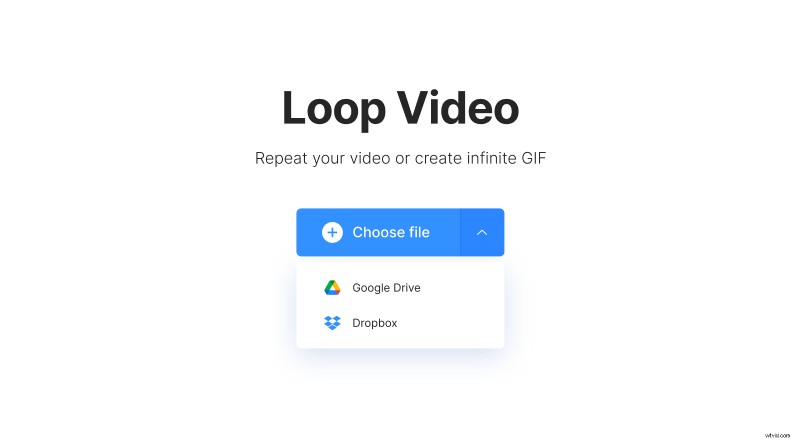
The tool accepts files of many different formats such as MOV, AVI, MP4, MKV, VOB, WMV, and others.
Adjust the video
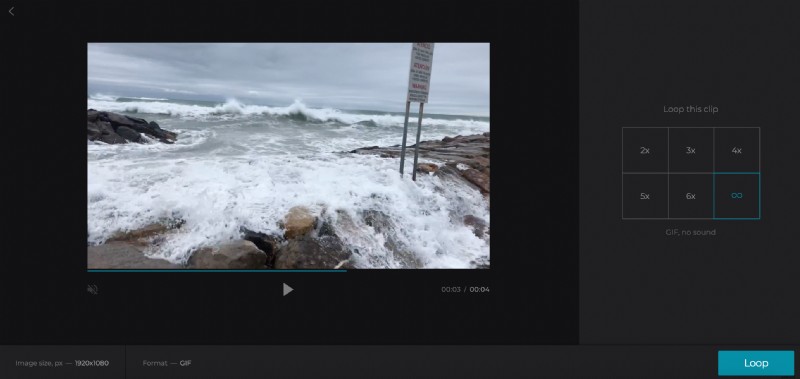
Once your video has been uploaded, you’ll be able to select a number of times you wish for the video to be looped. Then click the “Loop” button.
Save the result
You can watch the edited video in your browser before downloading. If you're unhappy with the result, simply go back and continue editing until you’ve achieved the perfect outcome.
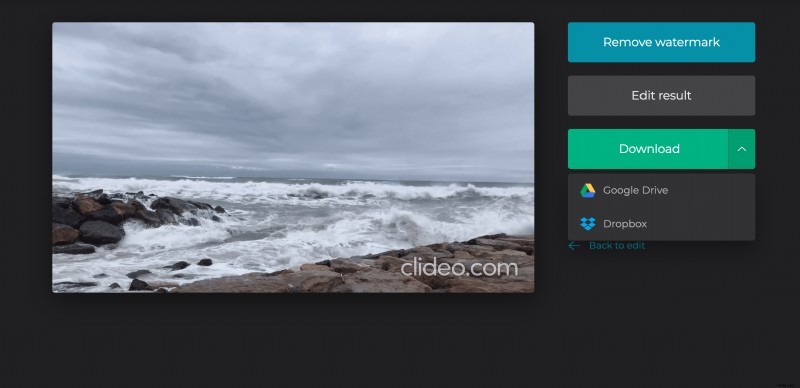
When you’re done, download the video and save it back to your computer, smart device, Google Drive or Dropbox.
There’re no limits to your imagination when it comes to using Clideo, just create and share! It’s really that simple!