
How to resize a video
So when it comes to resizing video content, users need a quick and easy tool that they can rely on.
Online Video Resizer by Clideo is the perfect solution for this. The video dimension converter’s minimal design makes it super easy for anyone to use, and so you don’t need special movie editing skills to take advantage of it.
Upload your video
To start off, open the resizer in any browser on your iPhone, Android, Mac or Windows device. Select a file that you want to edit by hitting the ‘Choose file’ button.
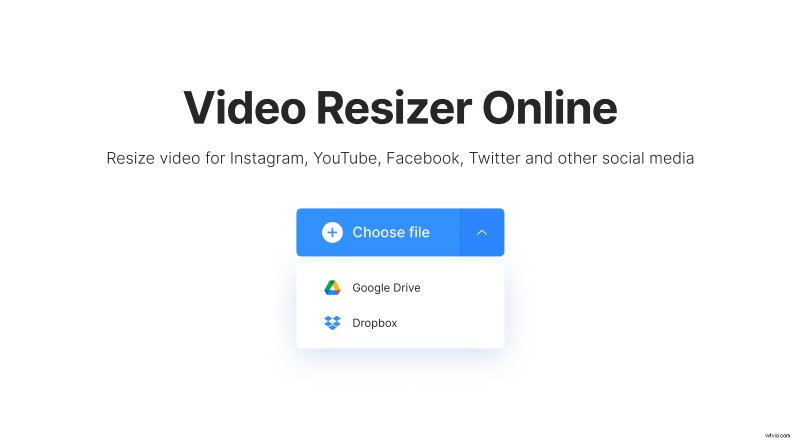
Alternatively, upload it from Google Drive or Dropbox.
Clideo supports all the modern formats such as MP4, MOV, AVI, MKV, and more.
Resize your video
When the file upload has been completed, select the social media you're planning to share the video on:
- Instagram;
- Facebook;
- YouTube;
- Twitter;
- Snapchat;
- LinkedIn;
- Pinterest.
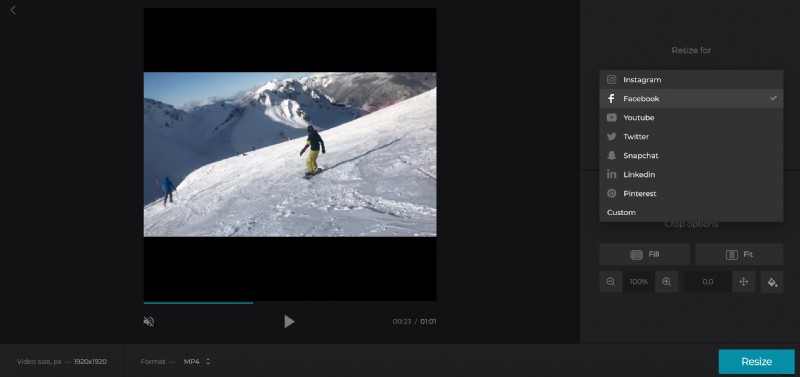
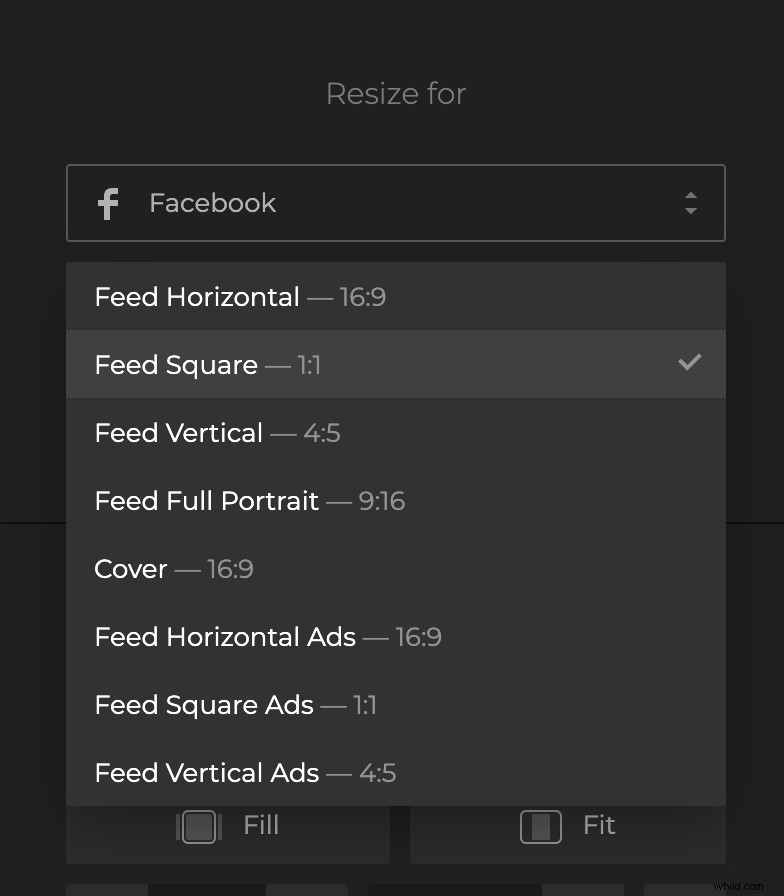
Now select the necessary preset — we've prepared them for all the possible ad and post types of every social medium.
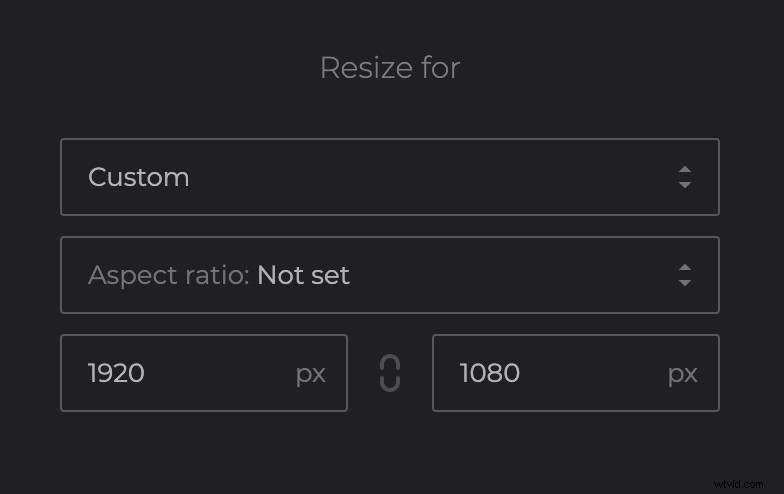
You can also set custom video size in respect of aspect ratio or independently.
If you don't like the bars left, select the "Fill" option to fill in the whole frame.
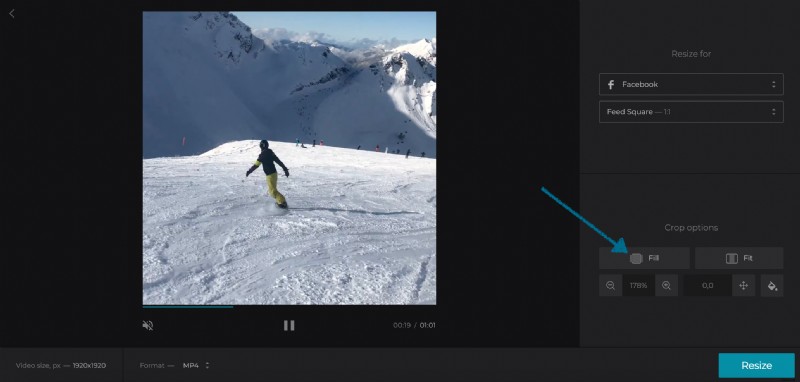
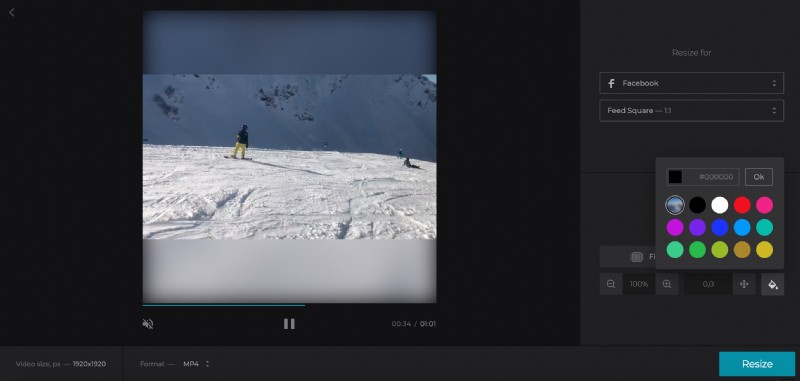
But if you want to keep the borders, remain the "Fit" option selected. Zoom the video and adjust its position if you like. Change the background color: choose the Blur option or one of the available colors, or input a hex code to add a custom color.
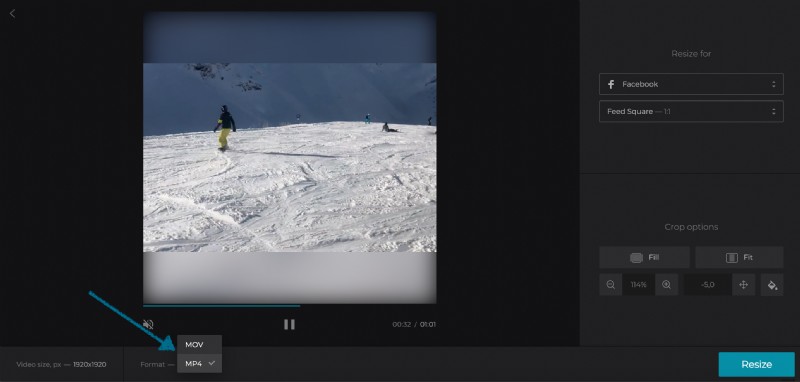
At last, change the output format of the video below the player. You'll be offered only the formats that are supported by the chosen post or ad type of the social medium.
Click on "Resize".
Download the resized video
After the tool has done its thing, your new video is ready to be saved. Simply click on the "Download" button to save it to your device. If you prefer, you can save it to Dropbox or Google Drive.
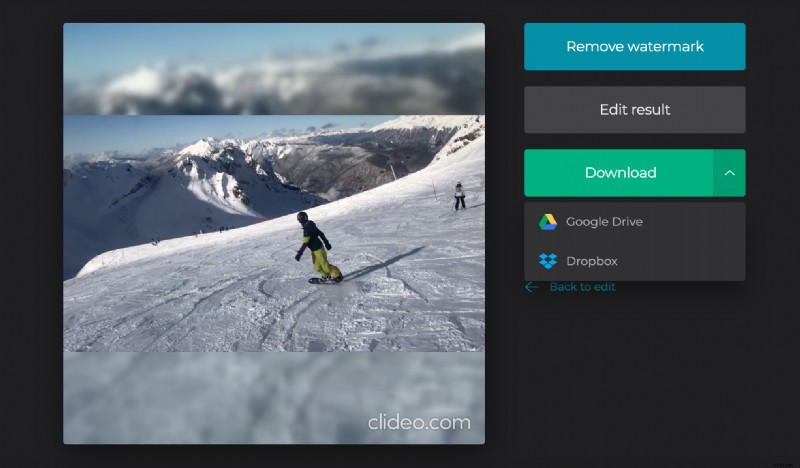
If you don't like something about the result, click "Back to edit" and you'll be taken back to the editor without starting all over again.