Rotate your video online
Video editing can be a nightmare. First, you need to find a program that’s workable, sort out how to use it, and then download the mammoth software to run it. And not only can it get pretty pricey in addition to all this trouble, but there’s typically a steep learning curve to contend with as well.
Not so with the online and free tool by Clideo!
We’ve made the following steps super simple, so you can skim them and get your work done expertly and immediately:
Upload your stunning content
Open the Video Rotator by Clideo. Upload your content by selecting a file from your computer, iPhone, Android, Google Drive or Dropbox. You can also add a video stored in your Google Drive or Dropbox cloud.
The service is free if your files are up to 500 MB; that should handle most of your video needs though, particularly as online participants’ attention span is increasingly diminishing. As of this writing, brands have about six seconds to grab a reader’s attention. And even that is probably pushing the envelope.
So shorter videos – and shorter everythings, really – are best for most marketing efforts.
Back to your upside-down video...
Once you’ve uploaded it, you’re ready to fix it up.
Rotate video online!
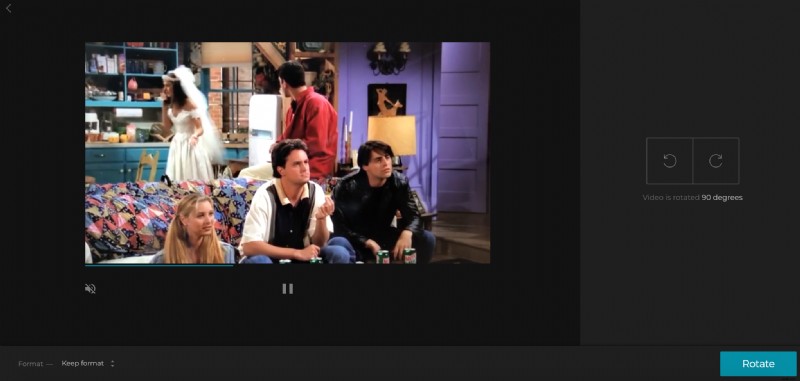
Now you just need to rotate it – easy peasy! Clockwise, counterclockwise – click around to see how it looks. You’ll reach the same result with enough clicks regardless, but it’s handy to have the option to choose between the two when you have lots to get done and little time to play around.
You can rotate it 90 degrees or completely flip it upside down (or right-side up, as the case may be).
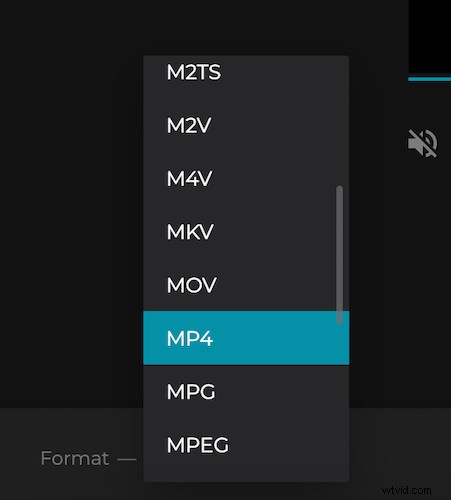
You have choices around format you’d like your new video to conform to. For sharing on Instagram, Facebook, YouTube or another social network, you can check out the guide on social media formats if you are not sure about which one to choose.
Download the rotated video
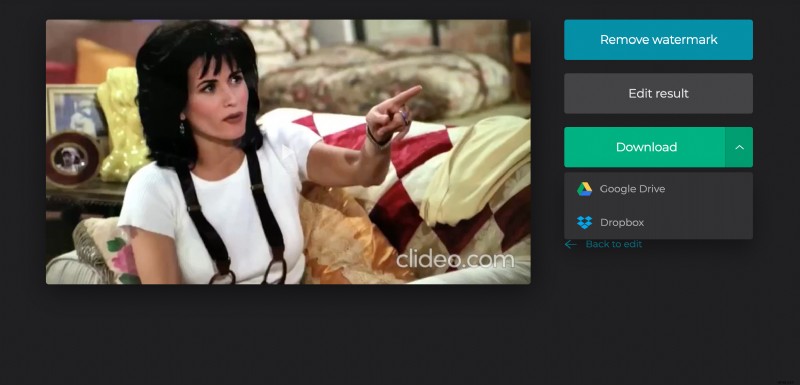
Now you’re ready to play it and see how it looks before downloading. And then click “Download” for saving on your device, or click the arrow to save on Dropbox or Google Drive account.