
How to merge videos
How would you feel if you have to take special classes to learn a new skill such as a video editing, just to join your videos? Sounds pretty tough, huh? Well, now you don’t need to invest in a new skill, when Online Video Combiner by Clideo is at your service. It can do the task within a blink of an eye.
It’s a free, online and the most secure tool that allows you to put your videos together, add images and audio. Clideo is easy-to-use and equipped with many advanced tools such as Meme Maker, Stop Motion App, Video Speed Editor, Audio Remover, etc.
Learn how to put videos together in three simple steps!Choose a file from:
- Desktop operating system: Windows or Mac.
- Mobile device: Apple or Android.
- Online file source: Dropbox or Google Drive.
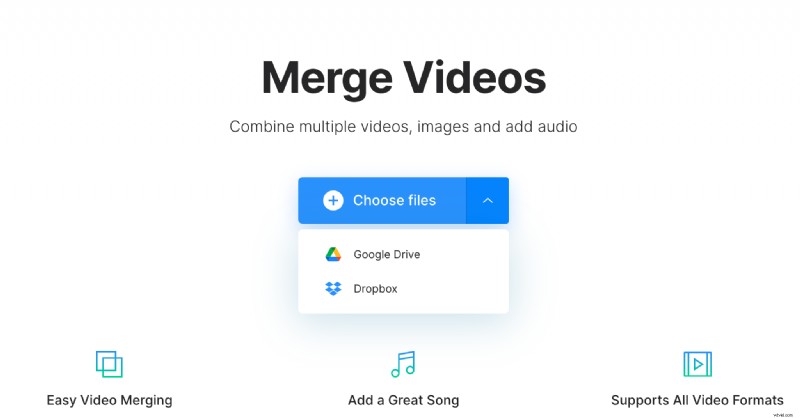
The tool supports a variety of video file formats: MOV, 3GP, MKV, WMV, MP4 and much more.
Join your videos
After the first video is uploaded, choose the second one and repeat the process until all the desired files are uploaded. Drag and drop them into the desired order. If you've added images, then set their duration.
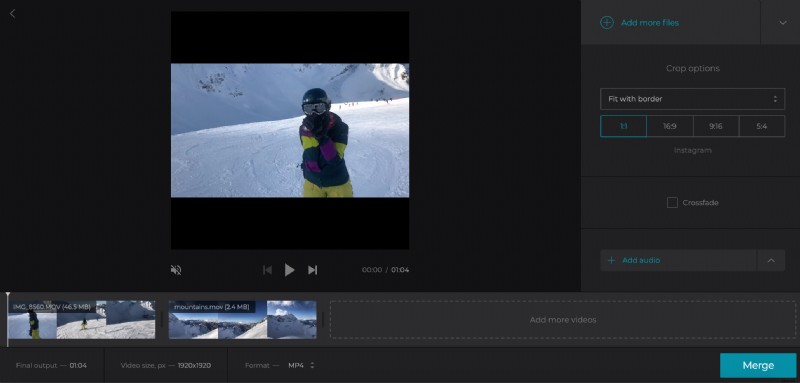
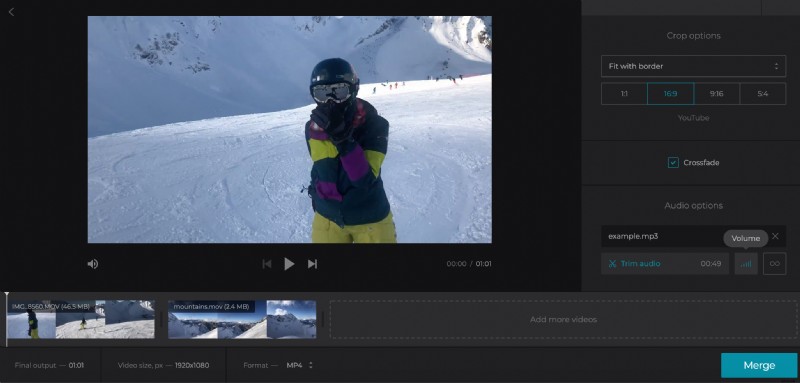
Now, upload a song or another audio file, and change its length and volume.
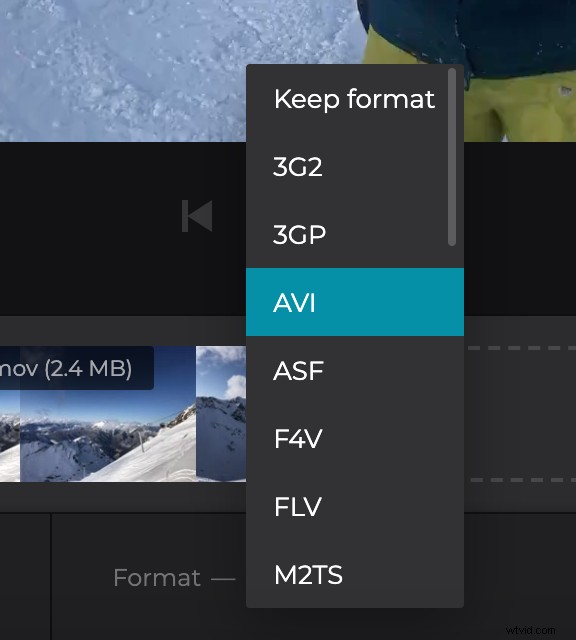
If you want, select an output format for your video, or just keep the initial one.
Once you’re done with all the editing and formatting, click the “Merge” button.
Save the video to a desired location
Congratulations! You’ve successfully joined the several videos into a single one. Now, watch the edited video right here in your browser.
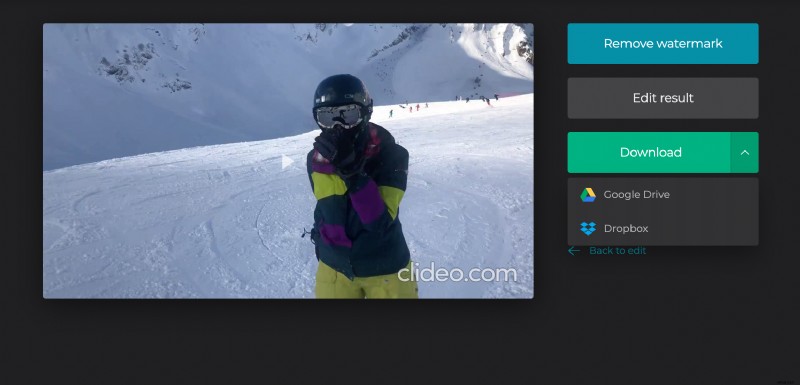
Therefore, by doing this you’ll be able to make changes if you’re not satisfied with the result. Once done, click the “Download” button to save your combined video. You also have the option to save it back to Dropbox or Google Drive, so you can share it with others too.