
Programs to reverse video online
There are quite a few good video reversers online but as with anything in the network these days, you have to be really careful what you both download and use. You really don’t want to go get some nasty spyware or adware from the website on your machine. A lot of the video editing application tend to be shareware, freeware, open-source, etc.
We have gone through three of the top video reversing apps that we found to be effective and that don’t seem to have any unwanted application passengers to download or use.
Online Video Reverser by Clideo
Clideo is a bunch of tools including Meme Maker, Video Joiner, Video Looper and more. It’s one of the easiest websites to use and it has a powerful online video reverser. Basically, it takes 3 quick and easy steps to edit and download your video.
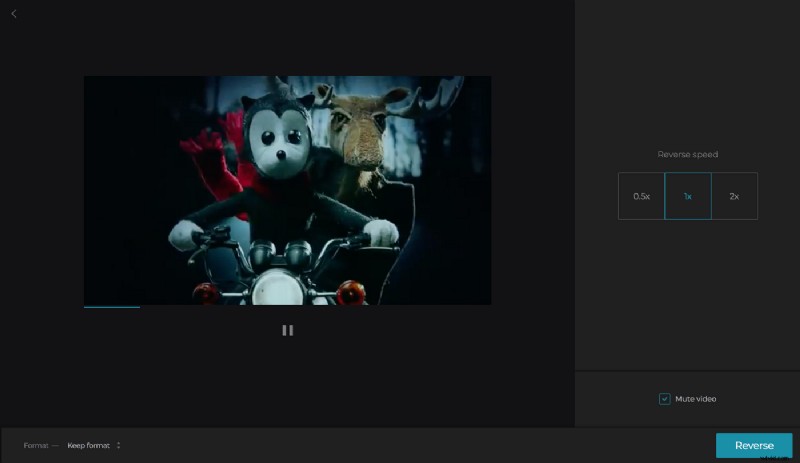
Advantages
- It’s easy and fast as you can access it on the go from your smartphone.
- It’s compatible with most operating systems including Windows, Mac, and Linux.
- It supports all the popular video formats such as MP4, MKV, WMV, VOB, MOV and AVI.
- Files can be uploaded from and stored to Dropbox and Google Drive making them easy to access anywhere and anytime.
Disadvantages
- The free version has a limiting maximum file size of 500 MB but you can increase it by subscribing.
Ezgif
Ezgif is one of the most popular and well-known video editing applications. It’s because of its online animated GIF creating features. It comes with some fun features like reversing sound of a video. It’s ideal for those who love creating GIFs.
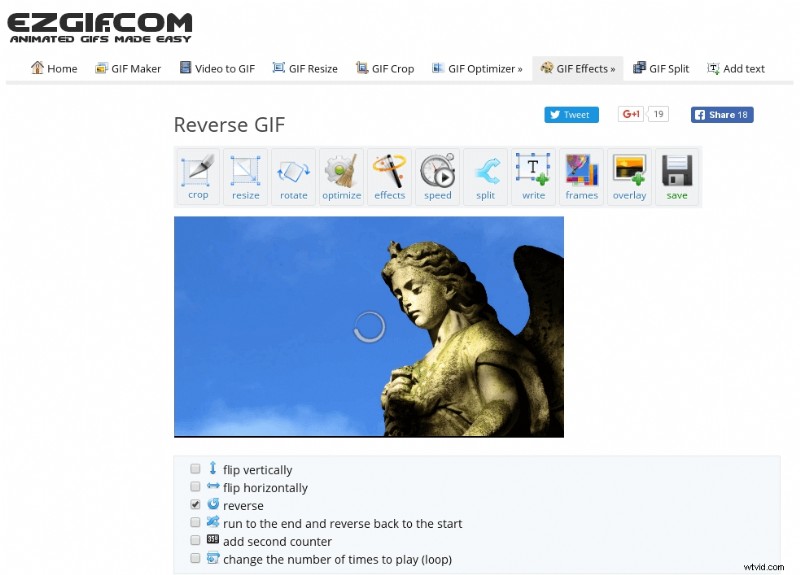
Advantages
- Compatible with most web browsers.
- Can reverse sound and mute it.
- It’s easy to use and doesn’t have a complex user interface.
- Supports most of the video formats.
- Uploads to various cloud storages such as Google Drive.
Disadvantages
- It has a limiting maximum file size of 100 MB.
Online video reverser
Online video reverser is a really smart little app that is compatible with most if not all of the mainstream web browsers that are used today. It’s so easy to use that even the novice can have fun editing reverse video playbacks. Moreover, it can reverse the sound too.
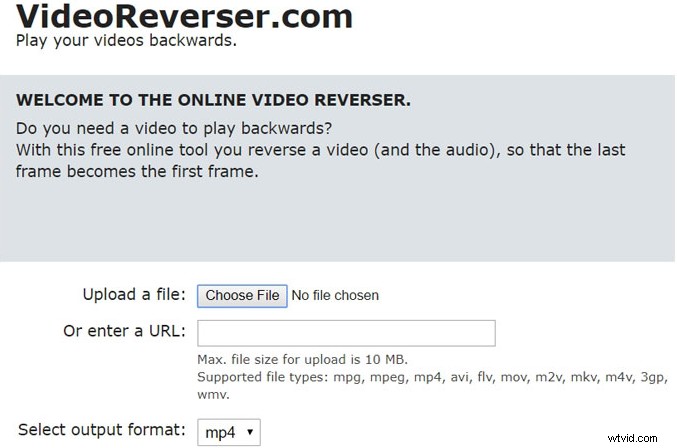
You can choose from a few video formats. The program is quite limited in its special effects and not as feature filled as the previous two applications we’ve reviewed. However, for quick easy reverse playback, it’s a good application.
Advantages
- The application is compatible with most of the popular web browsers.
- It supports the following video file formats: MP4, WMV, MPEG, AVI, FLV, MOV, M2V, MPG, M4V and MKB.
- The online web-based interface is basic and really simple.
- You can remove or reverse the audio track if necessary.
- Support various languages such as English, Dutch and Spanish.
- Compatible with most of the popular object library files.
Disadvantages
- The software is very limited in its features.
- It’s only for video reversing.
- It’s not suited for more experienced users.