
Find the best meme creator for yourself
Did you know that memes have become so much popular that they’ve been used to convey hard and bitter messages in a humorous way around the world?
In the old days, for instance, about a decade ago, you needed graphic designing tools such as Adobe Photoshop and Coreldraw to create your own memes. But luckily, in this era, we have various choices to do this hectic task. And that too with ease.
- Online Meme Generator by Clideo
- Imgur
- Meme Center
- Memegenerator.net
- iMeme
Online Meme Maker
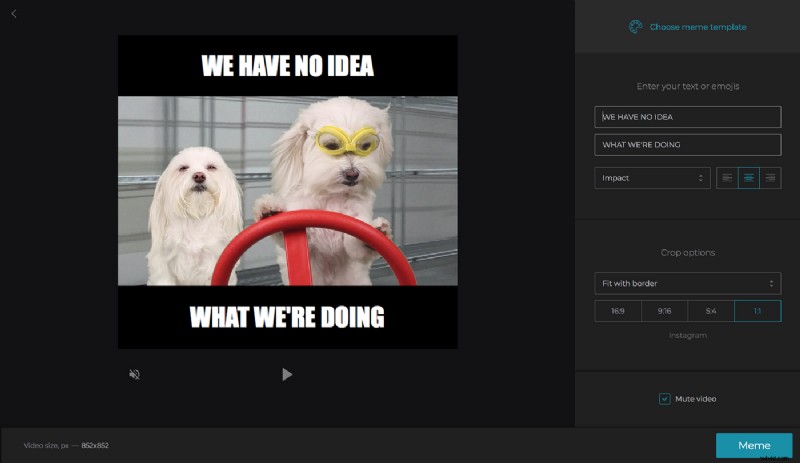
Simple as it is, Online Meme Generator by Clideo is undoubtedly makes on the top of our recommended meme makers out there. Let's see why:
Advantages
- You can create a meme from any picture! You don't have to stick with the mainstream templates — use your own photo instead!
- It has simple features, so you don't need to waste time on reading instructions.
- It works online, so it's compatible with all the devices: iPhone, Android, Windows, Mac, Linux, etc.
- It enables you to save your created memes to Dropbox and Google Drive.
- The website is fully secured with an SSL certificate. In addition, the uploaded files are removed from the server immediately after your work is done.
Disadvantages
- It has a watermark. However, you can easily remove it by subscribing if needed.
Imgur
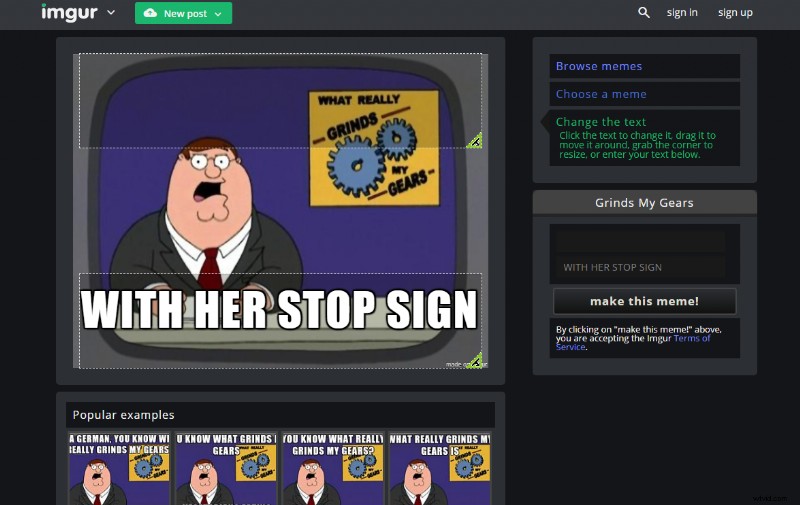
Imgur comes with lots of built-in pictures that can be used to make your memes instantly.
Advantages
- It’s better than most of the online and offline meme generators out there because it’s easy to use and you can even select your own default image background.
- Moreover, it has plenty of useful resources to create a meme such as the ability to edit it with lots of options available.
Disadvantages
- Although, it’s among the best meme makers in terms of its features and ease of use, it still has got a major disadvantage that cannot be ignored. You need to register for an account on the Imgur website in order to submit your memes to the community and social media.
Meme Center
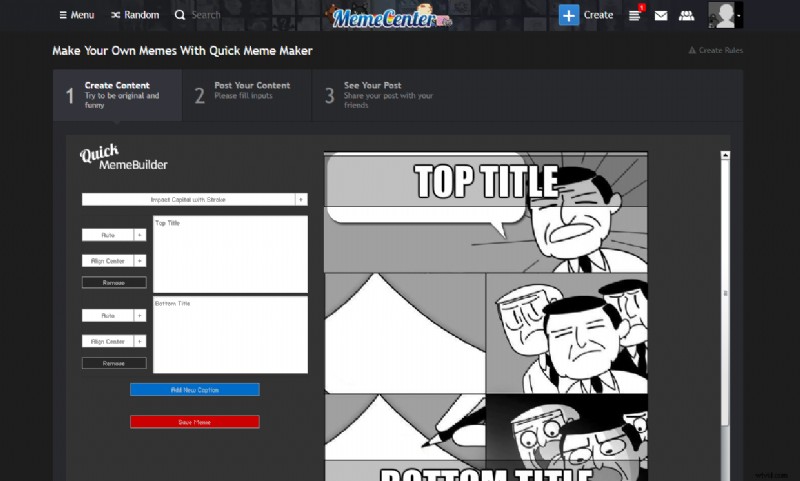
Meme Center comes with 4 different modes that are quick meme, meme builder, GIF maker, and uploader.
Advantages
- It has advanced controls.
- It also comes with lots of pre-built templates, so you can quickly generate a meme out of them.
Disadvantages
- Meme Center isn’t easy to use as it has slightly advanced controls, therefore, a layman would face difficulty using it.
- You need to sign up for an account in order to make memes.
Memegenerator.net
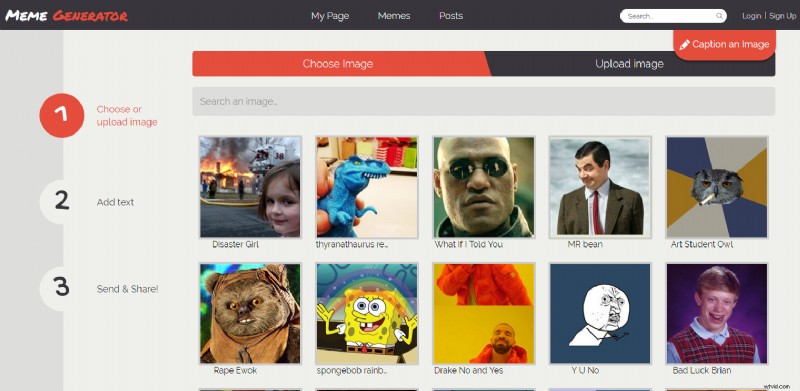
Memegenerator is another one of the most popular and widely used online apps.
Advantages
- Like Online Meme Maker by Clideo, it requires no sign up in order to create free memes.
- It’s easy to use and its powerful search engine helps you find relevant pictures.
- Using the app, you can create memes in some simple steps using the provided images by the website, or you can use a custom image of your own too.
Disadvantages
- The Memegenerator.net has the biggest flaw that any meme generator can have; i.e., it doesn’t allow you to customize the text color, size and its location. That means you’re bound to use the available settings.
iMeme
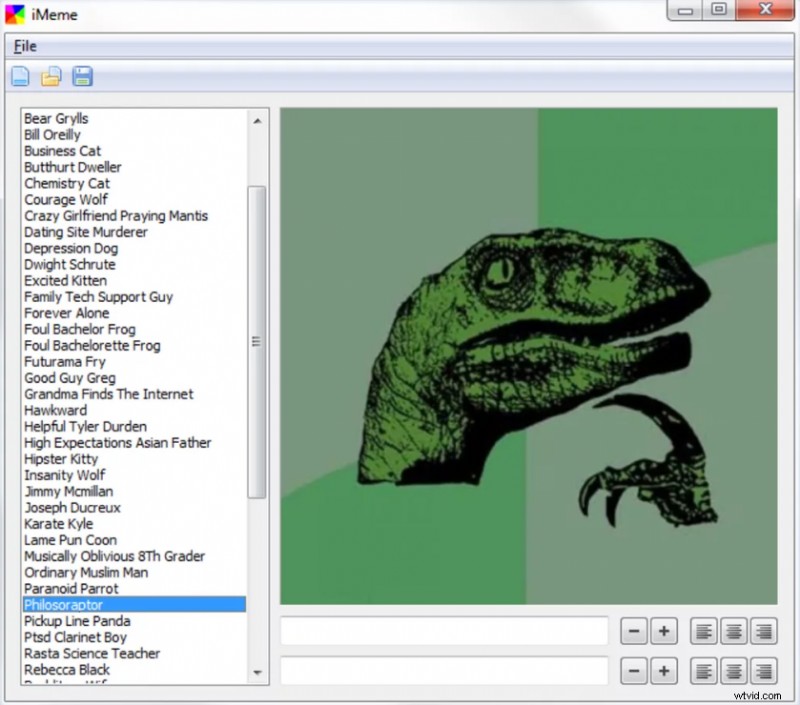
Now, we have something different in our arsenal, namely iMeme. Upon its launch, it was one of the most popular meme makers but outclassed by many advanced programs soon after its launch.
Advantages
- It comes with over 100 built-in templates but if you don’t want to use them, you can create a meme as per your requirements.
- You can add, align, or edit text anywhere on the picture.
Disadvantages
- It’s offline and you need to download it to your laptop or desktop system to make it work.
- It can’t be installed on your mobile device that means you’re bound to use an operating system.
- You can’t upload your meme to any destination on the internet via iMeme, you need to do it manually.
Well, this was our take on the 5 best meme creators available in the market for you. We have reviewed each of them stating their features, pros and cons, for better clarity, now it’s up to you which one you’ll choose.