
In this post, you can learn the steps to make memes and also find out 6 great meme generators that can help to make memes with your need.
Memes have transcended through the boulevard of the Internet. They range from subjects such as politics to college humor. As meme culture has become an integral part of the modern Internet, it already has become a big part of how we communicate online. In this post, I would like to share with you the best free meme generators, which include desktop apps and online services. In the following part, there are 6 great meme generators introduced. All of them are easy to use and they export videos without watermarks.
Additionally, certain video editing skills make your memes much funnier. You may want to learn how to do a picture-in-picture effect to make pic-in-pic memes, how to add animations to videos to make animated memes, and how to edit GIFs to make GIF memes.
#1. Imgflip – Online Meme Maker
Starting with amongst the oldest meme maker online that has been around for an extended period. There are two text boxes on the template by default, which can be bumped up as per your needs. Right below the operating area, you view and choose the latest hottest meme.
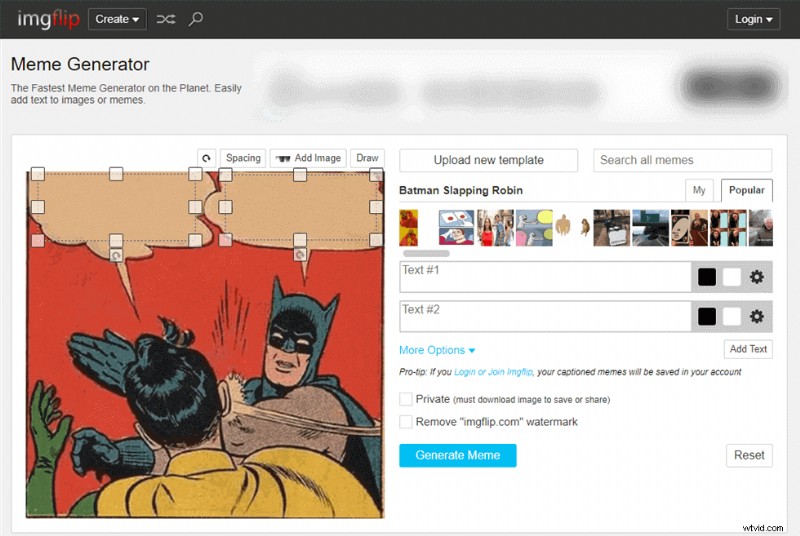
Screenshot of imageflip
Features
- Search for all the latest meme templates from the editor itself.
- Create GIF memes by converting videos into memes. Either upload them or paste the URL.
Pros
- Easy user-interface
- Search for Meme Templates
- Add Custom Image to the Templates
Cons
- Meme maker’s watermark
- Single font for text
#2. Kapwing – Online Meme Generator
When you talk about an all-rounder online memes editor, Kapwing can fit the description. They have videos, gifs, pictures, and webcam recordings for memes. Kapwing listed memes with different categories where you can directly get the meme you need. Also, you can edit the internet meme online with ease.
Kapwing Meme Generator
Features
- Google Search is integrated to search for the latest memes on the block.
- You can export your memes in any aspect ratio, which is suitable for your device.
Pros
- Create both video and photo memes
- Wide variety of text options
- Create memes in different aspect ratios
Cons
- Meme templates are not available; users will need to search.
- The user interface has a broader learning curve.
#3. EnterMeme – Online Meme Maker
EnterMeme is more than just another meme maker online. You get an engaging community to connect with and share the hobby of memes.
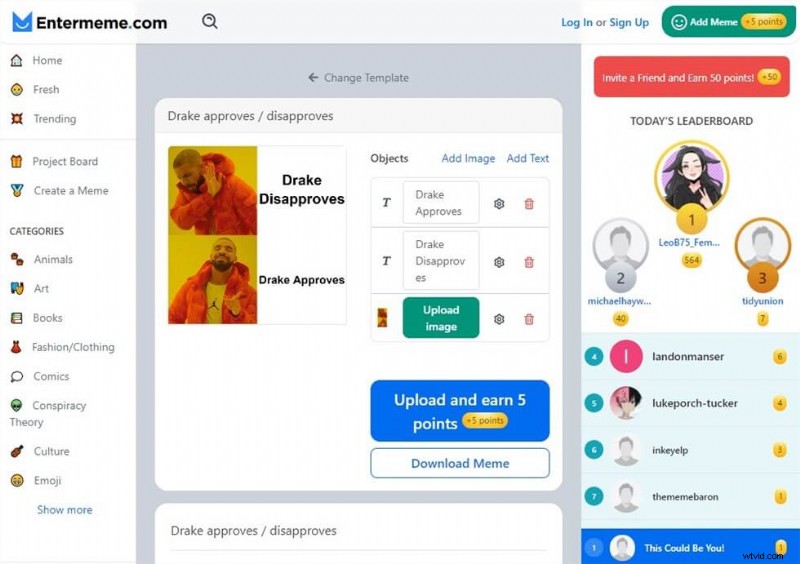
EnterMeme
Features
- The points system for memes is shared with the community. Earn enough and rule the leaderboard.
- Meme templates on Entermeme have instructions on correctly using the meme. Be on point with your meme game. Apart from that, they have the origin of the meme, which brings you to speed with the latest memes.
Pros
- Descriptive meme templates
- Earn points for uploading memes
- Obscure meme templates are available
Cons
- Lack of fonts and text options
- No drag and drop option for uploading media
For everyone looking to go offline and the extra mile with meme creation, certain windows apps do the job pretty well. Besides, online video meme-makers have a long way to go.
#4. FilmForth – Funny Meme Maker
Apps like FilmForth have simplified it down to the last bit. You don’t need any kind of expertise in using computers. A general know-how and you have yourself a firm grip on the meme editor by IoForth.
FilmForth provides lots of online gifs and stickers that you can add to the file you prefer. But you can only export the file as a video which won’t support gif and pics making.
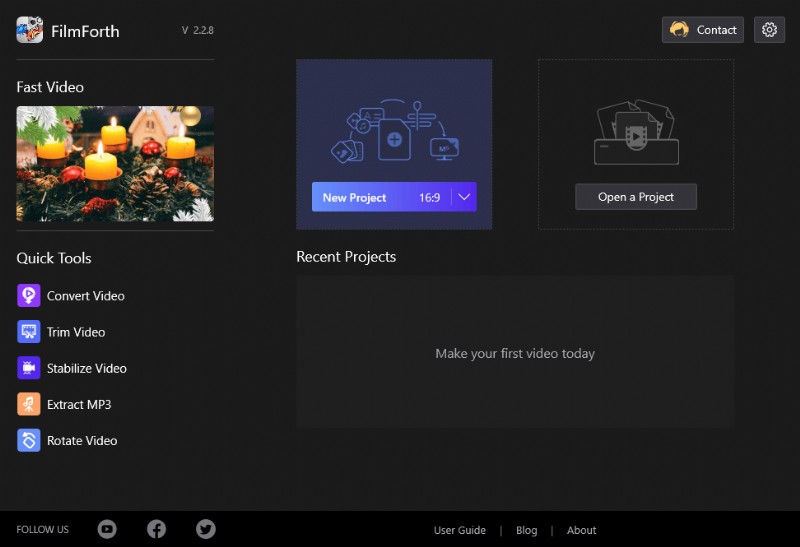
FilmForth – Windows 10 Meme Maker
Features
- No Watermark – FilmForth is free and does not put a watermark on any of your videos, photos.
- Add Multiple Clips – Combine different video clips, pictures with a bouquet of transitions, filters, etc., to create a seamless video to share with your friends and colleagues. Merging clips is extremely easy with the edit feed that has various clips into different blocks of content.
- Picture in Picture – Each frame deserves a sentiment of its own. Add pictures on top of your videos and photos. They come in handy with memes where a face can be morphed into a person’s face in a meme. Personalize and make the memes come alive for your group. Get in with those inside jokes.
- Meme Maker – Online meme editor apps often have certain limits for free users. Publish all your memes with a few simple clicks and forget about the online meme editors.
There is a video tutorial using FilmForth to make a funny movie which may give you some inspiration on Meme making.
#5. Meme Generator – Meme Maker on Windows 10
Meme Generator is a meme editor/creator app for Windows that has all over 250 meme templates in its collection. Overall the user interface is pretty easy to use for creating a classic text-based meme.
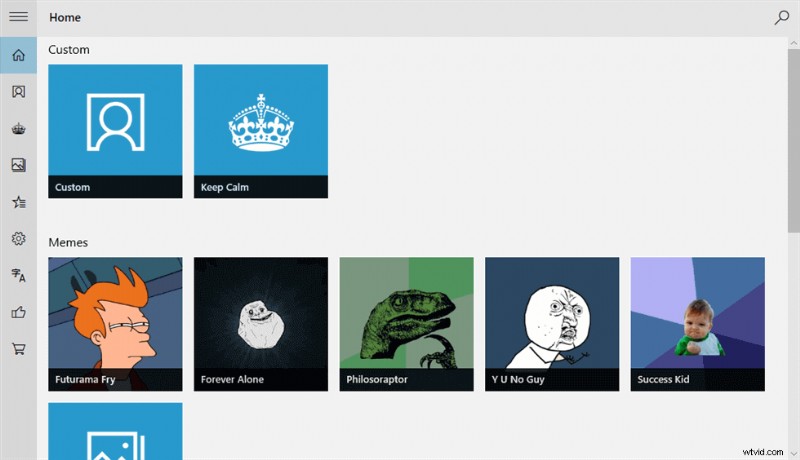
Meme Generator
Features
- Easy to Use UI – The interface is relatively easy to use as compared to other meme creator apps.
- Pin Memes – Pin your favorite memes to the Start screen and share a laugh every time.
- Share Memes Directly – With the sharing option, share your memes directly with your friends, family through social media, email, or cloud(OneDrive)
Pros
- Simple to use UI
- No Watermark on Memes
- Keep a collection of memes in the Favorites section.
Cons
- Lacks latest rending meme templates
- Lack of editing options on the pictures
#6. Meme Generator Suite – Windows 10 Meme Maker
Meme Generator Suite is a modern meme creator app for Windows 10 that ticks all the right boxes. The extensive collection of memes will enthrall you. It also contains a vast amount of meme templates, original font styles and you can always use your own images.
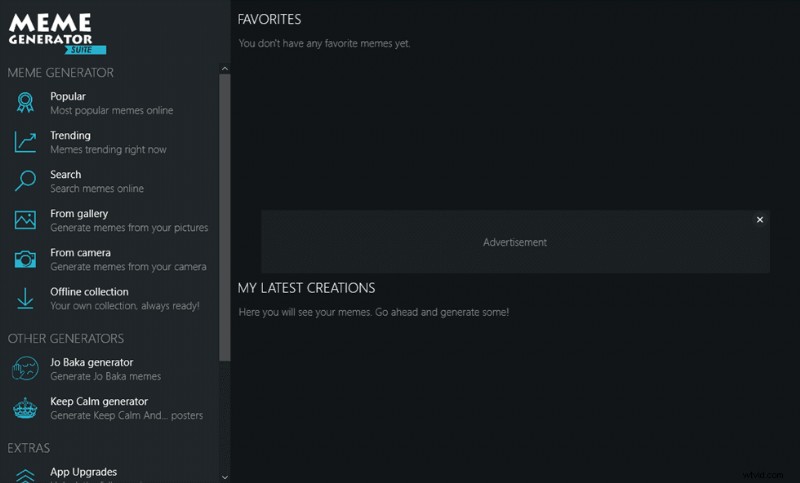
Meme Generator Suite
Features
- Widest Collection of Memes – Over 100,000 meme templates to choose from, thanks to this online library.
- Upload Directly to Imgur – If you want to share memes on Reddit, create a meme and upload them directly to Imgur.
- Photos directly from Webcam – Create instant memes of yourself by capturing yourself through the Webcam and getting down to meme business.
Pros
- A most extensive collection of meme templates
- No Watermark on Memes
- Search for new memes from the dashboard
Cons
- Lacks text fonts
- No Video meme support
Meme Generator FAQs
Create Your memes – Meme’ing By Yourself
Creating memes is as easy as drinking water. All you need is a meme template, and place your text on it—the simplest form of memes.
There are several dozen meme-makers online for simple text on picture memes. Select a meme template, place text on it, and you are golden.
Moving to advanced memes, which include the likes of videos and face morphs. They involve using certain easy-to-use meme video maker apps for Windows, which will be discussed later in this post.
Let’s move on to the free online meme-makers for now, which are the easiest to use.
How to Make a Meme?
It depends, you can directly make a meme with the tools listed above. Generally, there are 3 steps you will need to make a meme with FilmForth.
Upload the image/video you want to make into a meme > Edit the image/video clip by adding text, changing color, adding stickers, etc. > Export and save the file to the computer.
That’s it! It’s quite simple to edit a meme. But it would be difficult to make the meme perfect you need.
What is the best app to make memes?
As you can see from the candidates above, Imgflip is the best online meme maker for its handiness and ease of use, while FilmForth being the best desktop meme make program for its steady and trustworthy performance and extensive video/photo editing features.
How do I turn a picture into a meme?
To turn a picture into meme, you need a meme maker to add text to it and edit it, then your picture will look exactly like a popular meme.
How do you make memes on iPhone?
To make memes on iPhone, the best meme maker apps for iPhone can definitely helped you, which include Mematic, Meme Creator: Make Dank Memes., Imgur, Meme !!, Memes Generator + Meme Creator.
How do you make a creative meme?
Use your creative mind to make a creative meme! Always remember the key elements of a good meme include virally transmitted images, short but deep texts, a perfect combination of them, and humor is always appreciated.
Evolution of Internet Memes
Amongst the first to go viral on the Internet was the baby of a video dancing, originally posted on YouTube. It became a viral sensation across different formats, primarily seen on blogs, websites in the form of a GIF.
The worldwide web grew, and forums like 4chan, Ebaum’s world saw the early prevalence of memes. Early meme formats focused on captions on a photo, primarily with top and bottom text.
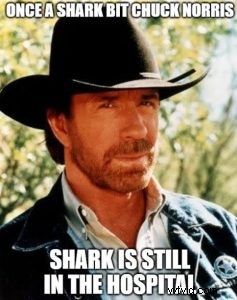
Chuck Norris
The Chuck Norris facts(hyperbolic demigod status to Chuck Norris, as a part of the Internet joke) made rounds worldwide.
After that, we rolled into 2007, pivoting to videos. And everyone was rick-rolled into watching the YouTube video of Rick Astley performing “Never Gonna Give You Up” as the song’s official music video.
As the harmless Internet prank picked up, you could find it prominently on forums like 4chan, Ebaum, and social media sites like MySpace and Orkut. Any suspicions during the link were either a rick-roll or malware, majorly the former.
To this day, Reddit has kept up the meme tradition, and you can find some rick-rolls now and then by the users.
Twitter and Tumblr were becoming the next destination in the new decade of the 2000s. People looked into something better than Facebook for humor and funnies in general.
Reddit and Instagram have been on the forefront ever since for the memes and giggles.
Conclusion
Memes are fun, and creating them should feel the same. While online meme-makers have undoubtedly been impressed with its ingenuity, it lacks the wholesome touch. Offline meme creator apps have certainly picked up the pace in recent times. Download them once, and you are ready to make some humor content.