
Format FactoryNowadays, people are tending to sharing images and videos on Facebook, Instagram with putting watermark or logo on it. Adding watermark to your video can avoid unauthorized use and copying of it as well as promote your brand and company. It can also make the video more personalized and special.
There is many video editing software available to adding your logo/watermark to videos, but in this article, I will share top 5 free video editing tools for watermarking your videos. Read on and learn more about these free watermark software so you can weigh your options on which video watermarking software to use.
Recommended video editing software to add logo/watermark to video
Besides the free video watermarking software, here I highly recommend paid video editing software- Wondershare Filmora. It's definitely a better option since it's more convenient to use because of its user-friendly interface. Even if you're not a pro in video editing, you can watermark and edit your videos with ease. You just have to drag-n-drop the images or logos from your computer or other external devices for watermarking. Here is a detailed guide about how to add logo/watermark to video in Filmora.
Why you should use Filmora to add Logo/watermark? As you may see from the video above, in Filmora:
- you can add text as a watermark, an image and even a video as watermark;
- adjust the watermark position to anywhere in the video;
- apply various built-in text and titles effects to the logo and watermark file
- fine tune the image watermark opacity and blend it to video in a much better way
For the step-by-step tutorial about adding watermark/logo to video, you can check our article about How to watermark a video with videos and photos. Filmora is available on both Windows and Mac and it is free to download, you can click the download button above and give it a try.
Top 6 Free Video Watermark Software
1. Wondershare Filmora
Filmora is one of the cheapest and best video editor you can find in the market. You can use it to add a simple text watermark or an image watermark as you like. You can adjust everything of the watermark: position, duration and transparency, etc. With thousands of transitions, you can decide when and how the watermark is going to appear and disappear. For detailed information about how to add watermark, check our article How to add watermark in Filmora>>
2. Media.io Video Editor
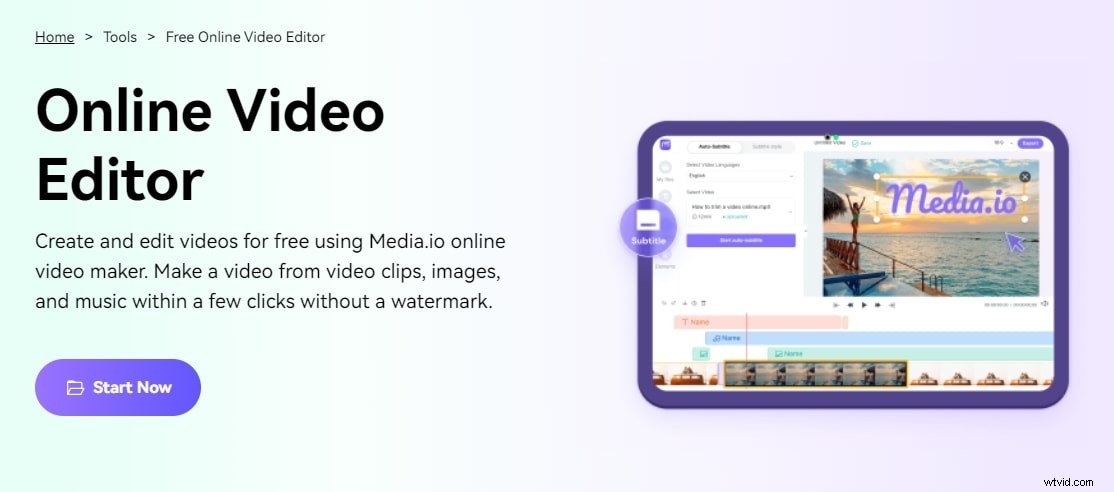
When it comes to adding watermarks to videos online, you should try free watermark tool, which provides a lot of choices for customizing them.
This brilliant online watermark adder supports all video formats, including YouTube, MP4, MOV, MKV, WMV, AVI, 3GP, etc. It also allows you to customize the watermark location, background transparency, size, text type, etc. Furthermore, if you want to add an image watermark, it accepts PNG or JPG pictures. You can apply watermarks to videos on PCs and mobile phones with Media.io online video editor. Open your web browser and begin editing. Even better, you won't have to install any extra browser plugins.
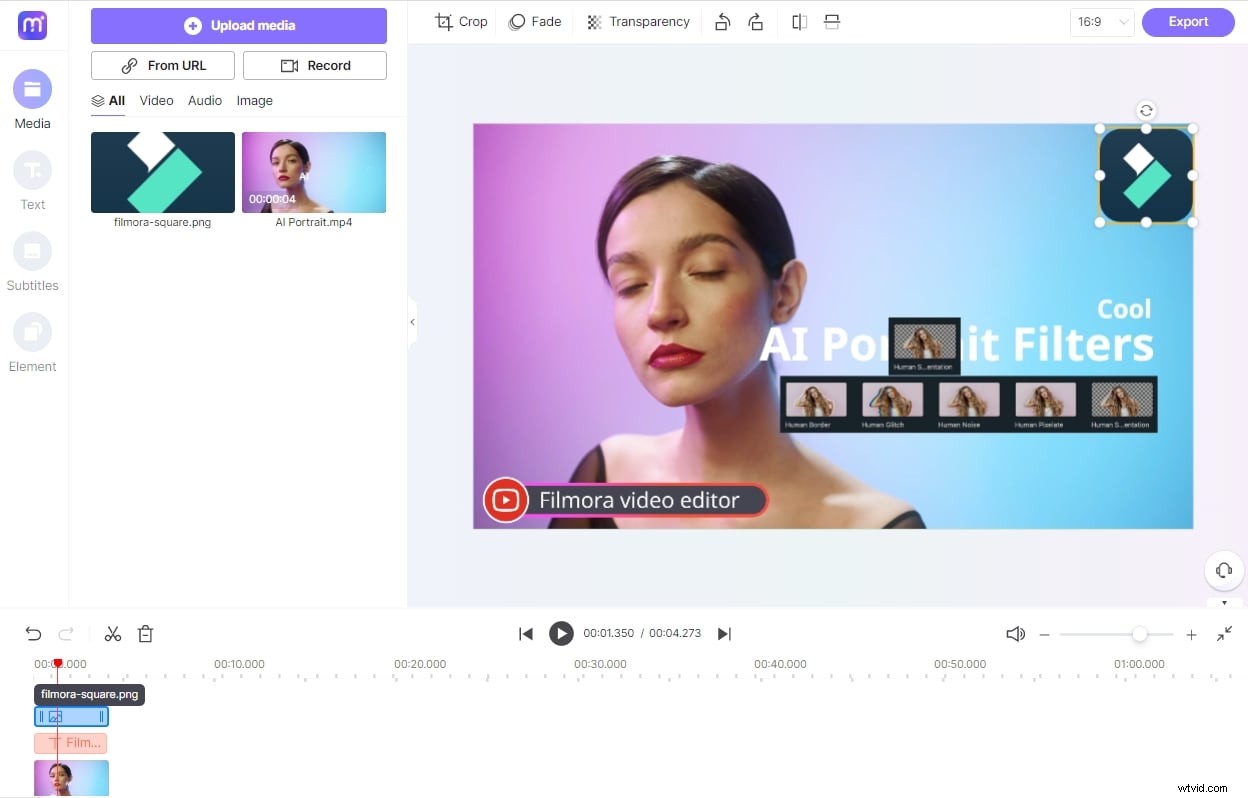
Media.io is much more than a simple watermark generator. It includes tools for improving your video for social sharing. The video editing option allows you to cut, crop, rotate, loop, compress and do various other things.
3. YouTube Studio
If you will share video footage on YouTube, then you can use the Branding feature to add a watermark to YouTube videos. Branding feature enables you to embed a chosen YouTube video or your channel logo across all of the videos on your channel. With it, you can add watermark your YouTube videos with a few clicks without having to edit the original video.
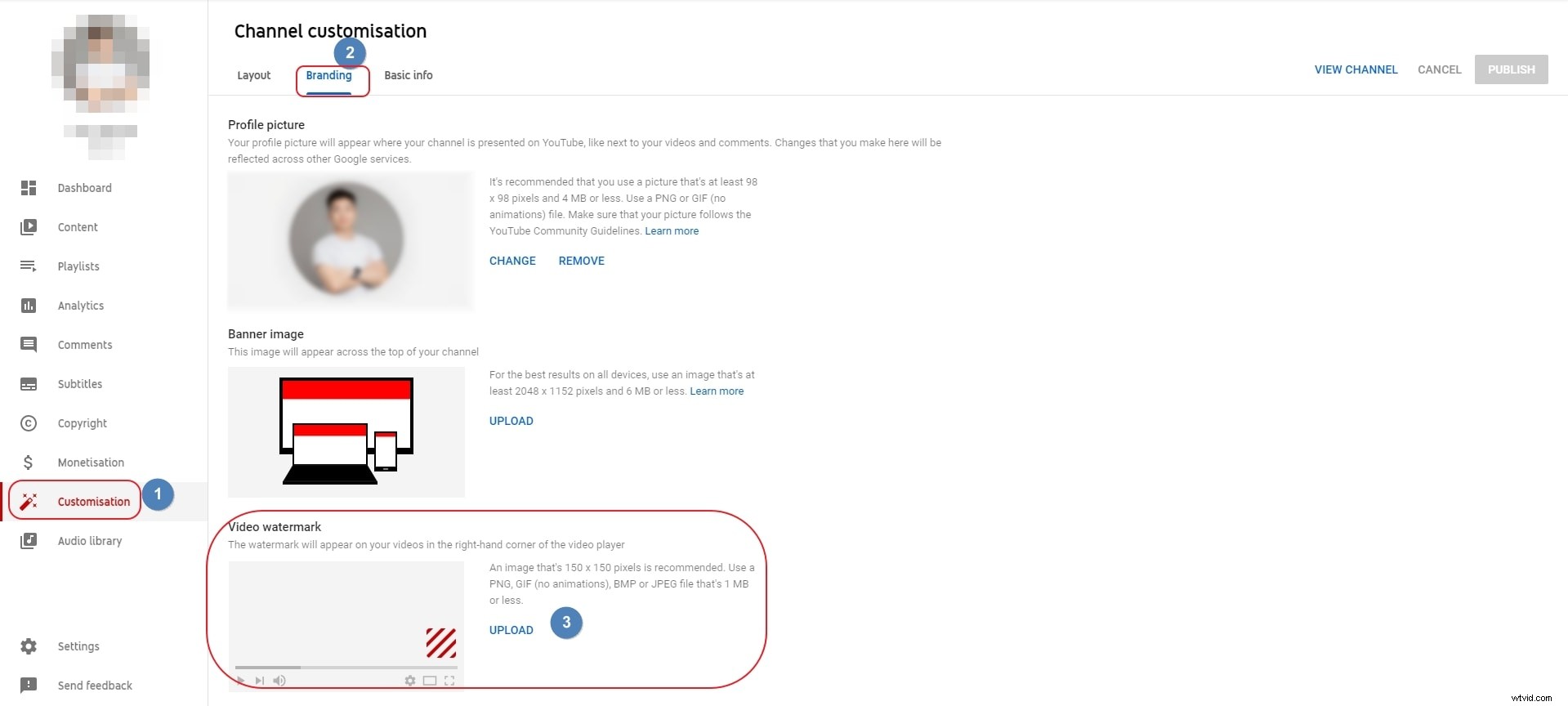
Just navigate to Customisation, find Branding option and then click Video watermark to continue. You will then asked to upload a watermark image. Click Choose File button and pick your watermark image to upload. It is recommended to upload a watermark image under 1M size best in PNG or GIF format. Click Save and your watermark will show on all your uploaded videos. You can custom the display time of the watermark, or choose to display the watermark in the entire video or at the end of the video.
4. Jahshaka
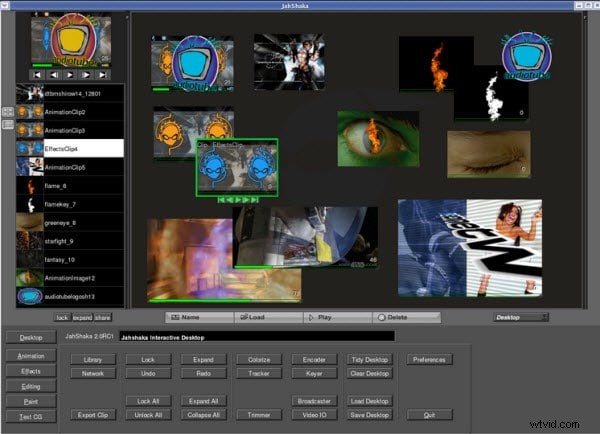
JahShaka is a commonly used open-source video editing tool. It boasts support for almost all major operating systems. There are also a ton of tutorials of this application which you can make full use of. Follow along with the instructions of watermarking and you should be the master of this tool.
5. VirtualDub
VirtualDub is one powerful video editing software with many features in-tact that can help you perform different changes to the video whilst maintaining the video's quality. You can also use it to add watermarks to your video with the logo filter for free. Refer to this guide to get more information about how to add watermarks using this tool.
6. Format Factory
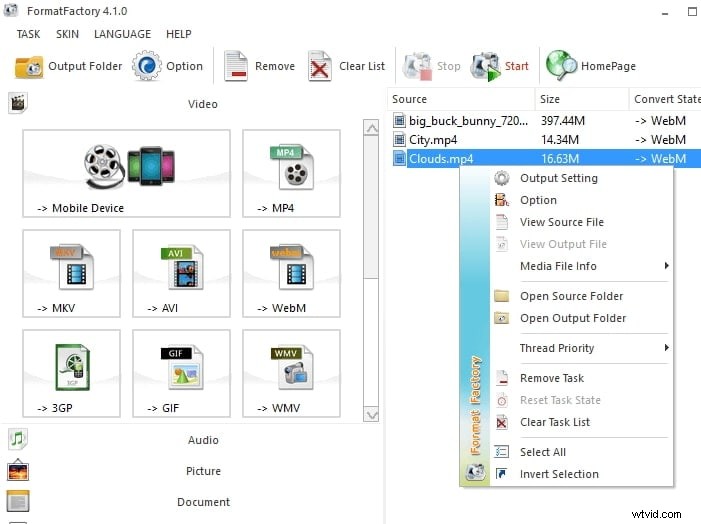
Format Factory is a free, fully-featured multimedia converter that lets you convert audio, video, and even images, between the most popular formats. It also has the watermark function which enables you to add watermark to your video for free.
Conclusion
These are the top 5 free video editing software that you can use to add logos and watermarks to the video. Of course, if you are a Mac user, you can use the pre-installed video editor iMovie or Filmora to add a logo and watermark to the video. For the details, check how to add watermark to video with iMovie, click to check the details.
No matter you are a Windows user or a Mac user, you can always use Filmora to watermark the video. For more details about the features of Filmora, watch the video below and download it to have a try.