
Many of the High-definition camcorder owners many have encountered encounter difficulty transferring and editing the HD video files they've shot. That's because most of the latest camcorders are encoded in avchd format, which is not supported by most video editing programs. Here I collect the top 5 high-definition video editing software programs out there in the market. With them, you can easily edit the HD videos without hassle. Now read on and try them out.
Top 5 HD (High-definition) Video Editing Software
- Wondershare Filmora
- iMovie
- Adobe Premiere Pro
- VegasPro 18
- CyberLink PowerDirector
1. Wondershare Filmora
Filmora is one of the most popular freemium video editing software for both Windows and Mac to edit high quality 1080p or even 4k video footage. It is compatible with almost all video resolutions from 240 to 4K in whatever common format. It offers an ample amount of professional video tools, transitions and effects which can be easily found on its user-friendly interface. Upon editing, you can select how you would like your edited video to be saved. It can be in a specific output format based on the favorite or type of device you wish to playback on. Alternatively, upload it directly onto Facebook or YouTube for instant sharing. Here is also a detailed guide onhow to edit HD video using this tool.


2. iMovie
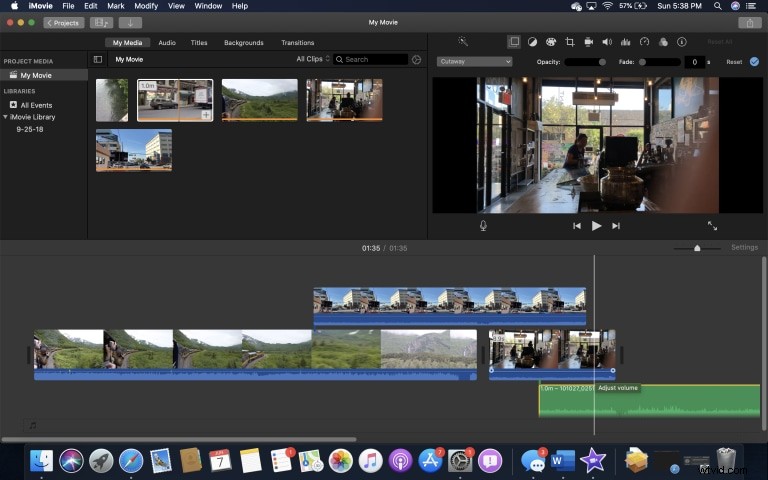
If you're a Mac user, iMovie is perhaps the best choice for HD video editing. It's the FREE video editing software that comes with all new Apple computers. The intuitive interface lets both the new and experienced people easily watch video clips, edit video and audio, and share videos on the web or on DVD.
3. CyberLink PowerDirector
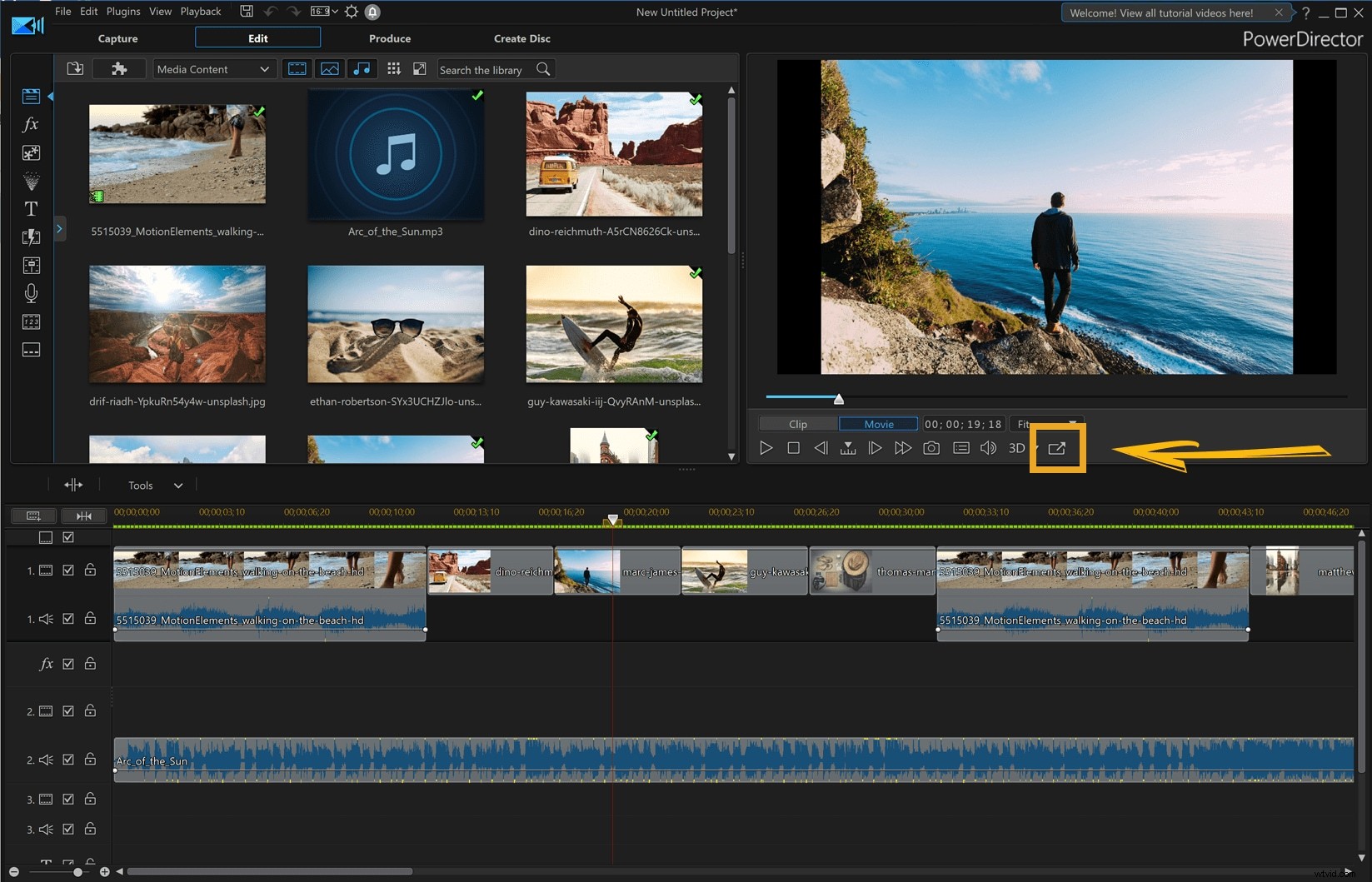
CyberLink PowerDirector is one of the popular video editing software packages on the market for Windows users today. It provides a full solution for video creating, editing and sharing tools. You can easily use the built-in effects to tinker around with the chroma key, hand-paint animation and subtitle zoom in order to personalize your HD video to make it more stunning.
PowerDirector is not a free HD video editing software, you have to pay at least $69.99 to purchase it.
4. Vegas Pro18
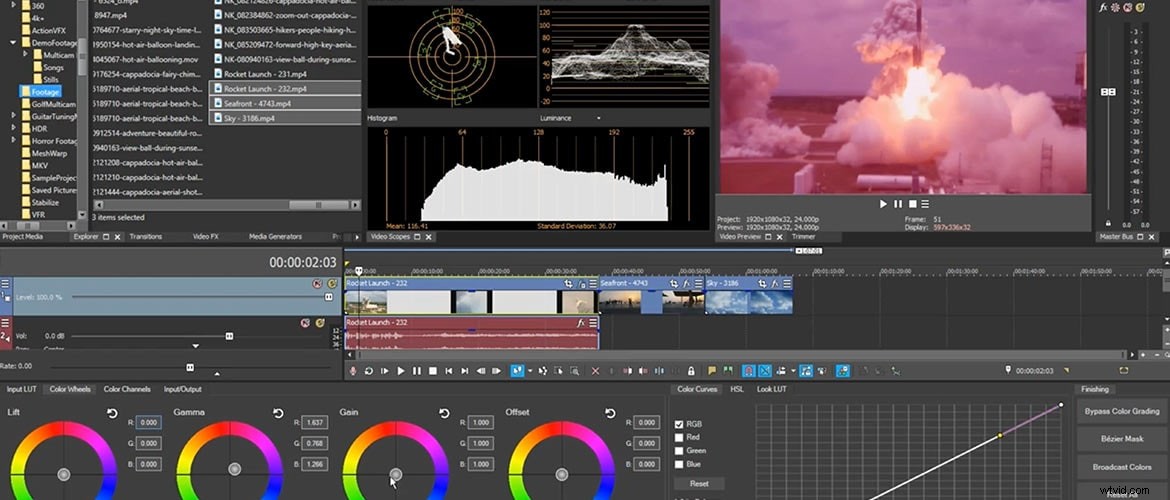
Sony Vegas is another HD video editing program you can consider in Windows PC. Sony Vegas video editing software comes in several PC-compatible versions, all of which support HD video editing. This innovative editing tool is not only thoughtful, but it also save the users' time and make the entire editing process so much easier and more enjoyable. For your reference, Vegas is quite expensive, it may cost you $599.
5. Adobe Premiere Pro
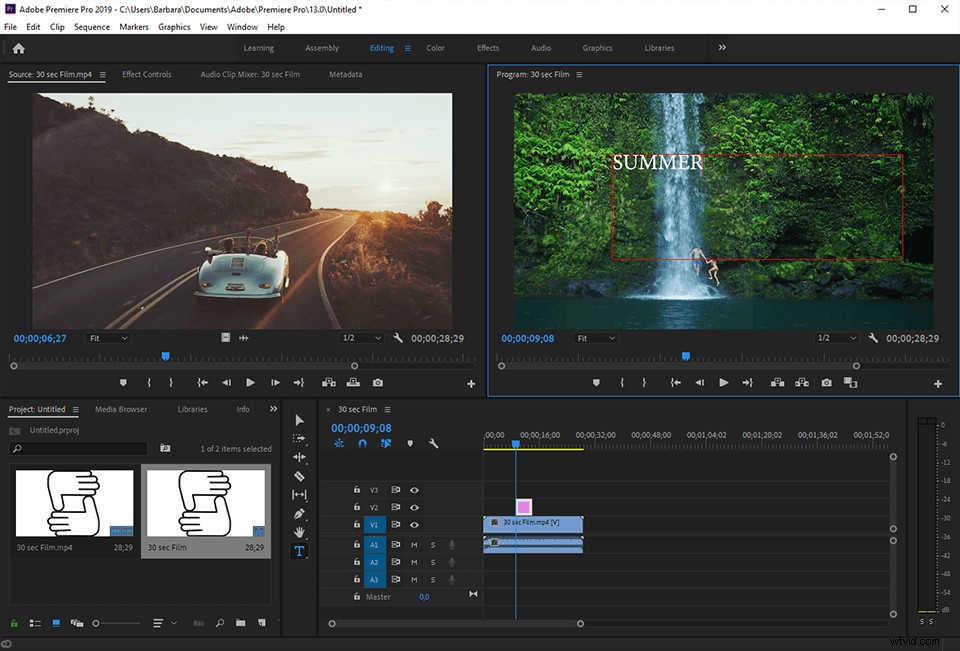
Adobe Premiere Pro is a popular HD video editing tool for both Windows and Mac users. It provides a start-to-finish professional video production solution. Thanks to the native editing support for DV, HDV, RED, Sony XDCAM, XDCAM EX, Panasonic P2, and avchd, you can work with virtually any video format out there.
Adobe Premiere Pro provides a time-limited trial period and if you want to purchase the paid version, you will cost at least $19.99/month.
Conclusion
Above are some of the best HD video editor that you can use, we hope this information is helpful for your HD video editing. To be honest, most video editing software which support 4K resolution will definitely support HD video editing. We have listed the top 10 best 4K video editing software in 2018 here and you can pick up one based on your condition. Remember, some 4K video editing software have a high requirement on the computer configurations and make sure that your meet the system requirement before downloading.
Filmora is one of the best video editing software for beginners which supports 4K as well. Check the video below to find out what Filmora can empower your story.