
Crop MP4 or any other video easily
When uploading a video to the Internet, sometimes you can see that black lines appear around the main picture. This happens if the video resolution does not meet the site standards. Sometimes these black borders are also noticeable when watching videos on a computer.
In this article, you will learn how to crop an MP4 video using our specialized online service. It allows you to crop a video up to 500 MB for free and you don’t need to have experience in video editors to use it.
Thanks to an intuitive interface, cropping unnecessary areas of the video is as fast and easy as possible, just follow the step-by-step instructions below.
Upload an MP4 video
Open Clideo’s video cropper, then click on the “Choose a file” button to upload the MP4 video from any device, including Windows, Mac, Android, and iPhone.
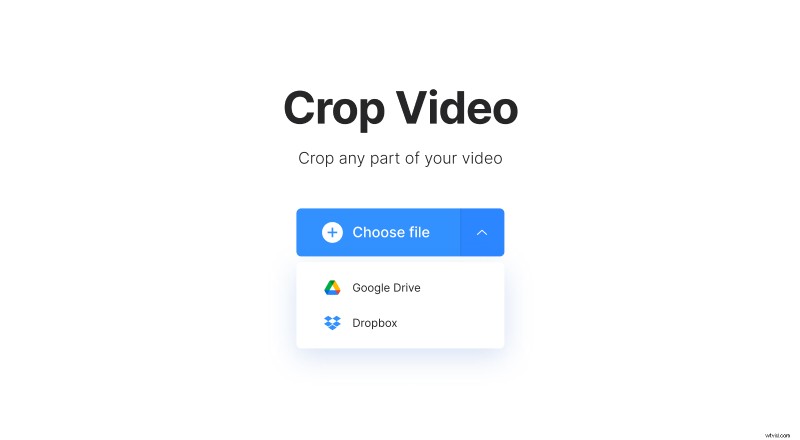
You can also select it from a cloud storage account on Dropbox or Google Drive by clicking a downwards arrow on this button.
Crop the MP4 file
If you want to upload your video to social media sites later, there are presets for Instagram, Stories, YouTube and Facebook available. Picking any of these presets allows you to adjust video’s borders according to their respective resolution ratios.
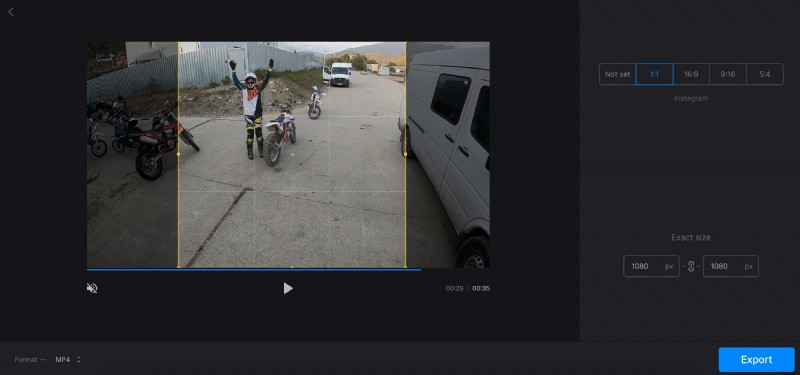
If you don’t want to stick to a specific aspect ratio, crop the clip manually – simply choose the “Not set” option, then drag the borders according to your needs.
If there’s a specific width and length you want to apply, you can also write it down in the “Exact size” section.
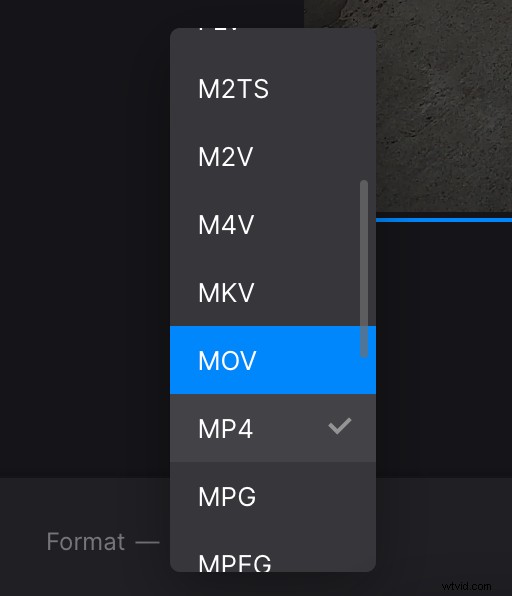
Lastly, you can change the output format for your file if you need to on the bottom left corner – there are such formats as AVI, MPG, MOV, WMV available, as well as some less popular ones.
Download the cropped video
When you’re done with the editing, click on the “Export” button. Here you can watch the finished result and download it to your PC or cloud storage.
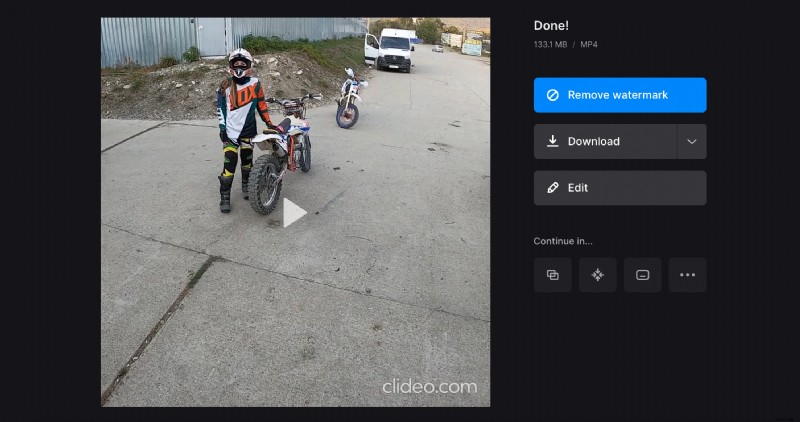
If it’ll still need some tweaking, just click on the “Edit” button to return to the previous screen without starting from the beginning.