
How to use Twitter meme maker
To the average Joe, memes are just silly images, GIFs or videos with some added text, designed to spread quickly through the internet and stir up some kind of reaction in the process, usually a cheap laugh.
While that’s mostly true, there is more to these viral posts than meets the eye; they’re a reflection of modern society in its current state, communicating cultural beliefs and ideology, usually of a certain era.
If you’ve ever thought about creating your own meme in hopes that it goes viral on Twitter - so people all over the world can share your comic stance on an occurrence, event or social issue - then you’re in luck.
The Twitter meme maker tool by Clideo lets you do this for free, online, without having to download any software or apps onto your device beforehand. Here’s our step-by-step tutorial to show you how to use it. And while we can’t promise it’ll go viral, but we can promise it’ll be super easy to make!
Upload your media
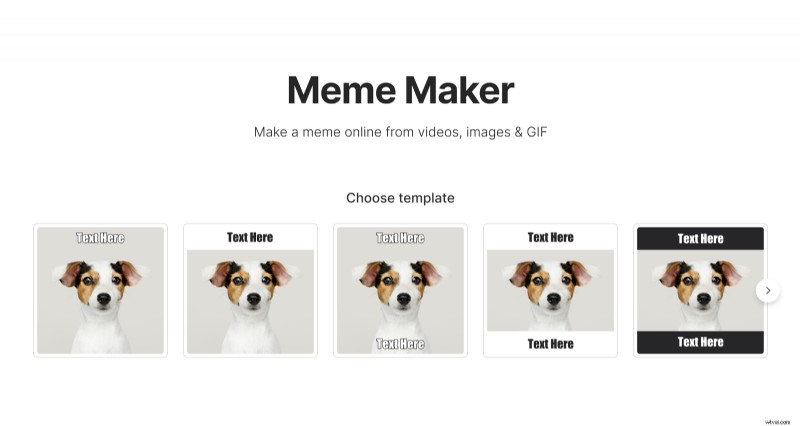
Once you’ve got an idea of what you’d like to create, go to the Online Meme Maker by Clideo and select a template.
Then you’ll see a blue “Choose file” button in the centre. Hit this to upload the media of your choice. This can be a photo, GIF or even a video.
There’s a host of file formats supported, including JPEG, BMP, TIFF, PNG, AVI, WMV, MP4, MOV, VOB and many more.
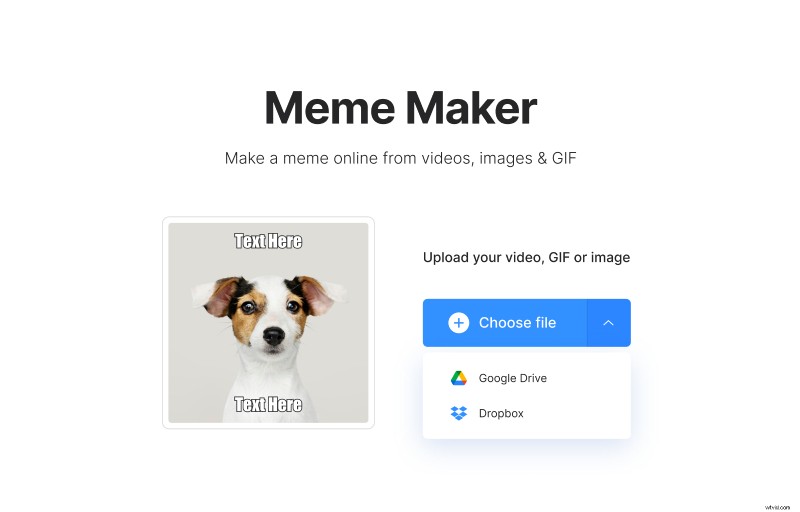
If you’ve not got the desired media saved onto your device, you can simply add it from Dropbox or Google Drive.
Get creative!
Decide which text or emojis you’d like to include, which font you want to opt for (out of 12 different kinds), the alignment this text has, the crop options, and finally if you want the video muted, or not.
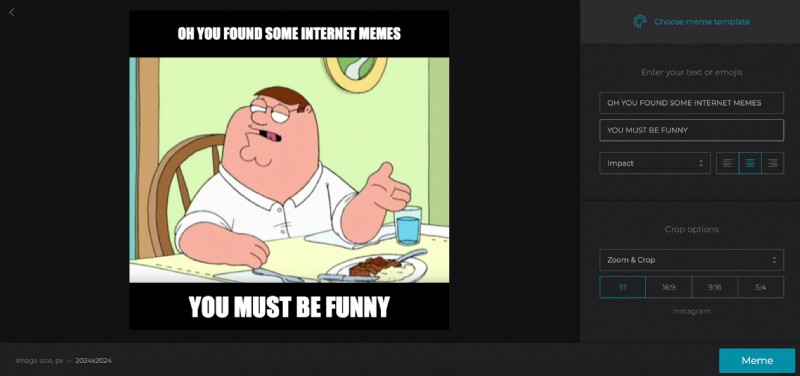
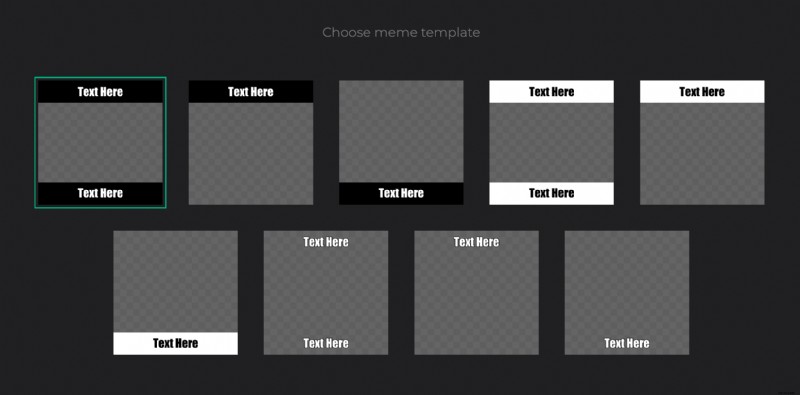
You can change the template if you see that another one would suit better.
Once you’re completely satisfied with your creation and you’re ready to get your hands on the finished product, hit the ‘Meme’ button and the tool will begin generating it.
Download your finished meme
If your meme is a video and the file you uploaded is over 30 seconds long, it may take up to a minute or so to create it. Please be patient, it will be done in no time!
Once it has completed, however, you’ll see the finished product displayed next to a green download button. Hit this to save it directly to your device, or if you’re feeling super modern you can tap the downward arrow and save directly to your Google Drive or Dropbox account. Clever, huh?!
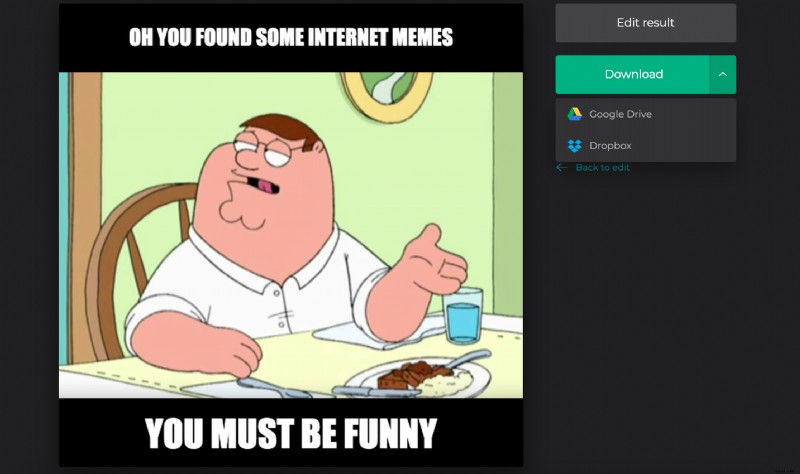
If you’re not completely happy with the end result and feel you need to make some more changes before your meme is ready for the world to see, simply click "Back to edit".
Check out all Clideo’s online editing tools if you have other videos, images, audio to edit. They all work in the same way - online and for free.