
Speed up video on iPhone or another device
You don’t need to buy and install any app to speed up your video on iPhone as there is a suitable online speed changer developed by the caring Clideo team.
It’s completely intuitive and designed for amateur users. It’s safe and secure — Clideo will never transfer your personal data to any third parties and all your files are stored at the server for no longer than 24 hours.
Go ahead and get to know how to speed up an iPhone video.
Upload files
Open the Video Speed Changer in any browser. Tap a big blue button in the centre and select a recording from your camera roll. By the way, our tool works on any device, not only on iPhones.
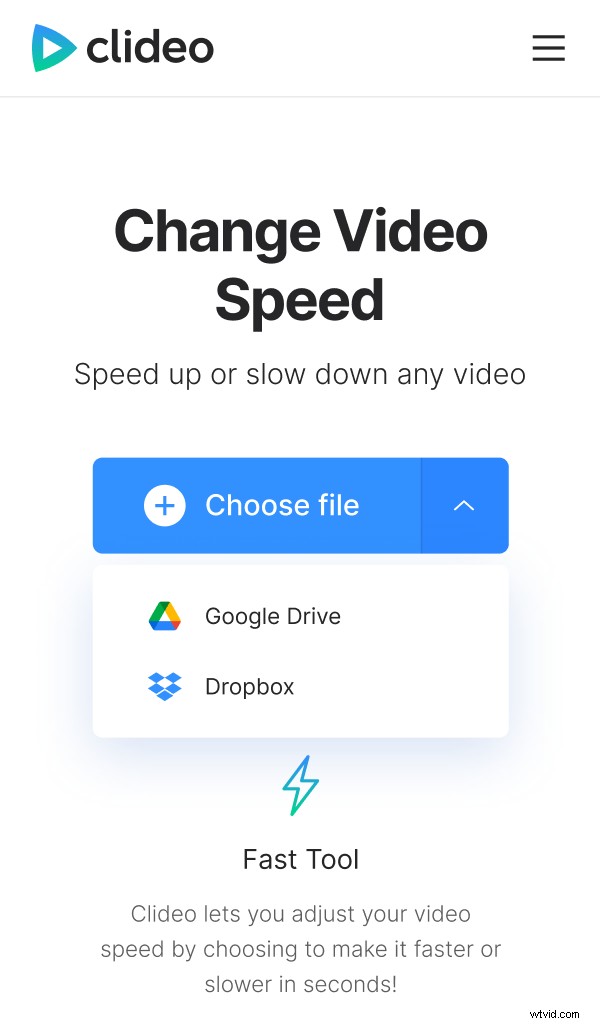
If you want to import a file from Google Drive or Dropbox, call a drop-down menu and select the appropriate option.
Change video speed
When the editor page is opened, choose one of the ready slow and fast presets on the right. Alternatively, use the slider above them to set the speed manually — the maximum is four times faster.
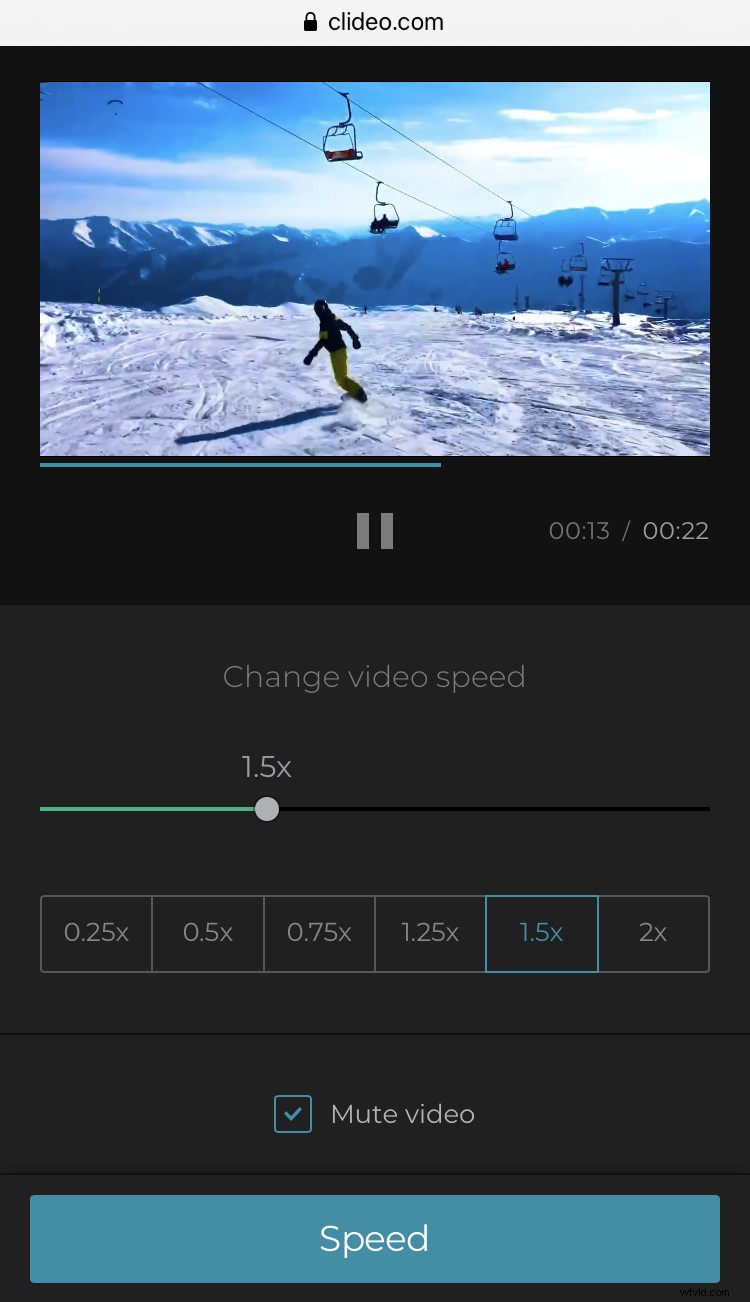
Note, that the sound speed will change correspondingly. If that’s not what you want, tick the “Mute video” box. Add a song to your clip later with the help of our Audio Adder.
Choose an output format among more than 20 available ones.
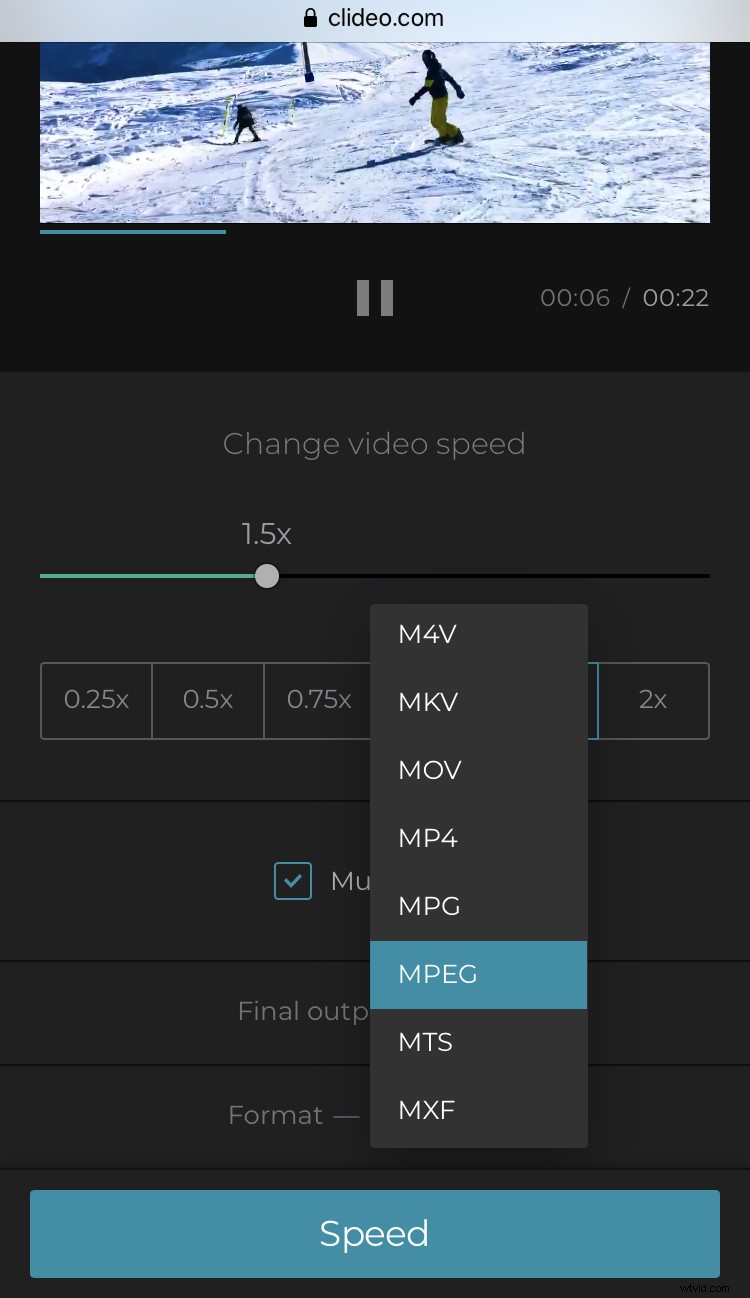
When you are done, press “Speed” and wait for a while.
Save the speeded-up video
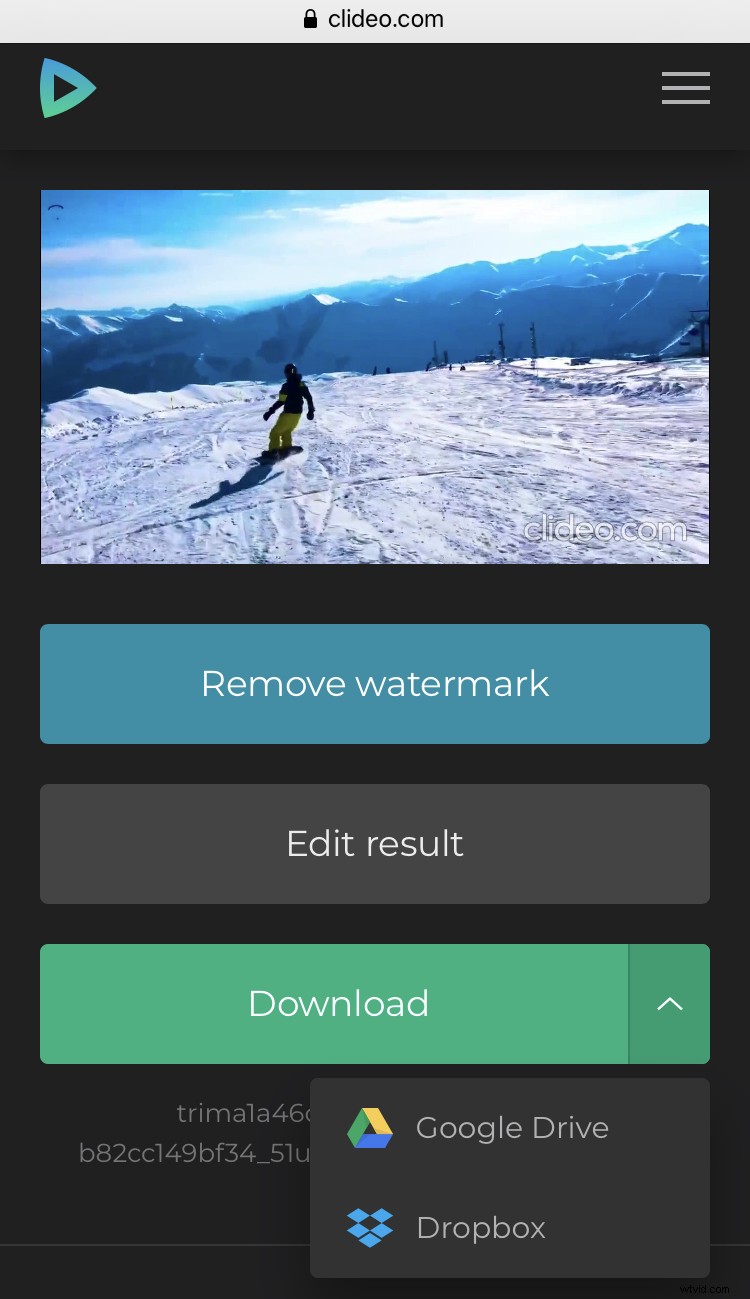
Preview to check if you got what you wanted. If so, save the altered video to your personal device or cloud storage. If not – return to editing and try other speeds.